OTDR Series e-Manual, D07-00-076P-RevC00 Page 49 of 107
6.8.9.1 File Manager Filters
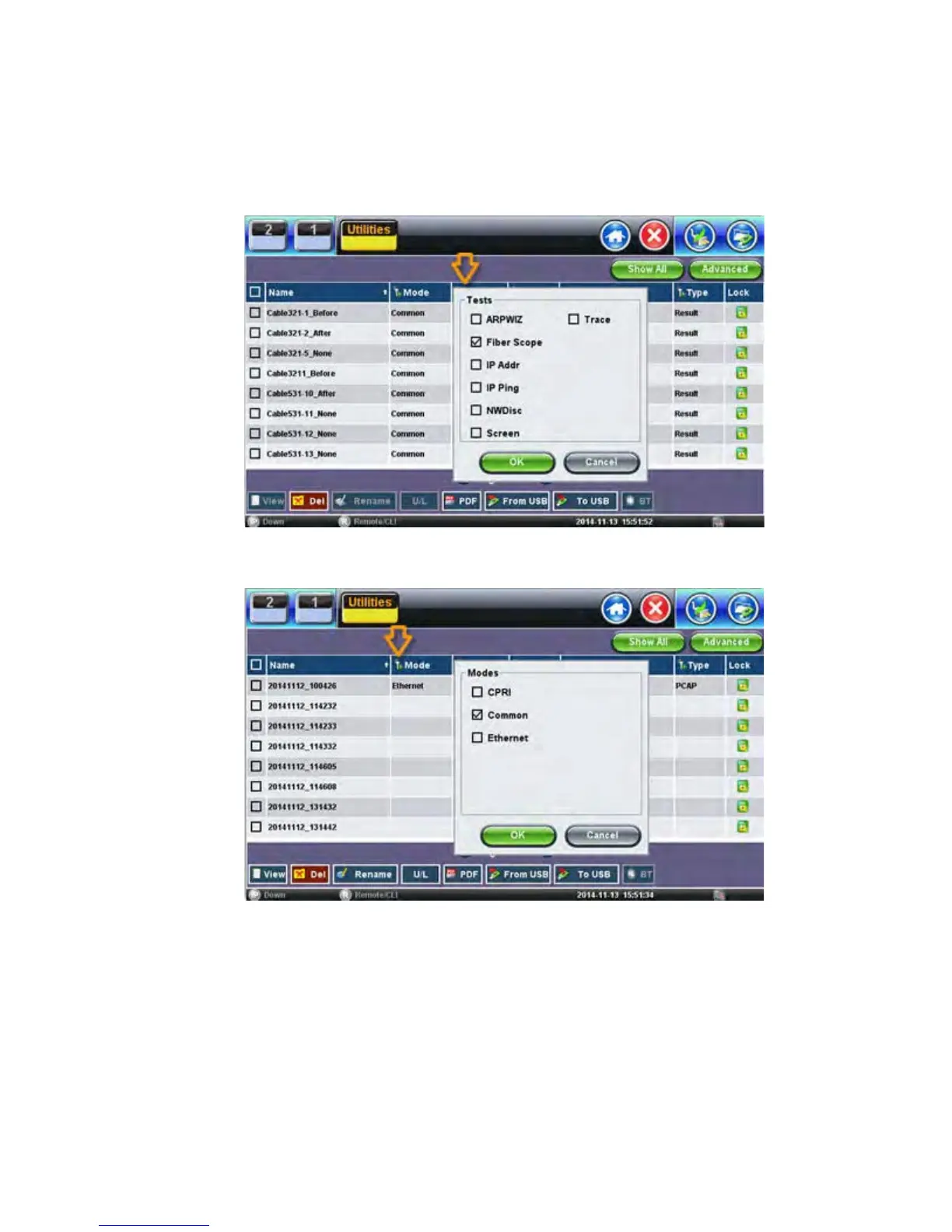
File Filters make it easier to isolate desired types of results from all other test results stored in
the test set. It also reduces the number of pages displayed.
To activate filters, use the stylus to tap the + icon.
Fiber inspection test results belong to Common Mode and Fiber Scope Tests. Filter
parameters can be combined.
To reset filters, press the Show All button.
To make locating test results and reports easier, sort the results by tapping a header to sort by
that field’s type, in ascending or descending order.



 To Next Page