OTDR Series e-Manual, D07-00-076P-RevC00 Page 41 of 107
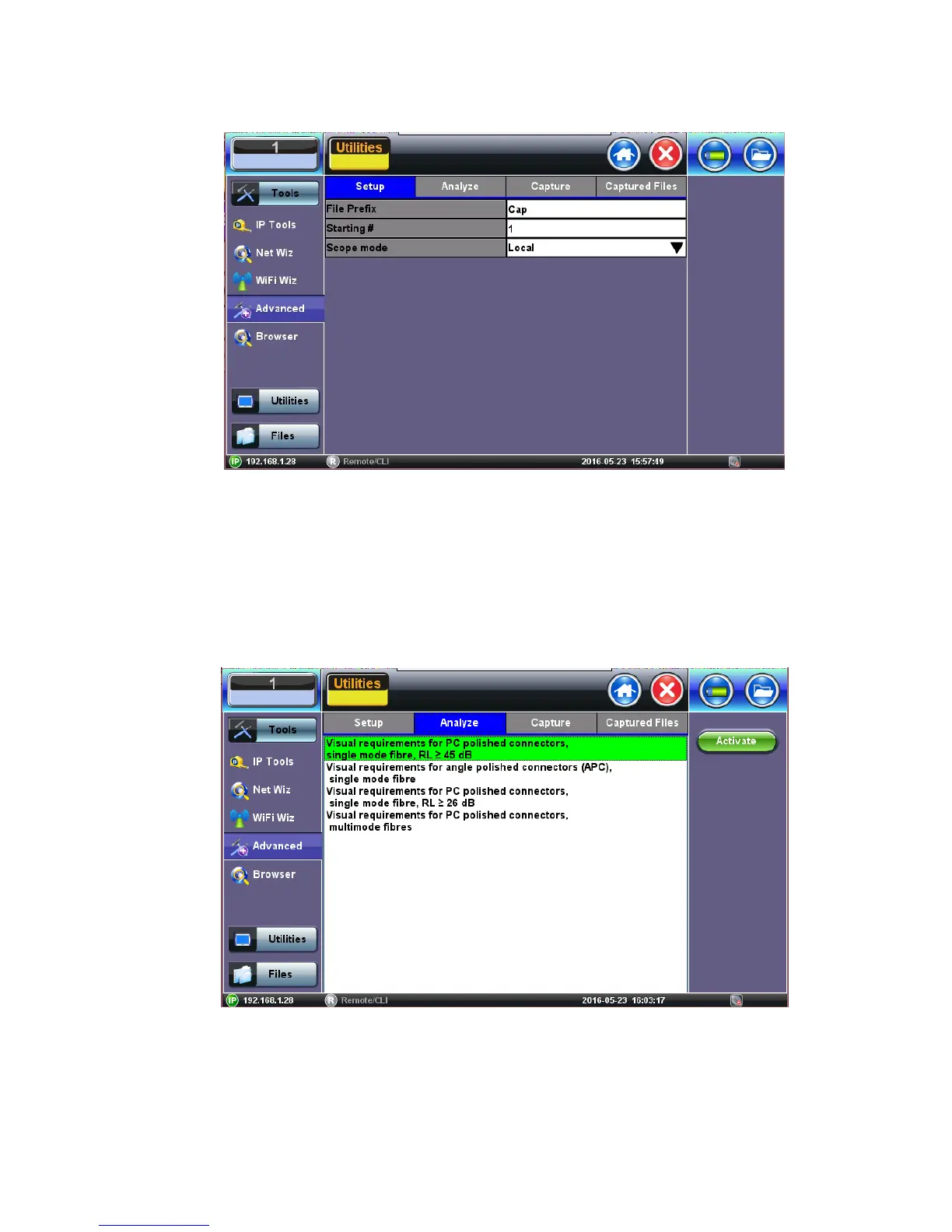
6.8.3 Setup
• File Prefix: Enter any name to identify the cable, site, technician, job, etc.
• Starting #: Enter the initial sequence number. This number will increase with each
image captured.
• Scope mode: Select Local or Remote operation.
6.8.4 Analysis
To begin the analysis:
• Select the Connector Analyze Profile and press the green Activate button.
Note: Currently, no IEC Analysis is available for MTP/MPO connectors.



 To Next Page