OTDR Series e-Manual, D07-00-076P-RevC00 Page 82 of 107
7.4 Events
7.4.1 Event Table
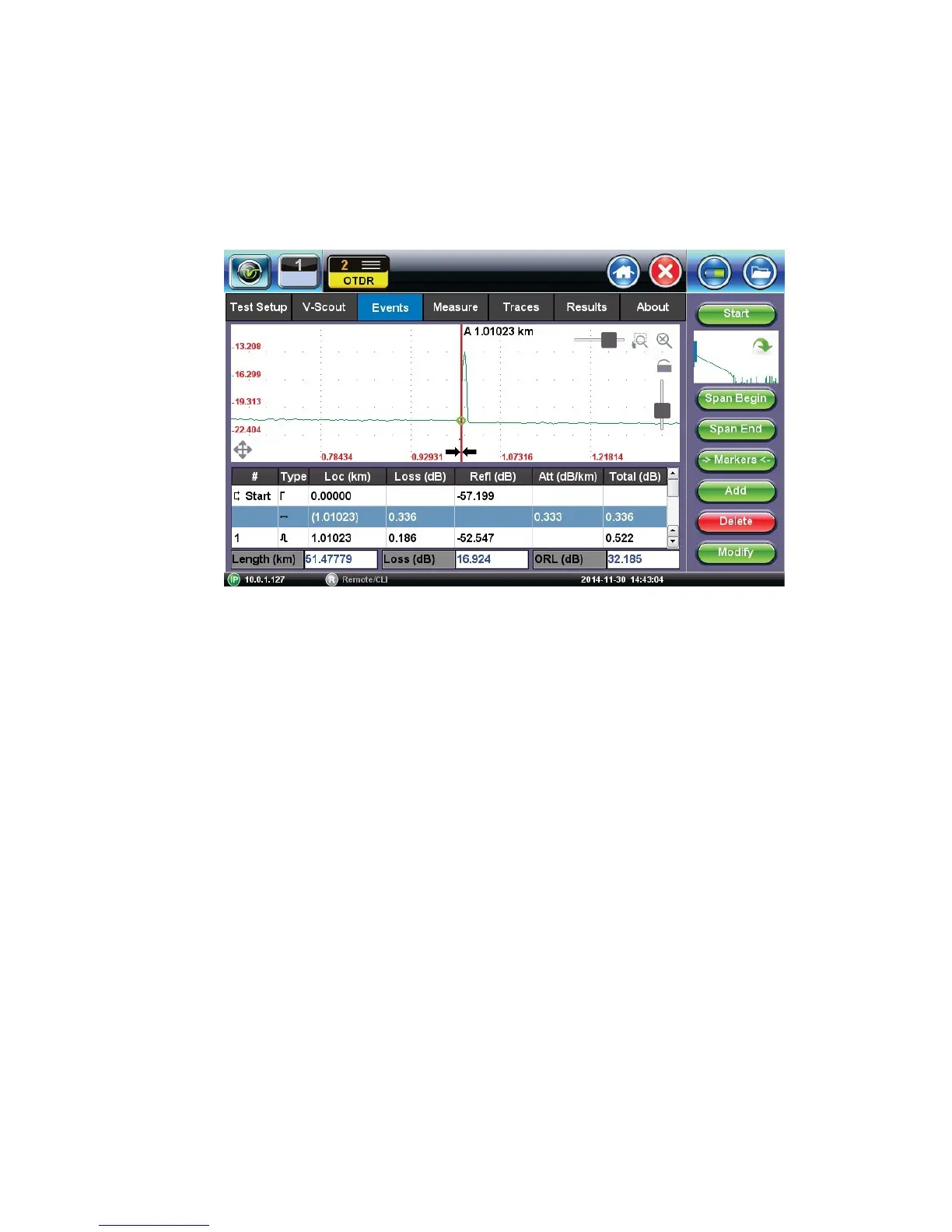
The Events table is available in all measurement modes. Select the Events tab to display the
trace with events. The Event table displays all events found during the analysis including those
added manually by the user.
E
v
e
n
t
T
a
b
l
e
(
m
a
x
i
m
i
z
e
d
)
• The Event table is displayed automatically when the Events tab is selected.
• The Event table can be minimized by tapping the plus symbol just above the left of
table. This optimizes the display area and allows better viewing of the OTDR trace.
• Use Up/Down arrows to navigate the event table and to display or move to the
highlighted event.
• Use the green left/right arrows to move the marker between the start and end of fiber
being tested.
• To maximize the Event table, select the cross symbol again.



 To Next Page