16
0900‑5005 REV‑00
ICON FUNCTION
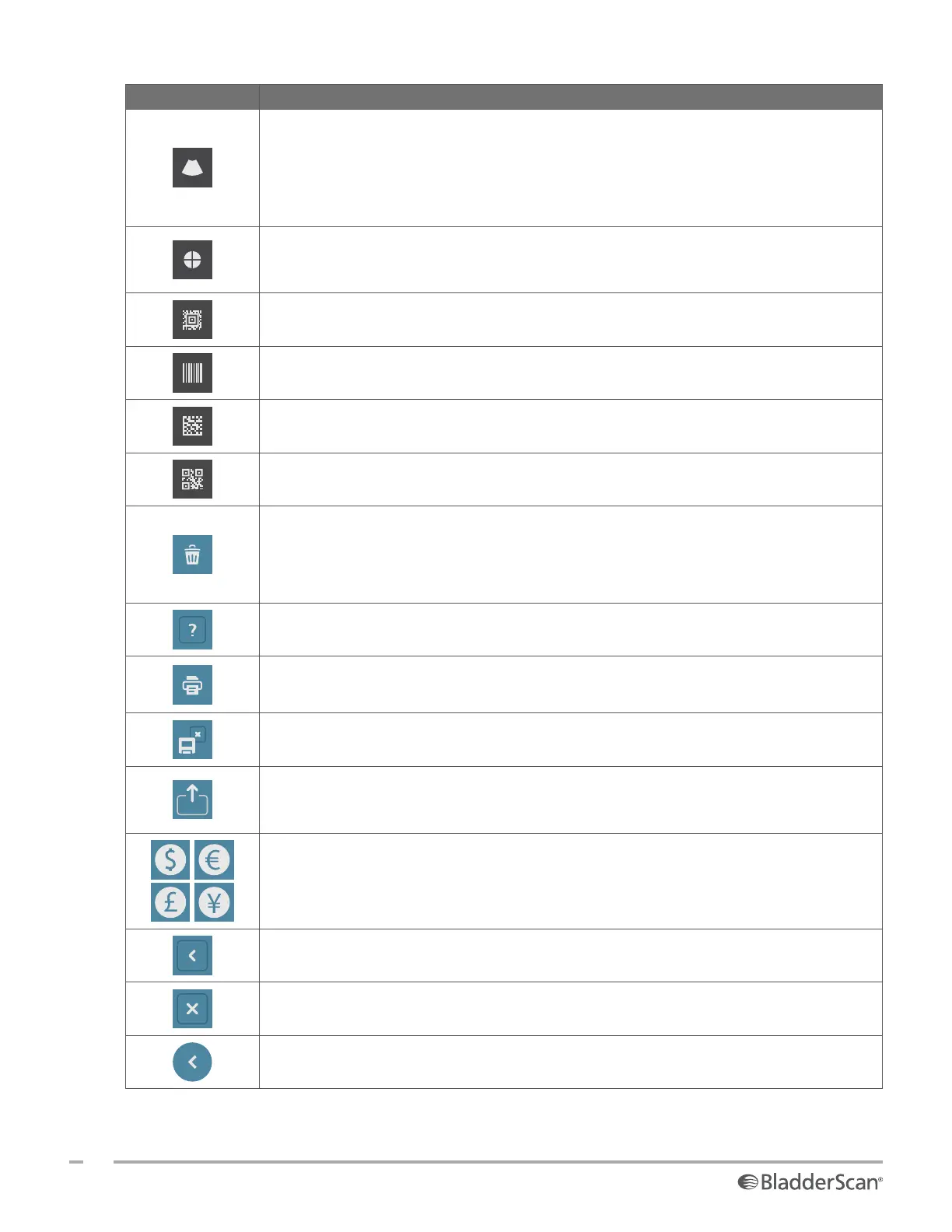
B‑Mode—View the ultrasound image as pairs of two‑dimensional, orthogonal planes
from the three‑dimensional scan. The contours of detected features are overlaid on the
image.
Note: You may disable the display of the detected contours. For more information, see
“Configure Exam Settings” on page32.
C‑Mode—View the ultrasound image as a cross‑section view of the three‑dimensional
scan. The C‑Mode image consists of a circular region with a crosshair overlay. This
image displays the bladder shape and, if detected, the shadow of the pubic bone.
Aztec Code—Display a summary of the scan results as an Aztec code (with the
positioning square in the center).
Code 128—Display a summary of the scan results as a barcode in Code 128 format.
Data Matrix—Display a summary of the scan results as a Data Matrix.
QR Code—Display a summary of the scan results as a QR code (with positioning
squares at the corners).
Delete—On the Results screen, delete the displayed scan and its volume. (The system
retains all other scans and all patient information.)
On the Saved Exams screens, delete a saved exam (either the currently displayed exam
or an exam selected in a list).
Help—Start the onboard tutorial or display screen‑sensitive help text.
Print—Print the scan, self‑test, or savings calculation results.
Note: This function is only available if you have attached the optional printer.
Save and Exit—On the Results screen, save the scan result with the largest volume and
return to the Home screen.
Export Exams—On the Saved Exams screen, move exams from the system’s internal
memory to an external USB drive. This option is only available if an external drive is
connected.
Configure Savings—Customize the values for calculating the cost savings that result
from scanning rather than catheterizing patients.
Back—Return to the previous screen or the Home screen.
Exit—On the Results screen, exit the exam without saving and return to the Home
screen.
Previous—While viewing B‑mode images on the Results screen, return to the previous
scan plane or angle.













 To Next Page