18
0900‑5005 REV‑00
CONSOLE INFORMATION ICONS
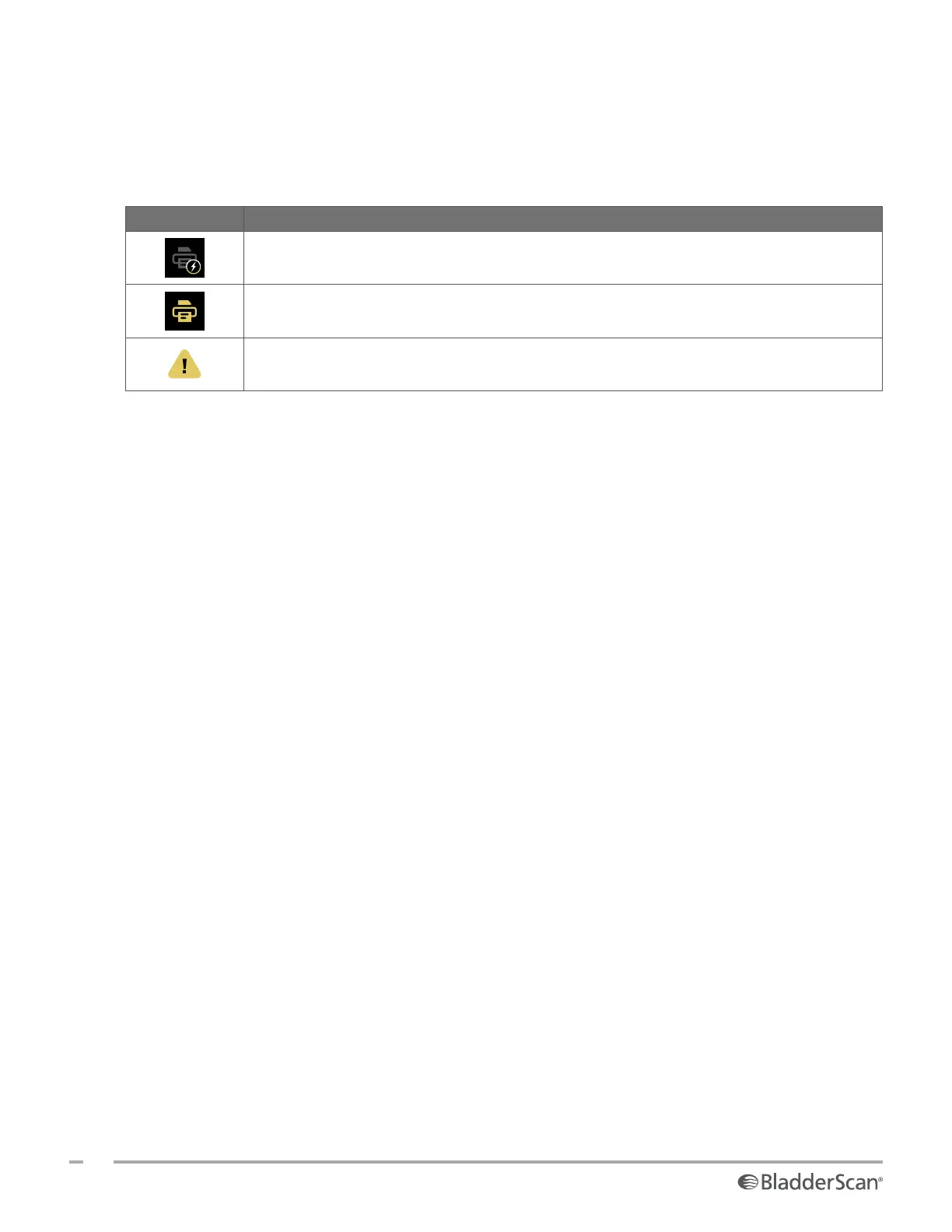
The icons in Table 6 provide information about the status of the system, but tapping them does not affect
the system.
Table 6. Information Icons
ICON FUNCTION
The printer is charging, but it does not have enough charge left in its built‑in internal
battery to operate correctly.
The printer cannot operate because of a problem with its built‑in internal battery.
Note the accompanying alert.













 To Next Page