48
PRODUCT LEVEL CYCLES* CONDITIONS
Sani‑Cloth
®
Active Wipes
Cleaner 1500
Water temperature: N/A
Exposure: Use towelette(s) to remove all visible contamination
from the component. Using fresh towelette(s), wet all surfaces
and allow to remain wet for 5minutes.
Rinse: N/A. Allow the component to thoroughly air dry.
Sani‑Cloth
®
AF3 Germicidal
Wipes
Cleaner 1500
Exposure: Using fresh wipe(s), wet all surfaces and allow to
remain wet for 3 minutes.
Rinse: Not applicable. Allow the component to thoroughly air dry.
Ecolab
®
OptiPro™
Multi
Enzymatic
Low‑Foam
Detergent
Cleaner 1500
Exposure: Prepare working solution at a concentration of
7.0–15.6 mL per L, or 0.5–2 U.S. fluid ounces per U.S. gallon.
‡
Soak components for 2–5 minutes. After soaking, brush all
surfaces with a soft‑bristled brush in order to remove any
visible contamination.
* Value indicates number of compatibility cycles tested on the component. Exceeding the recommended number of cycles may affect the
potential life of the product.
1. Ensure the video monitor has been turned off.
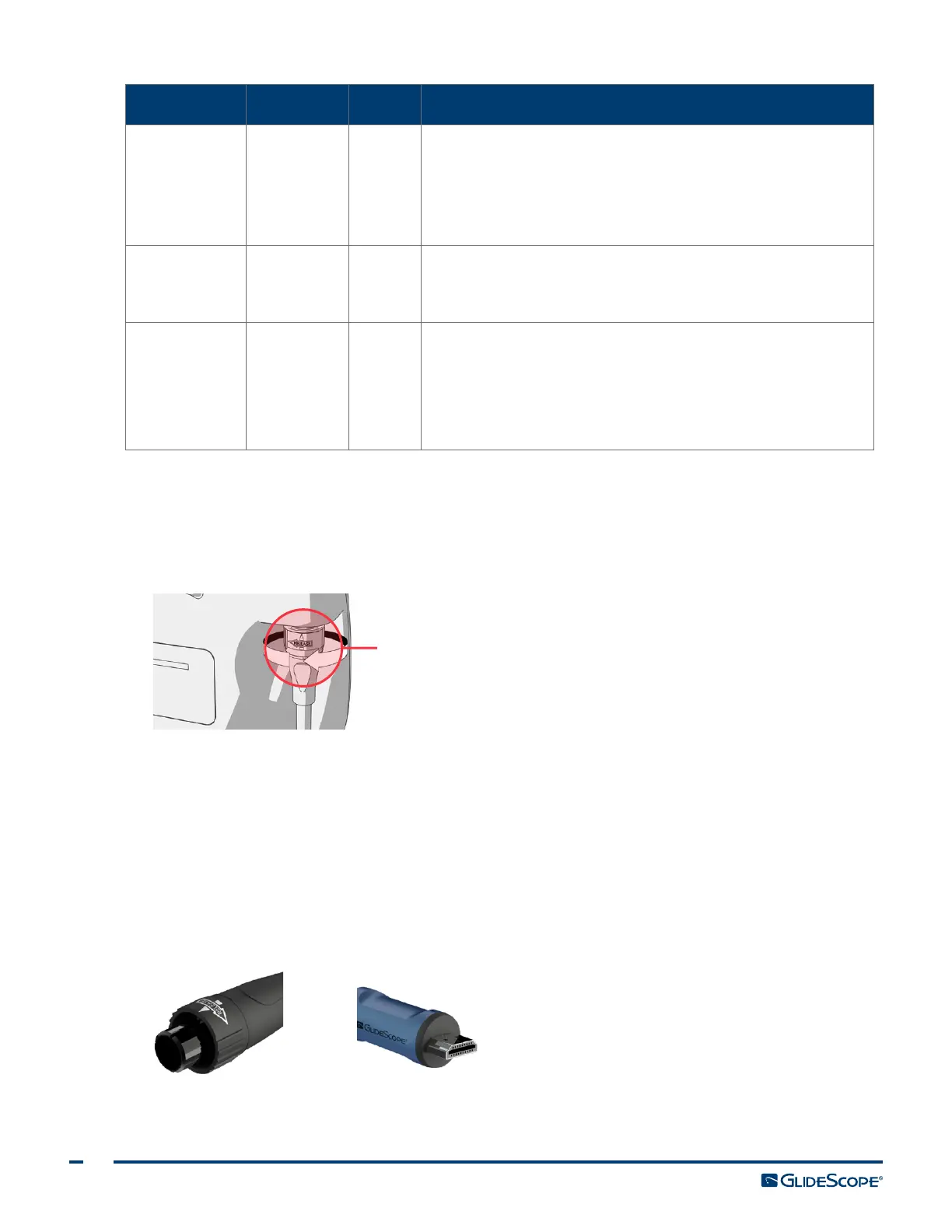
2. Detach the Smart Cable from the monitor by turning the connector ring in the direction of the
releasearrow.
Connector ring
3. Detach the Smart Cable from the video baton by holding the Smart Cable connector in one hand and
the base of the baton in the other, and then pulling.
4. If you are using a wipe method to clean the component, skip to Step 10.
5. If you are using a pre‑cleaning solution, apply it to the component as specified in Table 10.
6. Using the water temperature specified in Table 10, rinse the component in clean tap water and scrub
with a soft‑bristled brush until all visible contamination has been removed.
7. Examine the connectors on both ends of the Smart Cable for contamination.













 To Next Page