VX675 MERCHANT OPERATING GUIDE 40
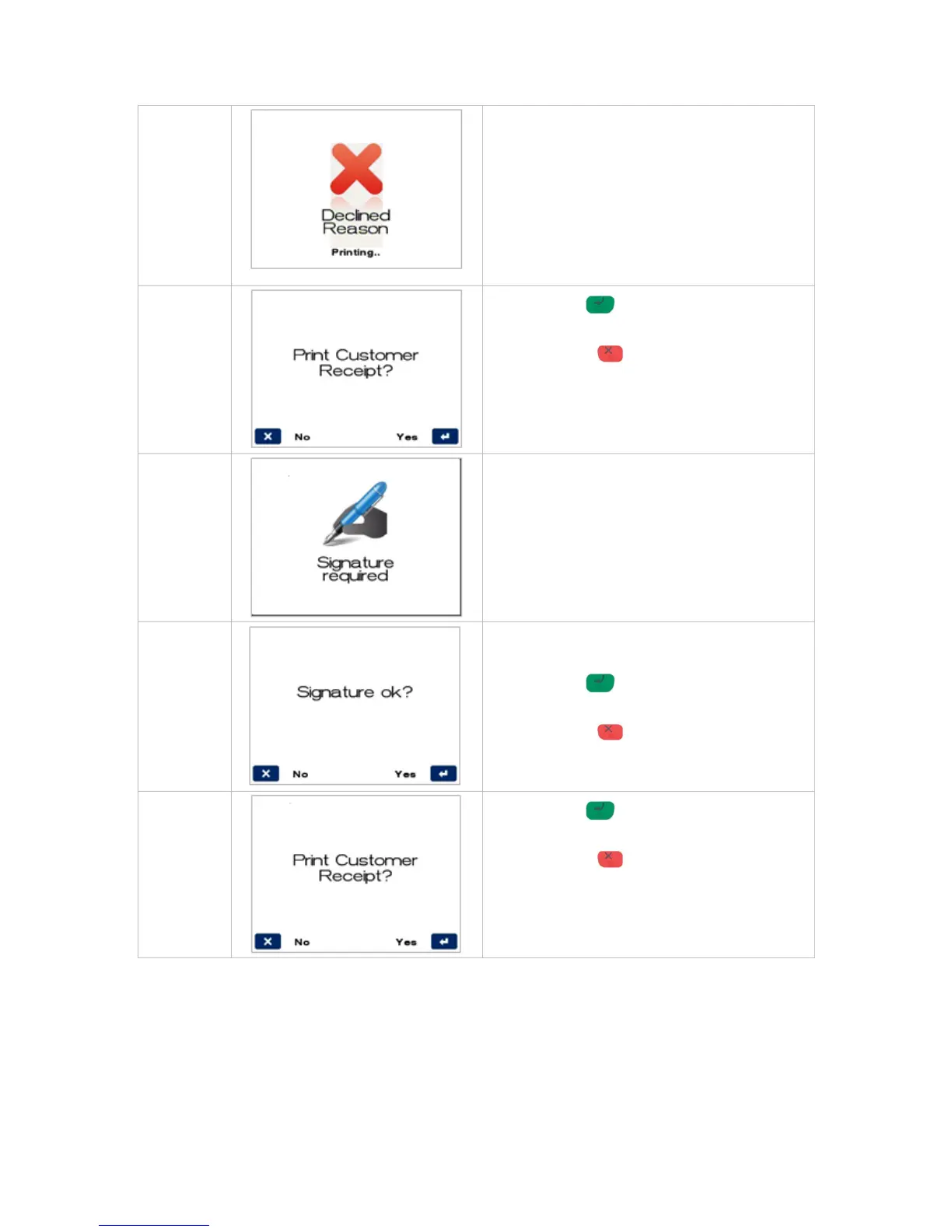
Press ENTER for YES to print a customer
copy.
Press CANCEL for NO to avoid printing a
customer copy.
If a signature is required, remove the card from
the terminal and have the customer sign the
receipt.
The card type will determine if a signature is
allowed and if so the screen will be presented.
Check signature on receipt against customer’s
card, and select either option below:
Press ENTER for YES to confirm
customer’s signature is correct.
Press CANCEL for NO due to incorrect
signature.
Press ENTER for YES to print a customer
copy.
Press CANCEL for NO to avoid printing a
customer copy.



 To Next Page