12
UM150 User’s Manual
12
UM150 User’s Manual
2.2 Getting Started
Launching VZAccess Manager
• Double click the icon on your desktop, or
• Open the Windows Start menu, select “Programs” and “VZAccess
Manager”
The VZAccess Manager Setup Wizard
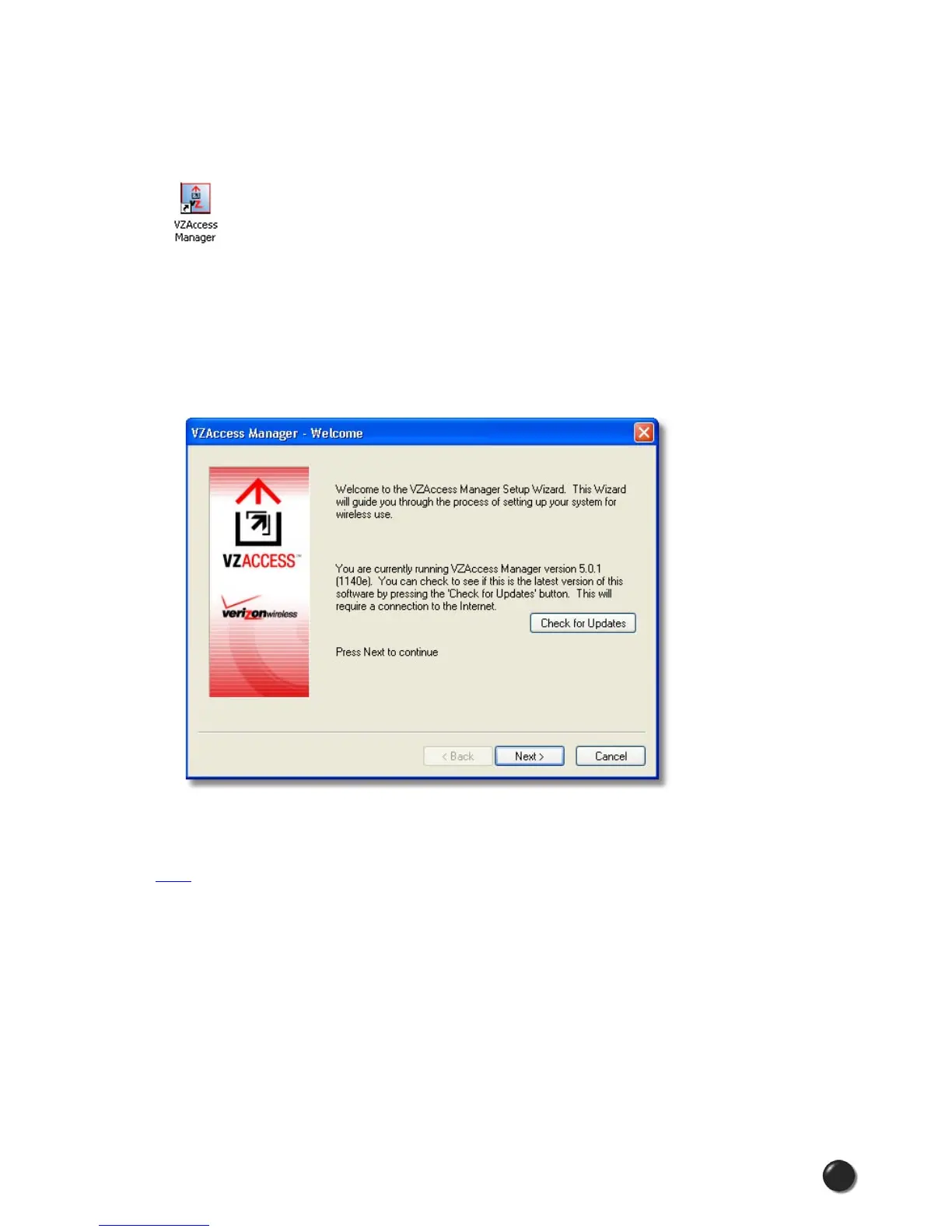
The first time you launch VZAccess Manager, you will see the VZAccess Manager
Setup Wizard:
Stepping through this wizard is critical to properly setting up your WWAN or Wi-Fi
device. Please follow the on-screen instructions, or, for step-by-step guidance, refer
her e.
The Networks View
When the Setup Wizard is complete, VZAccess Manager displays the “Networks”
view. This view lists all currently available network connections and indicates their
respective signal strengths:



 To Next Page