43
UM150 User’s Manual
43
UM150 User’s Manual
The “TXT” button
The TXT button allows you to send short text messages to any other wireless
device that supports SMS. Note that this button is only available if VZAccess
Manager supports TXT messaging on your device.
The “Web” button
Launches the default web browser on your computer.
The “Email” button
Launches the default email application on your computer.
The “Support” button
Displays a variety of help options available to you. Click this button to find
assistance with a problem, to explore the full range of VZW products and services,
or to contact Verizon Wireless.
4.3 Minimizing the Interface
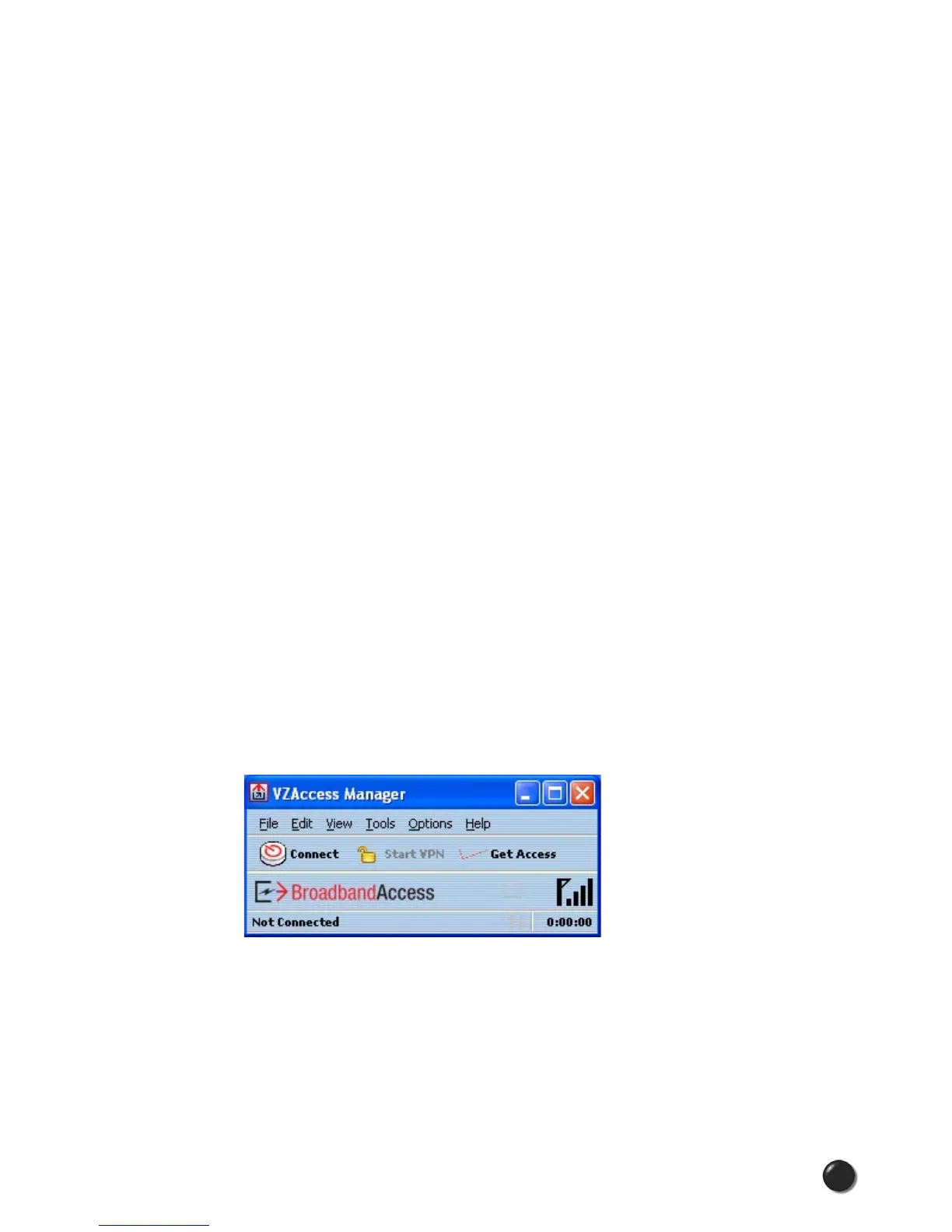
The VZAccess Manager interface can be minimized to take up as little screen real
estate as possible. To minimize the interface, select “Minimum” from the “View”
menu.
Clicking on the “Connect” button in Minimum view will establish a connection with
NationalAccess-BroadbandAccess. To connect to a Wi-Fi network, please exit the
Minimum view.
To exit the Minimum view, you have the following options:
• In the top, right-hand corner, click the “Maximize” button (to the left of the Exit
button)
• In the View menu, de-select “Minimum”
• Select any other option on the View menu.



 To Next Page