22
UM150 User’s Manual
22
UM150 User’s Manual
The new connection will have a suffix of “(Wireless)” and will be set to use your
wireless device as the modem. If the utility is unable to automatically recognize
your existing area code and number, the existing number will be displayed, and you
will be prompted to enter the area code and number. The utility configures the new
wireless connections to always dial 11 digits, so that they will work locally and also
in other digital data coverage areas.
If it is determined that the connection might benefit by further optimization, an
additional connection with a “(Wireless Optimized)” suffix, will also be created.
This connection may connect faster. If you have trouble with the “(Wireless
Optimized)” connection, you can delete it from your dial-up networking folder and
use the “(Wireless)” connection.
NOTE: Some applications, such as AOL and JUNO, have dial-up networking
connections that can't be used directly from VZAccess Manager or Dial-Up
Networking. Copies of these connections will not work with your wireless device,
since the original connections do not work by themselves. In most cases the
original connections or the software can be configured to use your wireless device
as a modem. For the easiest way to configure AOL to work with your wireless
device, see the section on Configuring AOL.
To delete connections:
Windows 2000, XP and Vista users can access Dial-Up Networking from VZAccess
Manager by selecting “Tools,” “Control Panels,” “Network and Dial-up Connections,”
right click on the desired connection and select “Delete.”
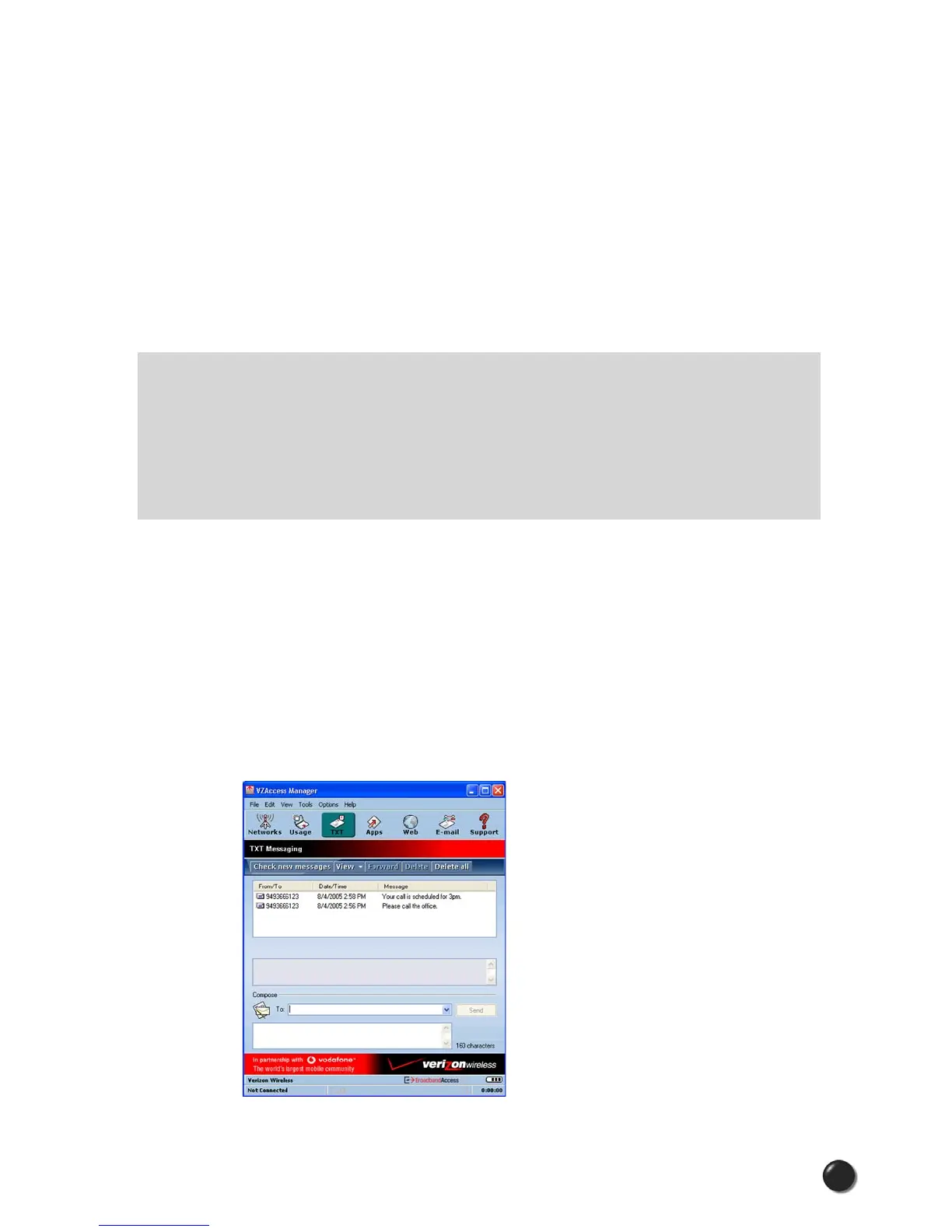
2.6 TXT Messaging
VZAccess Manager supports TXT Messaging for certain wireless devices only.



 To Next Page