46
UM150 User’s Manual
46
UM150 User’s Manual
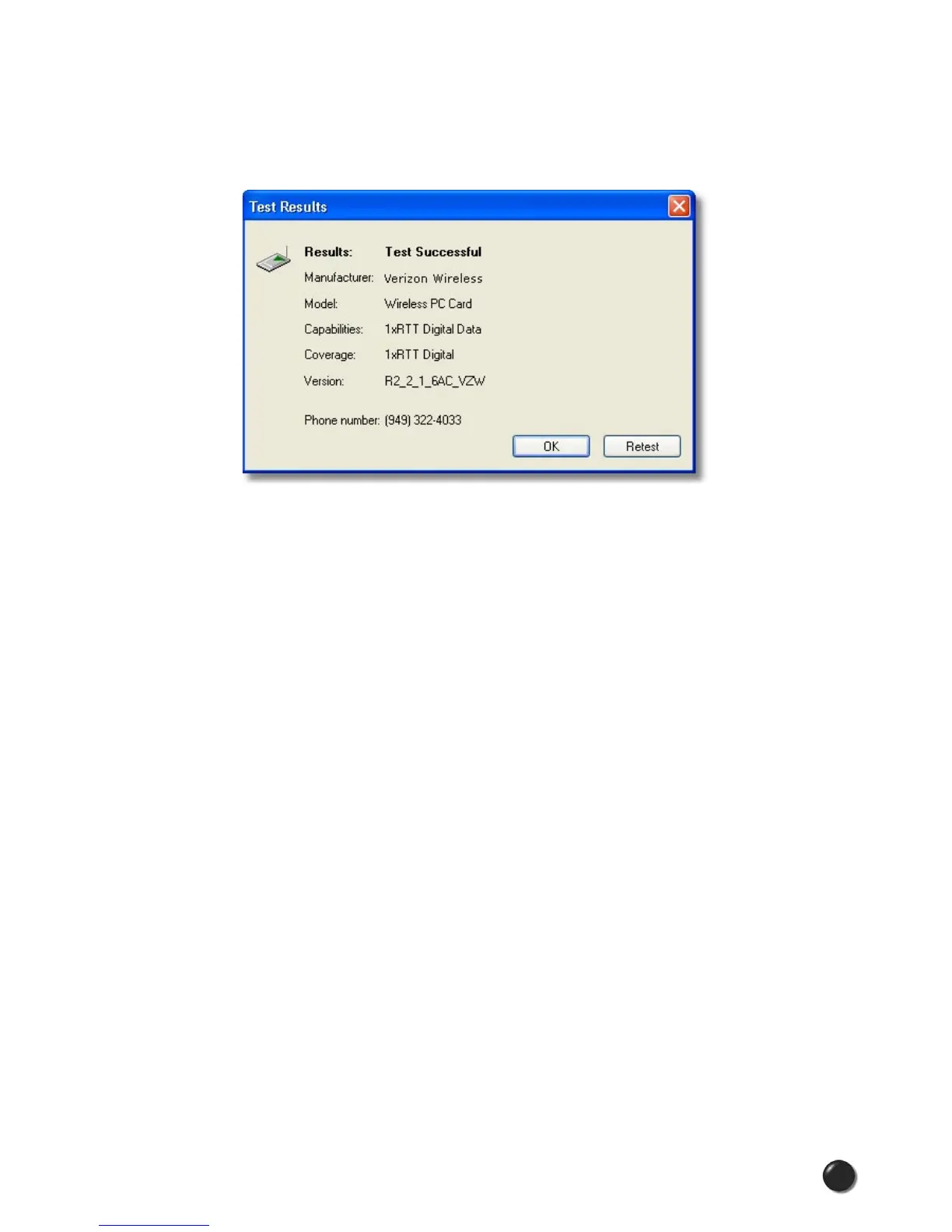
Test WWAN Device: Retrieve and display detailed information about your WWAN
device such as manufacturer, model, version, etc. With some devices - not PC
Cards or ExpressCards - you will also see indicators for the wireless network’s
signal strength and your notebook’s battery strength.
Run Wizard: Runs the Setup Wizard again. Useful if you need to reconfigure
VZAccess Manager to use a new wireless device. This option does not appear for
GPRS/UMTS devices.
Power Off WWAN Device: Allows you to turn off your WWAN device.
4.6 The Help Menu
Contents: Launches this help file.
Check for Updates: Can be used with any connection to the Internet to check for
software updates for VZAccess Manager. Note: If downloading an update wirelessly,
normal usage charges apply - see Update Options in Setting Your Preferences.
Device Support Page: Takes you to the Verizon Wireless device support page that
contains information about wireless devices, useful tips and hardware manuals.
E-mail Verizon Wireless Support: This option will attempt to launch your mail
client with the default address to e-mail Verizon Wireless Support.
About VZAccess Manager: Displays the software version.



 To Next Page