29
UM150 User’s Manual
29
UM150 User’s Manual
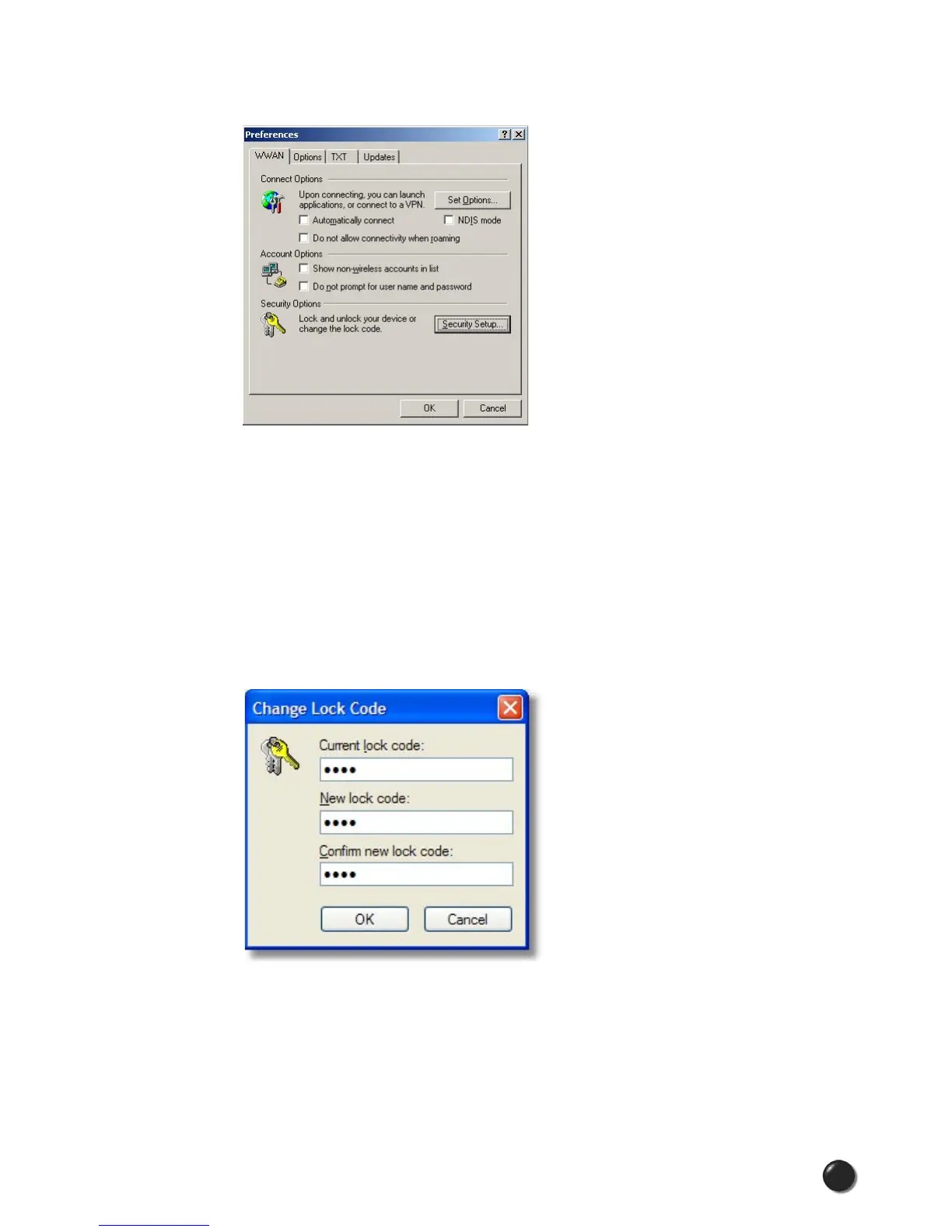
Security Setup
Available with some wireless devices, when you select the “Security Setup” button
from the screen above, the following options will appear:
Lock code: Enter your 4 digit lock code (the default lock is the last four digits of
your device's phone number) and select OK to lock or unlock the wireless device.
Warning: If you plan to use this device feature, we recommend you change your
lock code to a new number.
Change Lock Code: This is used to change the 4 digit lock code on the wireless
device.
Current lock code: Enter your current 4 digit lock code.
New lock code: Enter your new 4 digit lock code.
Confirm new lock code: Re-type the new 4 digit lock code.



 To Next Page