44
UM150 User’s Manual
44
UM150 User’s Manual
4.4 The Tools Menu
Preferences...
Provides access to the Preferences dialog box. For details, please refer to the
VZAccess Manager Preferences section.
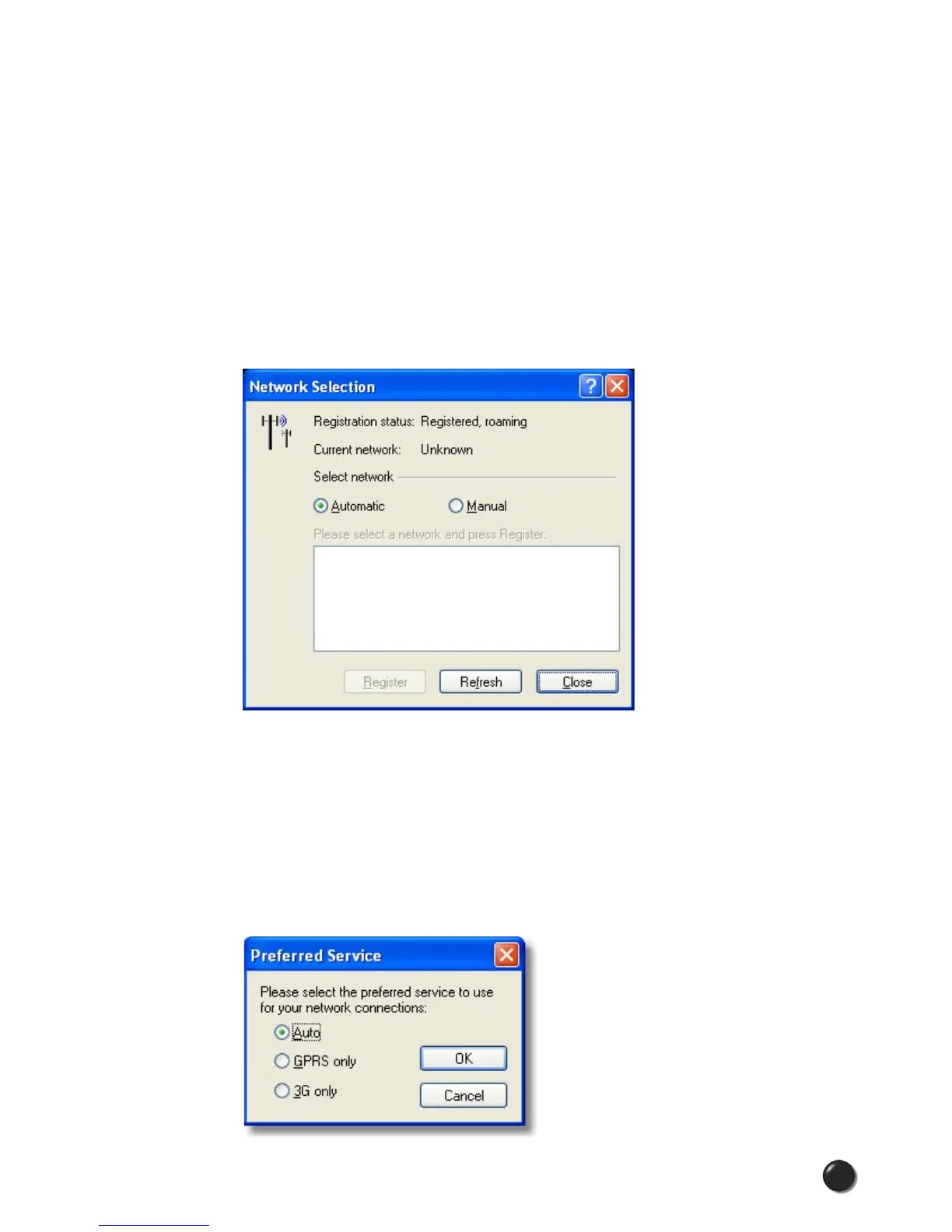
Network Selection...
This feature is only available for GPRS/UMTS devices. This menu option
launches the dialog box pictured below. This screen allows you to view or change
your current registered GPRS/UMTS network.
Preferred Service...
This feature is only available for GPRS/UMTS devices. This menu option
displays the dialog box pictured below. This screen allows you to select the
particular service through which you will access the wireless network. You can
select “Auto,” “GPRS only,” or “3G only” as your preferred service. If the service you
selected is not available at your location, the status bar will continually display
“Searching for Network….”



 To Next Page