63
UM150 User’s Manual
63
UM150 User’s Manual
5.4 Using E-mail with VZAccess
POP3 E-mail
You can use VZGlobal, BroadbandAccess or NationalAccess to access your POP3
e-mail account if your e-mail provider allows access through other providers (many
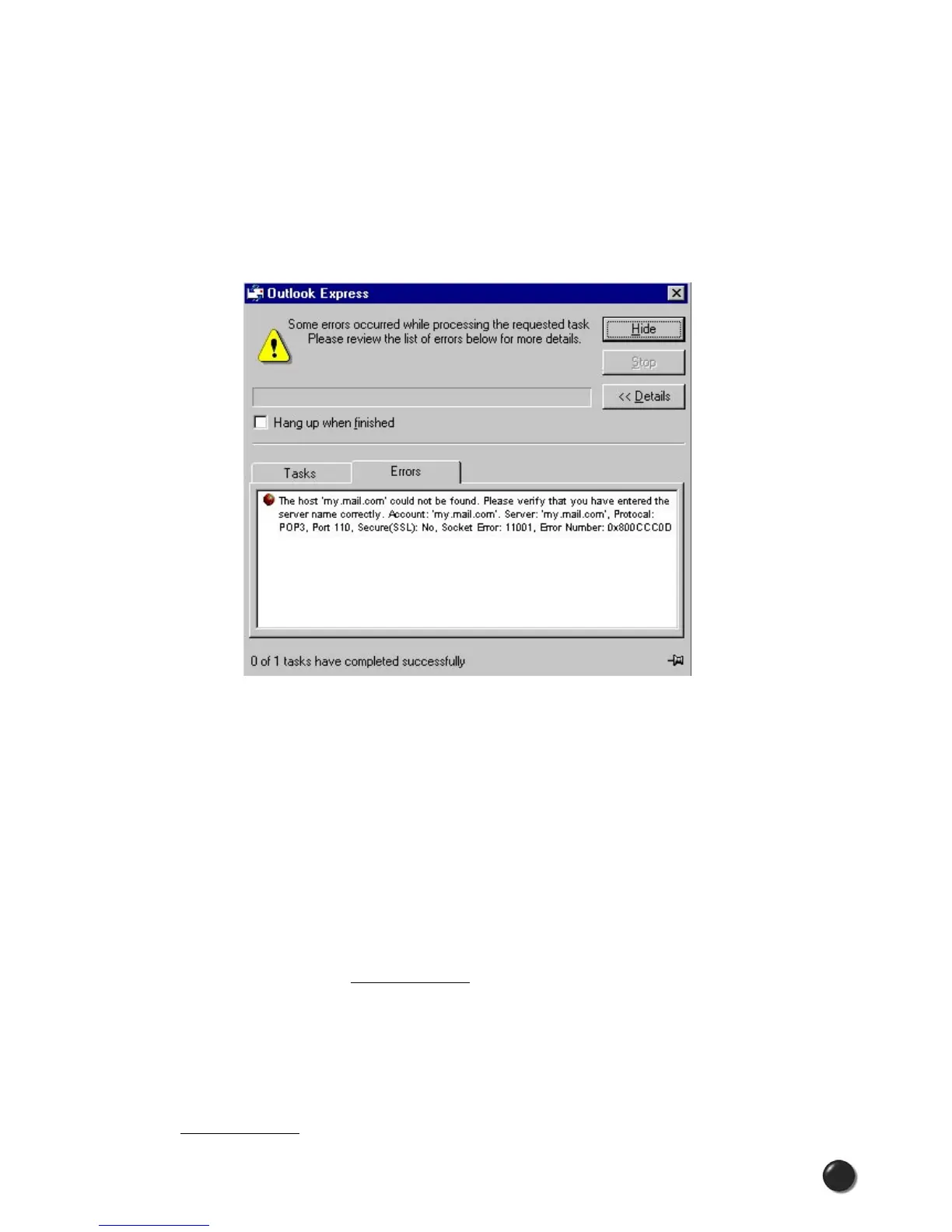
do). If your provider restricts access to their outgoing mail server you will get an
error message similar to the one below if you are attempting to send mail.
Most send mail servers are not accessible from various connections to the Internet.
You usually have to be connected to the e-mail provider’s network to access their mail
server and most e-mail providers require authentication (a user name and password).
The reason everyone has had to resort to this is that without these measures, anyone
can use a send mail server to send massive amounts of unwanted junk e-mail. If you
are having trouble sending e-mail - this also includes replying and forwarding, and
you are getting an error message similar to that shown above, then your send mail
server can not be accessed from the Verizon Wireless network.
For customers in this situation, Verizon Wireless has made available a send mail
server that you can use in place of the one you normally use. All that is required
is that you have a TXT messaging capable Verizon Wireless device and TXT
messaging service, visit www.vtext.com and establish a profile there by selecting
“Join Up” and completing the form. You will be asked to enter your 10 digit mobile
number. A TXT message will be sent to your wireless device and will be used
to establish your password. Most Verizon Wireless devices can receive TXT
messages. Most Verizon Wireless phones are TXT messaging capable. If you
have an external wireless device that is not capable of receiving TXT messages
and you have a Verizon Wireless phone that is, you can use it to establish a profile
on www.vtext.com as described above.



 To Next Page