38
UM150 User’s Manual
38
UM150 User’s Manual
when using BroadbandAccess or NationalAccess. The recommendation is to leave
this option selected because it helps in most cases. There are some rare situations
where you may get better performance by turning the compression software off, so
the option is available. You can also control the compression client through its user
interface.
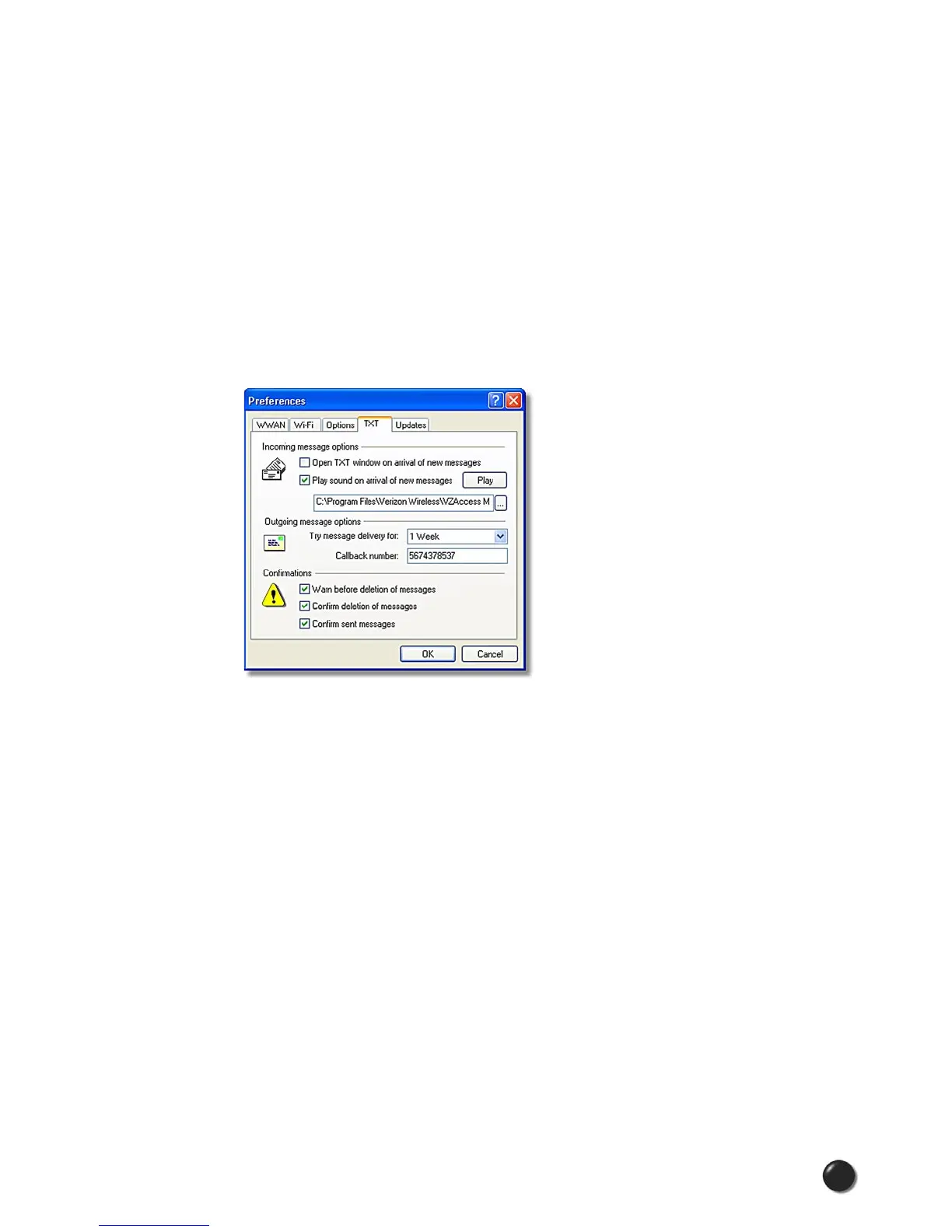
3.5 TXT Messaging Preferences
To access the TXT preferences, click on the “Tools” menu, then “Preferences....” and
select the “TXT” tab.
VZAccess Manager supports TXT Messaging for certain wireless devices only.
Incoming Message Options
• Open TXT window on arrival of new message: VZAccess Manager will
automatically switch to the TXT view when a new message arrives.
• Play sound on arrival of new messages: A sound file (.WAV) can be selected
to play when new messages arrive.
Outgoing Message Options
• Message delivery duration: The duration of time that the Verizon Wireless
network will attempt to deliver the message. The default is a duration of 1 week.
Confirmations
The following confirmation dialogs can be turned on or off:
• Warn before deletion of messages.



 To Next Page