75
UM150 User’s Manual
75
UM150 User’s Manual
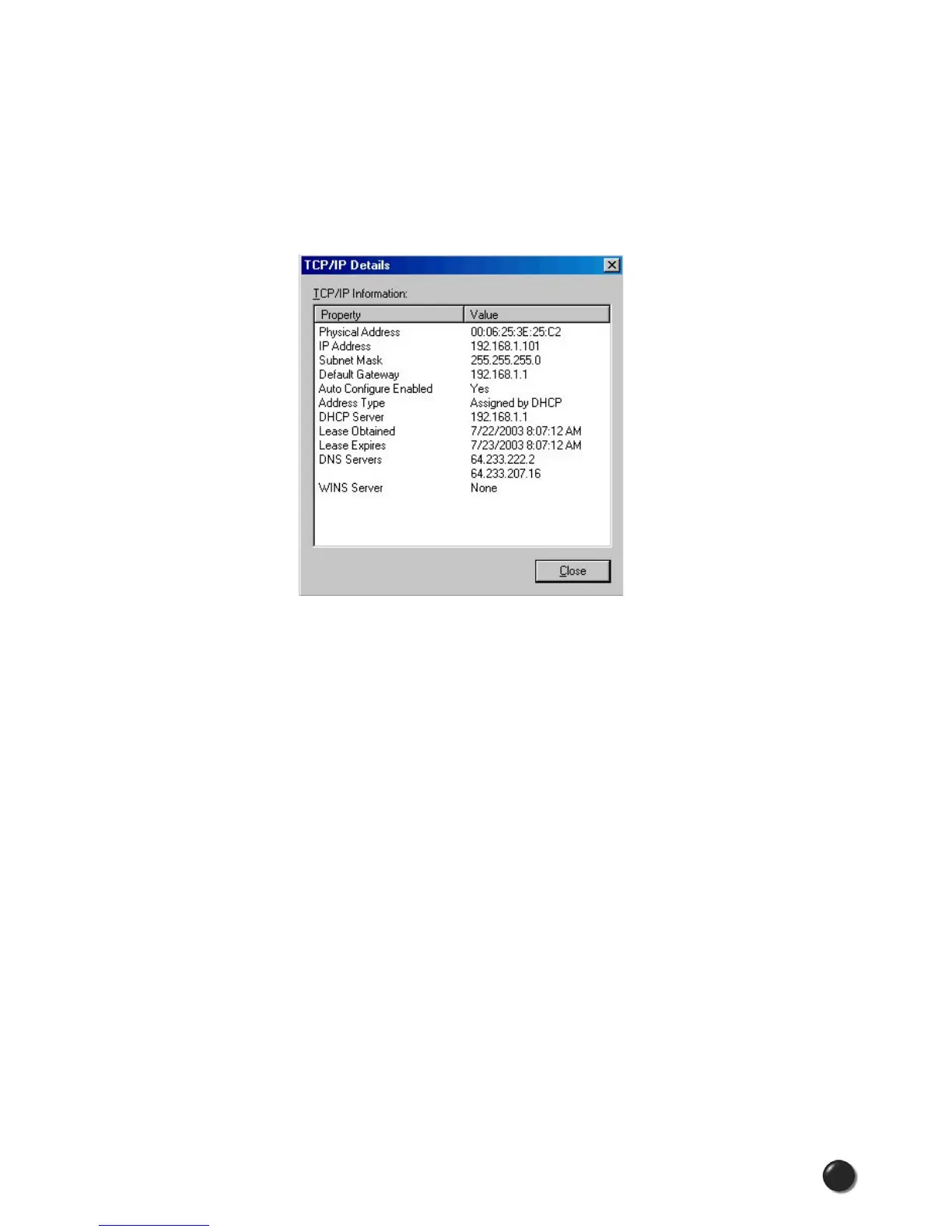
This tool displays signal strength, all relevant IP address information with additional
details by selecting “Details.” It also provides the ability to release your existing
IP address and request a new one by selecting “Release,” then “Renew.” This
procedure is a common troubleshooting STEP as explained in some of the
symptoms and solutions listed above.
The “Details...” option will display the following information:
6.3 Additional UMTS/GPRS Tips
The following tips will help solve many common problems encountered while using
GlobalAccess.
General Tips
• Make sure you are using the appropriate card in the correct geographic region:
a BroadbandAccess/NationalAccess card in the US, Canada or Puerto Rico or
your UM150 USB Modem in rest of world
• Ensure that the wireless network’s coverage extends to your current location.
• Ensure that you performed an over-the-air with your BroadbandAccess or
NationalAccess PC Card or ExpressCard prior to leaving the US.
• Confirm that you have an up-to-date version of VZAccess Manager.
• Confirm that your SIM card is properly inserted in the UM150.
• If your connection speed seems slow, please keep in mind the fact that neither
GPRS nor UMTS will provide a connection speed as fast as EVDO:
°
GPRS operates at: 20-40 Kbps up/down
°
UMTS operates at: 64 Kbps up, max. 384 Kbps down



 To Next Page