74
UM150 User’s Manual
74
UM150 User’s Manual
I can’t get VZAccess Manager to work with my private Wi-Fi Network.
• First verify that the client that came with the Wi-Fi device works with your private
network. If it doesn’t, contact your Wi-Fi device provider and or the device
provider of your network equipment.
• In the section on Wi-Fi specific settings there are options to manually add a Wi-
Fi network if it does not broadcast its Network ID (SSID) which would prevent it
from appearing in VZAccess Manager. There is also an option to enter / edit your
WEP (Wireless Equivalent Privacy) password if your network requires one. If it
was incorrectly entered, it could prevent you from connecting.
• The issue may be related to using WEP security and your specific Wi-Fi adapter.
You may want to temporarily test your network without WEP to determine if this
is the case. If it works without WEP and fails using WEP, please e-mail Verizon
Wireless Tech support with your computer and Wi-Fi device info by doing the
following: From VZAccess Manager’s main screen select “Session,” “Statistics,”
“My Computer” then “E-mail Technical Support.” Please also include in the body
of the e-mail your computer brand, model and any Wi-Fi device information
you have - built in device or external card, brand and model. We will pass this
information on to Smith Micro for consideration in a future version. Use the client
that came with your device if you have this issue. Also please be aware that
Verizon Wireless does not support problems associated with Wi-Fi networks.
Customer Care will not be able to assist you.
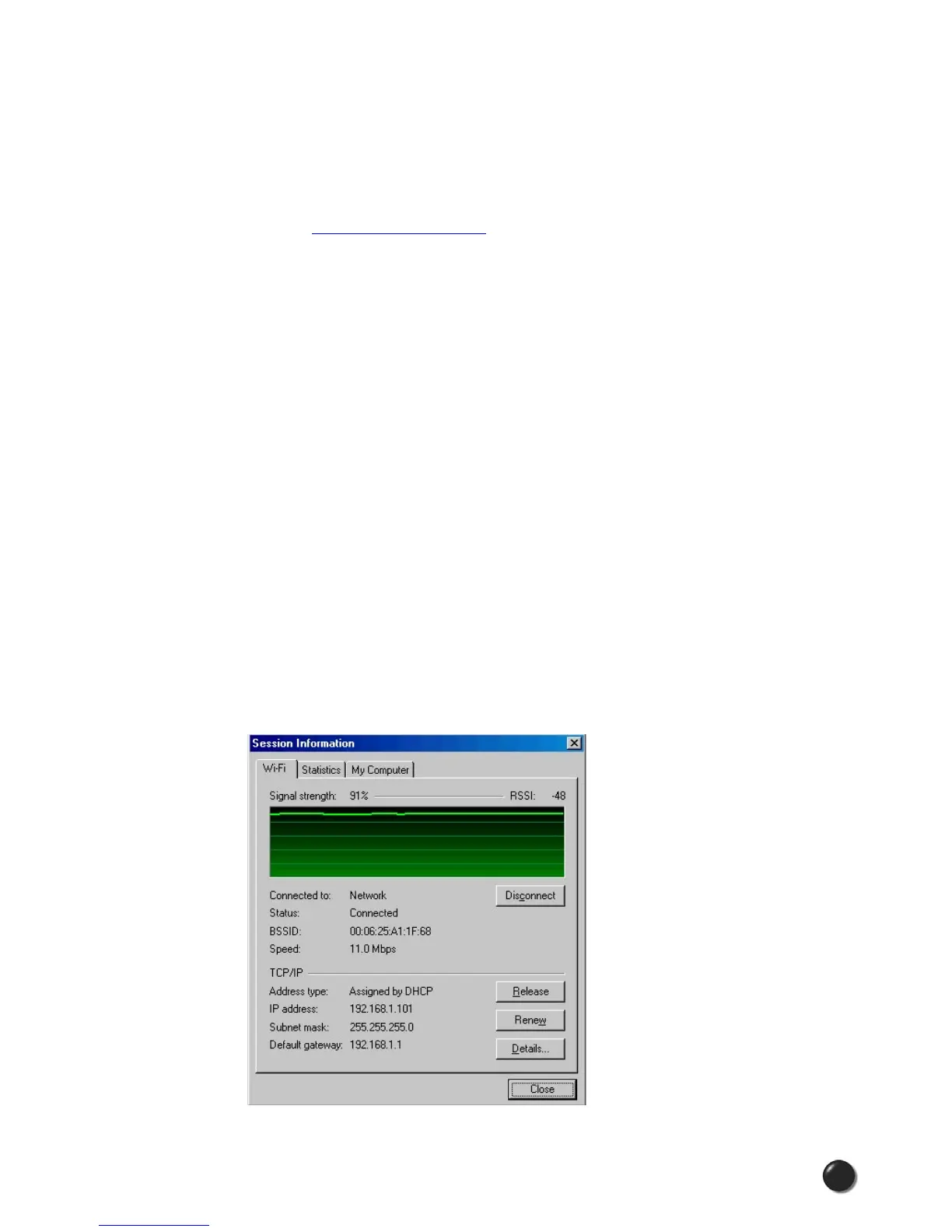
Wi-Fi Statistics Support Tool
• From VZAccess Manager’s main screen select “Session,” “Statistics,” then the Wi-
Fi tab.



 To Next Page