Chapter 3 Starting up
Unpacking the instrument
12 User Manual 76100000200 Rev. 001
Unpacking the instrument
1 Remove the 6000A V2 Platform and its accessories from the
packing case.
2 Check that the module and accessories ordered are all there.
If any part is missing or damaged please contact your local Viavi agent.
At the equipment delivery, the following elements are available:
– the 6000A V2 Platform is assembled: module/battery pack is
mounted onto the base pack
– the options ordered (hard disk, optical options, wifi...) are mounted
into the equipment
– a mains adapter used for mains operation of the instrument and
battery charging is delivered on standard.
Installing and removing a plug-in unit in the 6000A V2 Platform
Inserting a
plug-in unit into
the 6000A V2
Platform
1 Slide the plug-in into its slot.
2 When the plug-in is fully home, press firmly on the screen-printed
face of the plug-in while tightening the clamping screws.
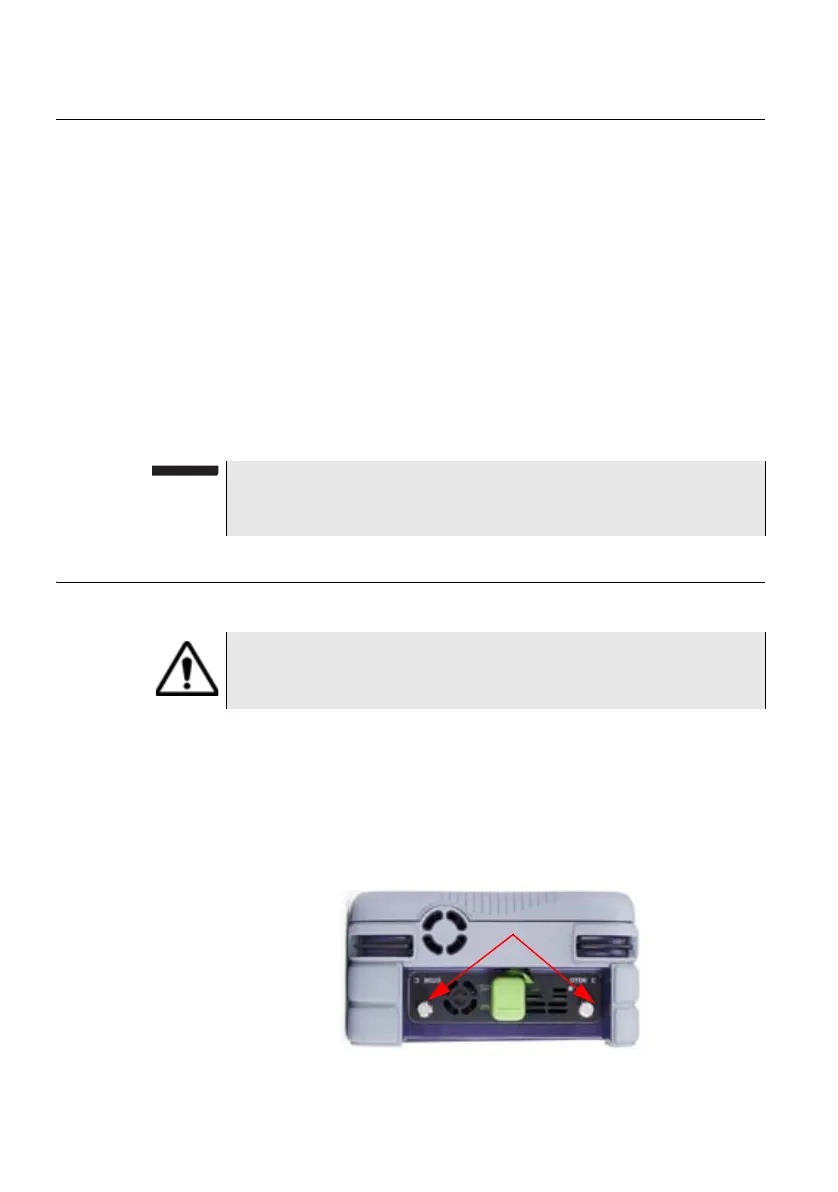
Make sure that the two large captive screws of the plug-in are screwed
fully home.
NOTE
See “Installing the options” on page 139 if some options are ordered
after the delivery of the Platform and must be mounted by customer.
The 6000A V2 Platform must be switched off and, if it is
operating on the mains, its supply cable must be unplugged.
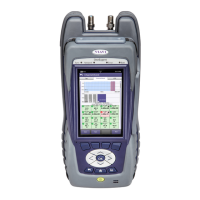
Fig. 5 OTDR Module installed into the 6000A V2 Platform
Captive screws
fixing the plug-in




 To Next Page