Chapter 7 Applications
Tex t E ditor
User Manual 76100000200 Rev. 001 51
Text Editor
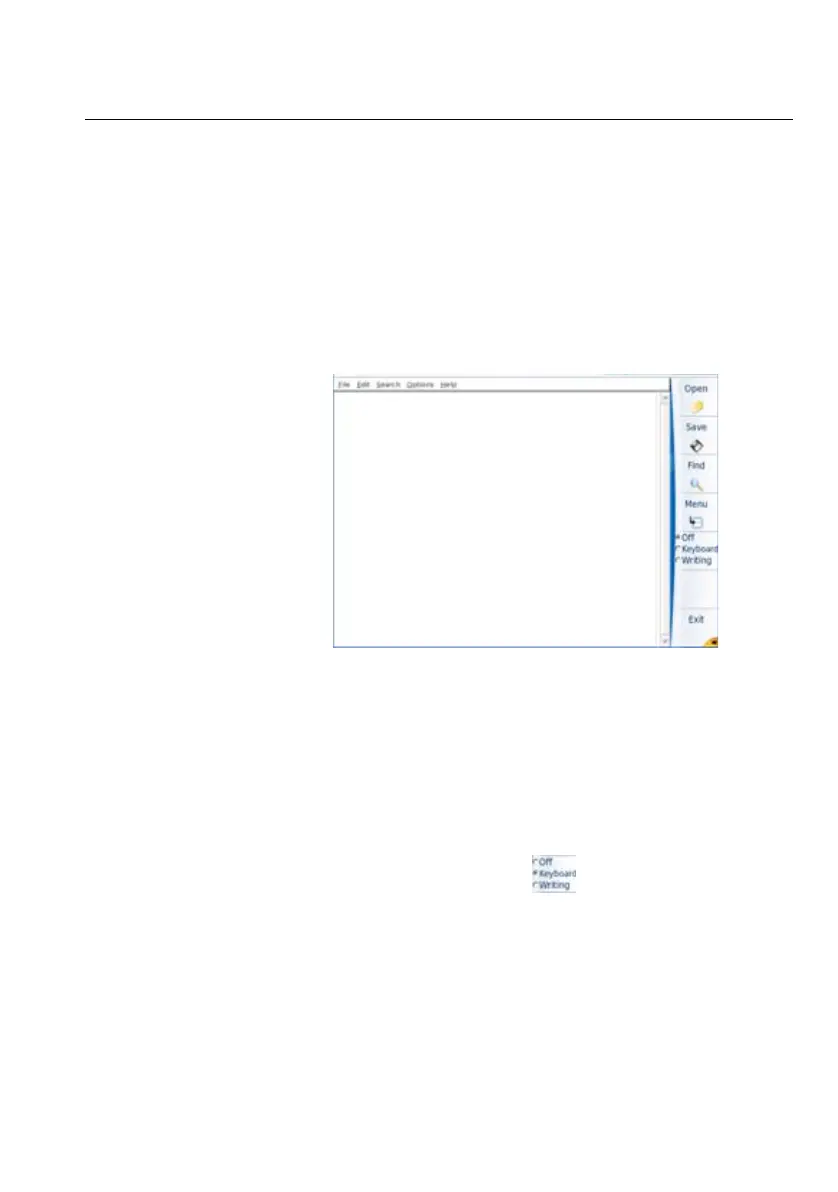
The Text Editor application allows to enter text on the 6000A V2 Platform
and save it into a txt file
Text Editor
page
To open the Text editor:
1 In the Home page, press the App’s key
2 In the Application screen, select the icon Text Editor.
The Text Editor page opens
Once the text editor is open, enter text using the method you wish:
– Enter text using an external keyboard which is connected to the
6000A V2 Platform via the USB port or using an external keyboard
of a PC connected to the Platform.
or
– Enter text using the keyboard of the Application
a Select Keyboard on the key
A keyboard is displayed on the lower part of the screen
Fig. 23 Text Editor application








 To Next Page