Chapter 13 Bluetooth option
Transferring the Platform interface on a laptop PC via Bluetooth
122 User Manual 76100000200 Rev. 001
Transferring the Platform interface on a laptop PC via Bluetooth
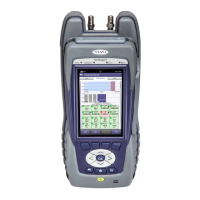
If the 6000A V2 Platform is paired with a laptop equipped with Bluetooth,
the interface can be transferred on this PC in order to work on the unit
from the laptop PC.
To remote the screen
1 Install the Remote Operation application on the laptop PC:
a Download the application
b Double click to launch it and follow the instruction for installation
The application is available on PC, in Start > All Programs > Viavi
> Remote Operation.
2 Pair the 6000A V2 Platform
with laptop PC via Bluetooth (see
“Setting up a Bluetooth connection” on page 118).
3 Once pairing is active, open the Remote Operation application on
laptop PC.
A new window opens, and scanning is automatically launched to
find the equipment paired with laptop PC.
4 Once scanning is completed, the 6000A V2 Platform
displays the list
of detected
equipment.
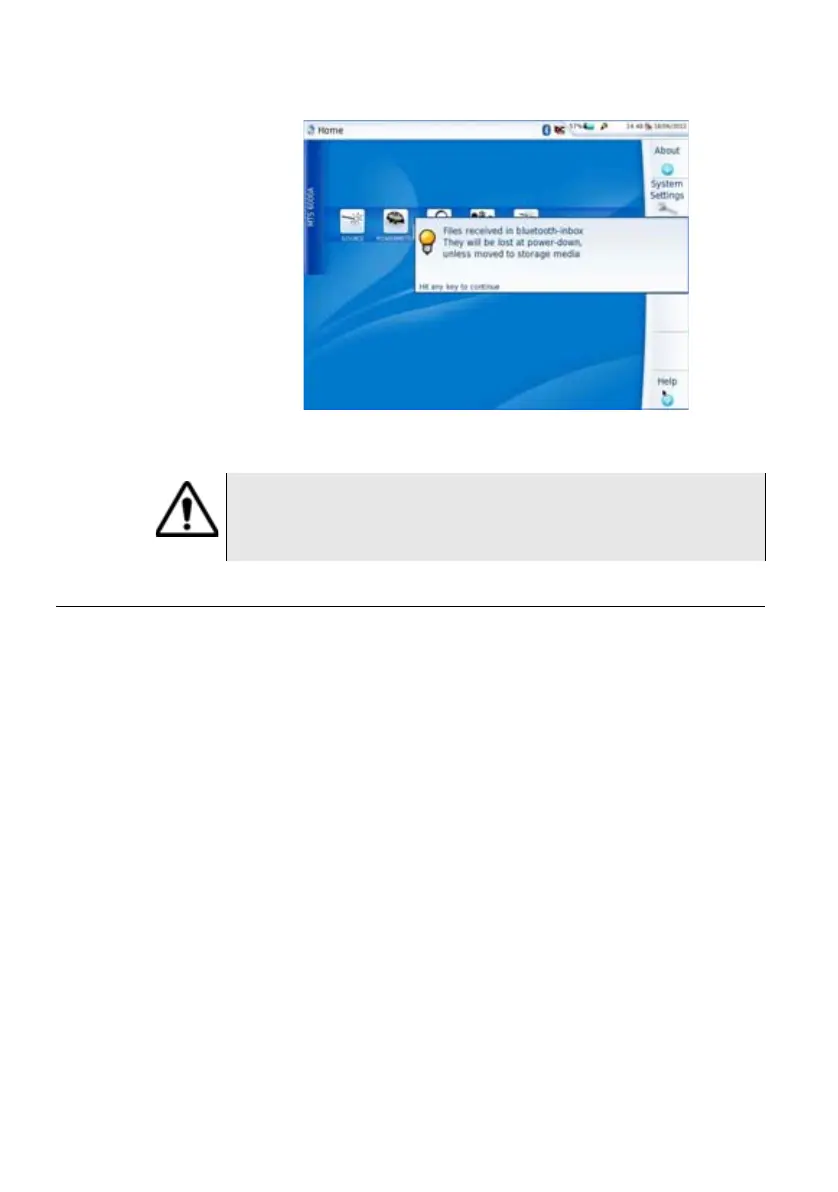
Fig. 84 Confirmation of file receiving
WARNING
The files stored in bluetooth-inbox will be lost once the 6000A V2
Platform is switched off. Copy/Paste the files to keep toward
another storage media (disk, usb key...).





 To Next Page