109
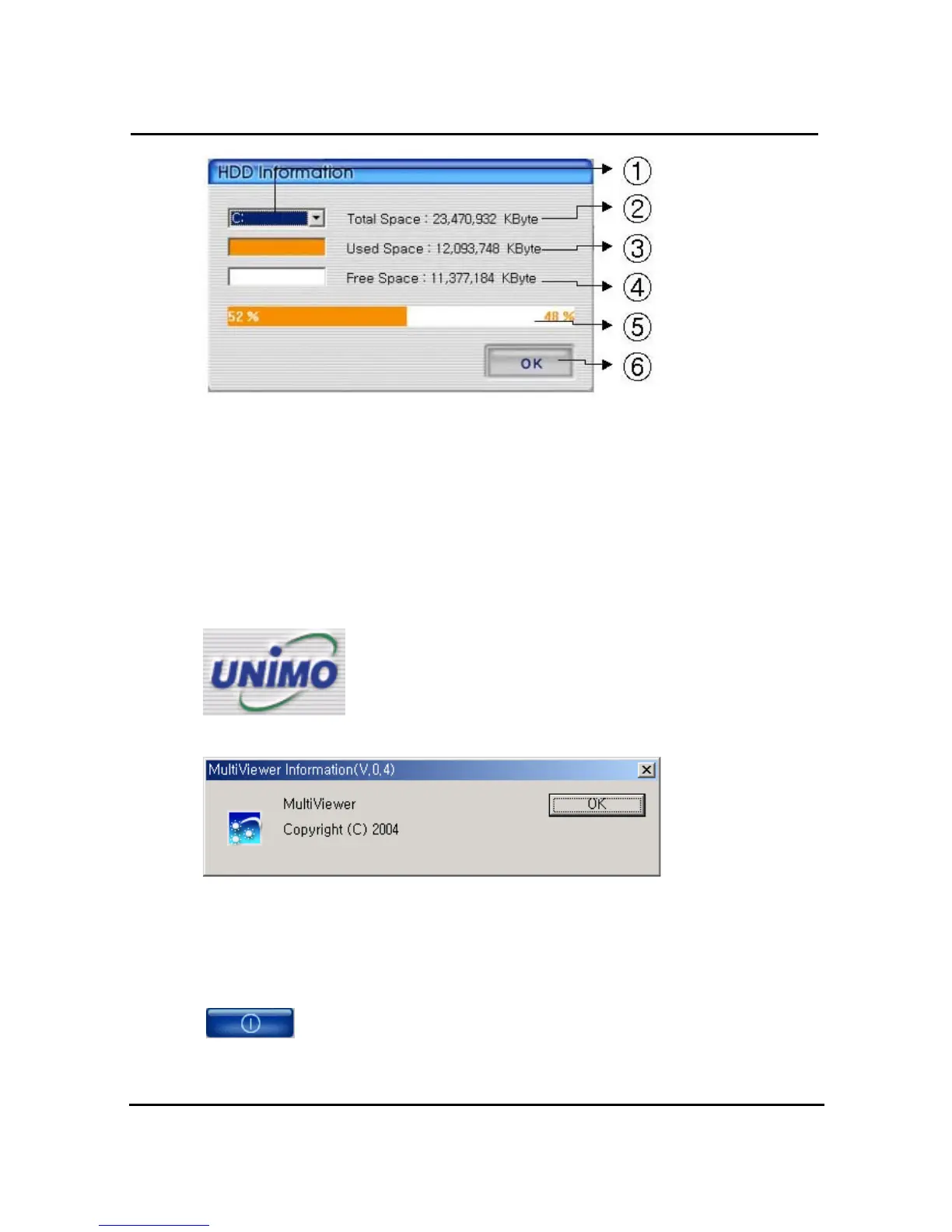
① Select HDD disk
② It shows total capacity of HDD
③ It shows the used capacity of HDD
④ It shows the free capacity of HDD
⑤ It shows both the used capacity of HDD and free space
⑥ Click to close the screen
4.9.10. Confirmation of Version of Program
Click the UNIMO logo to check the program version.
4.9.11. Minimizing of program
Click to minimize Multiviewer progrma
4.9.12. Closing of Program
Click to close the Multiviewer program



 To Next Page