73
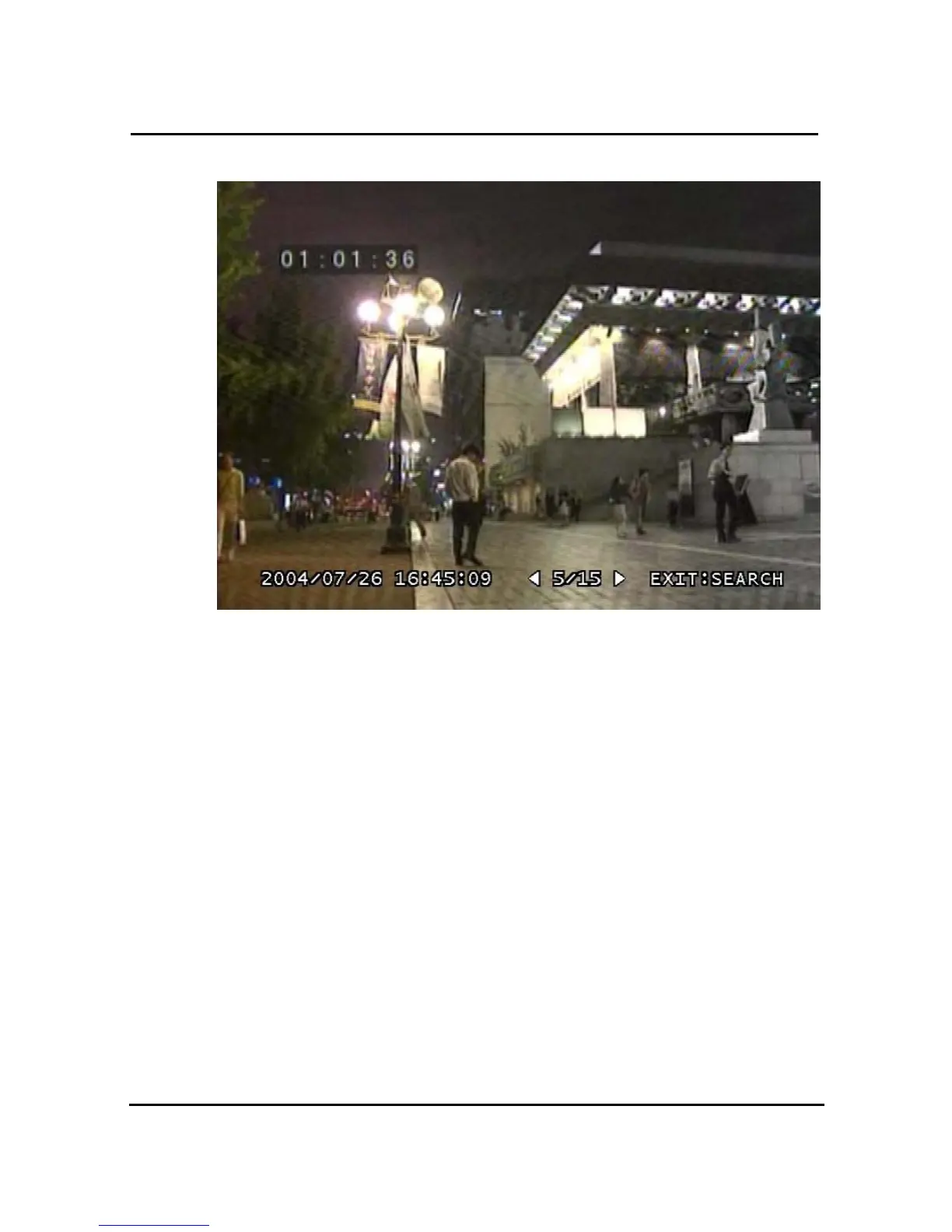
3.16.2.2. Screen of playing back
Figure 3-56 Still Image of playing back
3.16.2.3. Control during Play back
1.4.6.1.14 Stop of play back
To stop the playing back, User press button “STOP” or “ SEARCH”.
Playback stops and screen of search list appears.
1.4.6.1.15 Next screen
Press Button “RIGHT” and next screen is played back.
1.4.6.1.16 Previous screen
Press Button “LEFT” and previous screen is played back.
3.16.3. Playback the backed up-image
This function means that the images in the backup HDD that were backed up manually or
automatically from the recorded images in the system are played back.



 To Next Page