70
Figure 3-53 Search Screen of Still Image
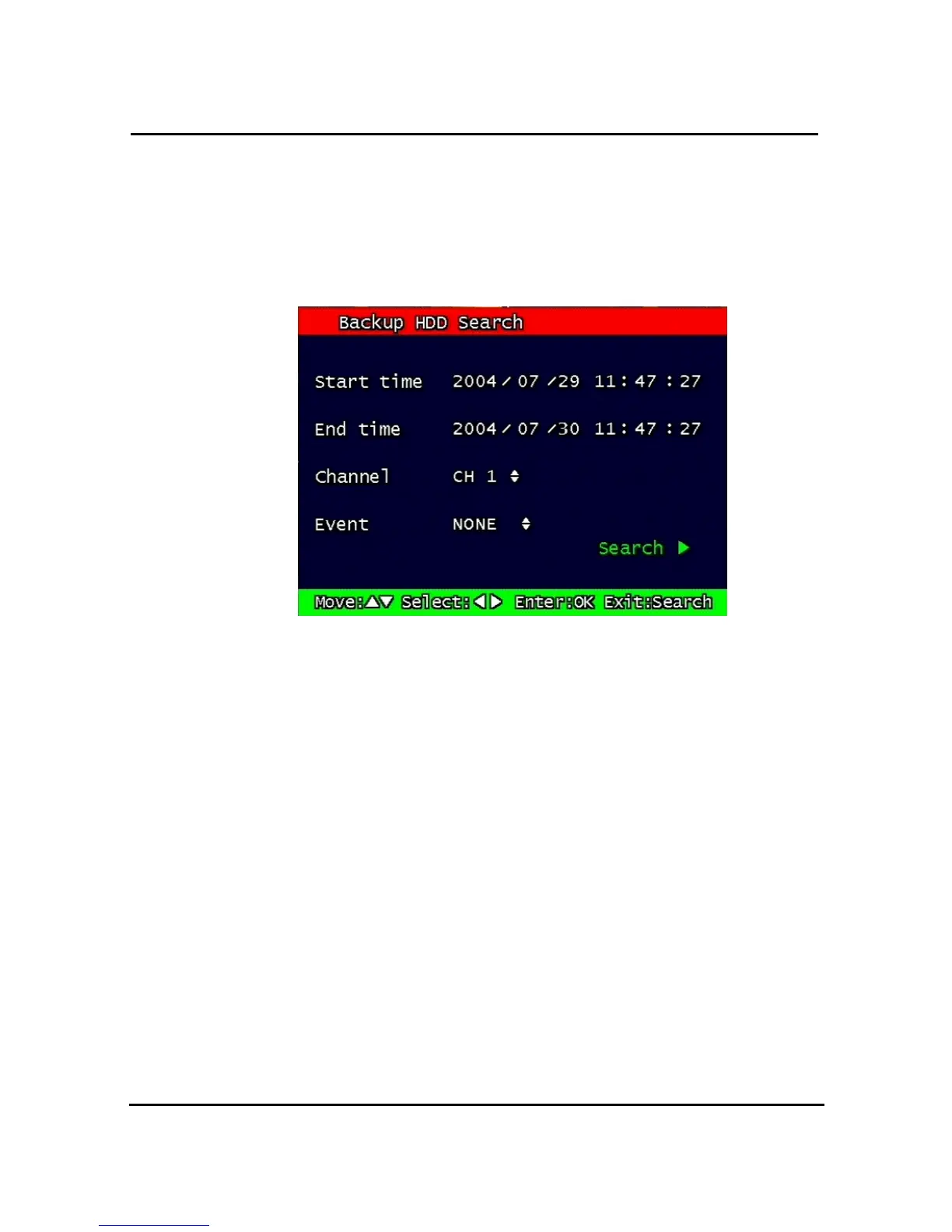
3.15.3. Search of back up HDD
The images that were backed up manually or automatically can be searched by Time,
Channel, Event.
Figure 3-54 Screen for input data of HDD Search
The method of input and search is the same as that of recorded file, as indicated in the
paragraph 3.10.1.
3.16. PLAYBACK
3.16.1. PLAYBACK of recorded Images
This function means that the images recorded in the system are searched by Time or Played
back directly.
3.16.1.1. Method of playback
In order to play back the recorded images, put the Curser to the selected content in the
Menu of Search, and press Button “ OK”.
The screen of Search results disappears and the selected images are played back.
The recorded files with Audio are played back with Audio.



 To Next Page