40
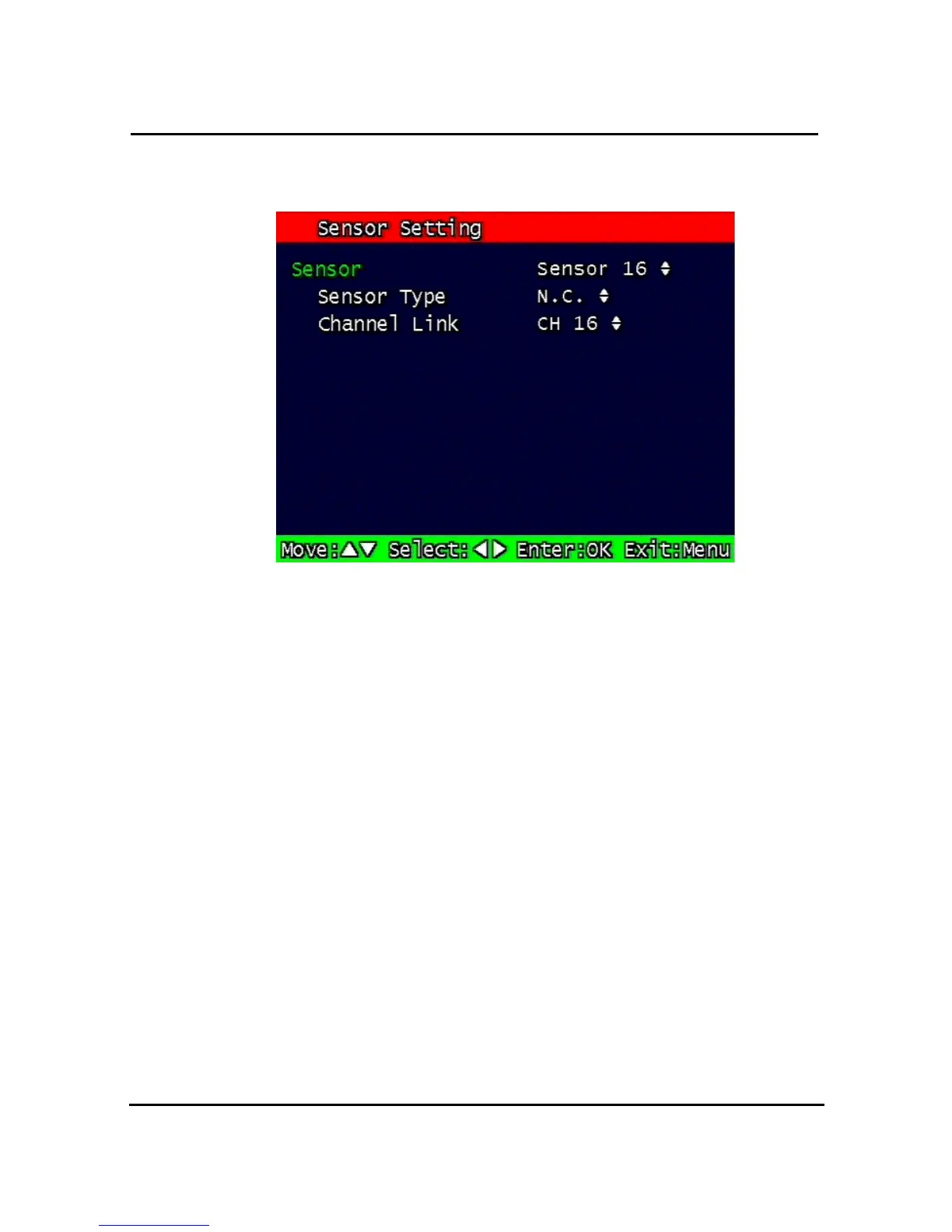
3.7.2. Sensor Setting
Figure 3-13 Sensor Setting screen
3.7.2.1. Sensor Type
N.O.: Normal Open. Operation mode for the installed sensor’s contact point is usually open
in normal condition and changed from open to close at sensor’s detect event.
N.C.: Normal Close. Operation mode for the installed sensor’s contact point is usually close
in normal condition and changed from close to open at sensor’s detect event.
3.7.2.2. Channel Link
Assign sensors to designated Camera Channels.



 To Next Page