49
3.8.2. Starting Point
This starting point configures the starting position when the “Replay” button is pressed.
FIRST: This can search for and replay the oldest recorded images from the selected
channel.
LAST: This can search for and replay the latest recorded images from the selected channel.
3.8.3. Audio
If the recorded files contain audio, choose whether to turn the sound ON/OFF when the
“Play” button is pressed.
3.9. Display Setup screen
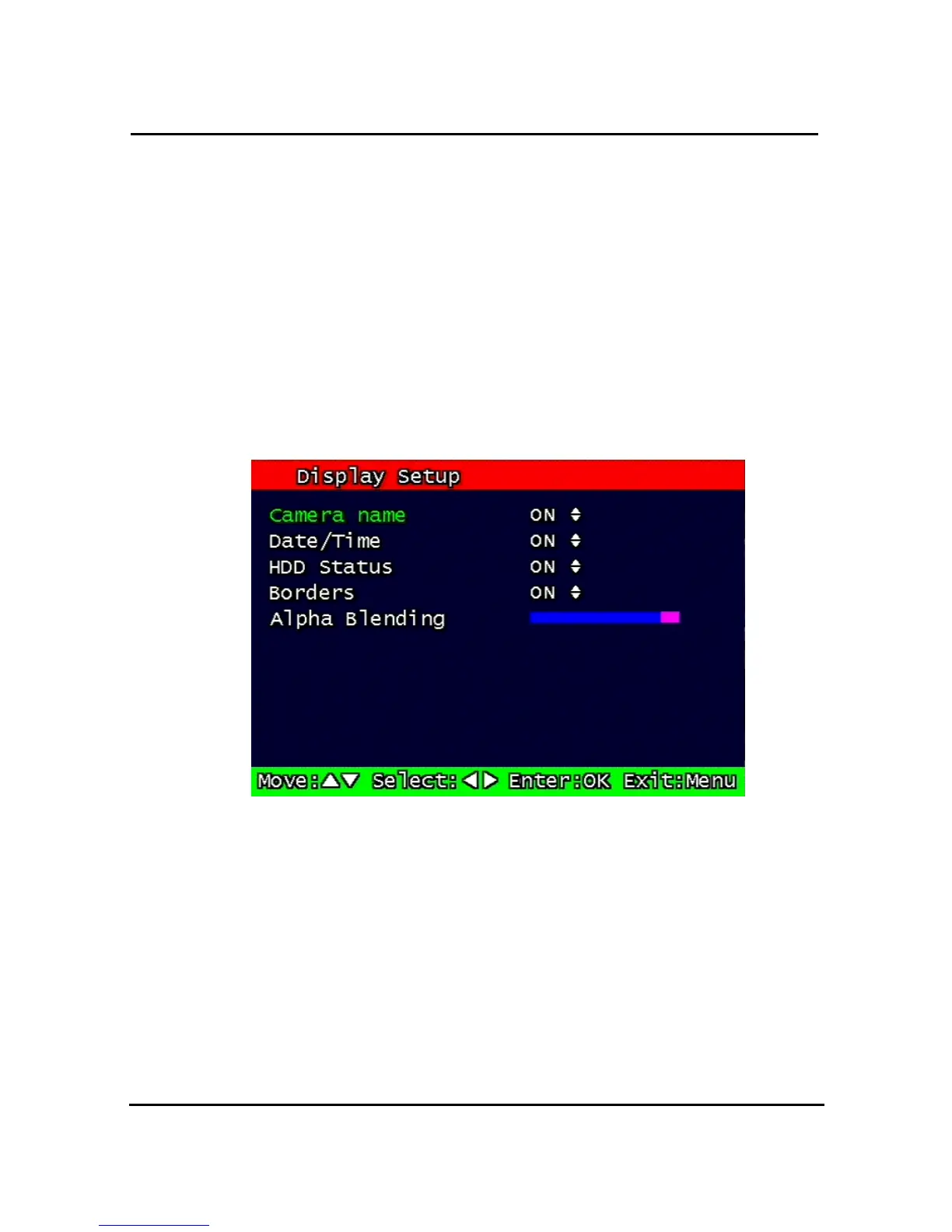
Figure 3-24 Display setup screen
Determine whether to have the following be shown on the monitor: Camera name, Time/Date, HDD
status, Borders (Quad View). Select either ON/OFF for each item.



 To Next Page