58
This is a part of installation, actual system password, related function and password
application.
3.11.2.1. Password Setting
To change system password:
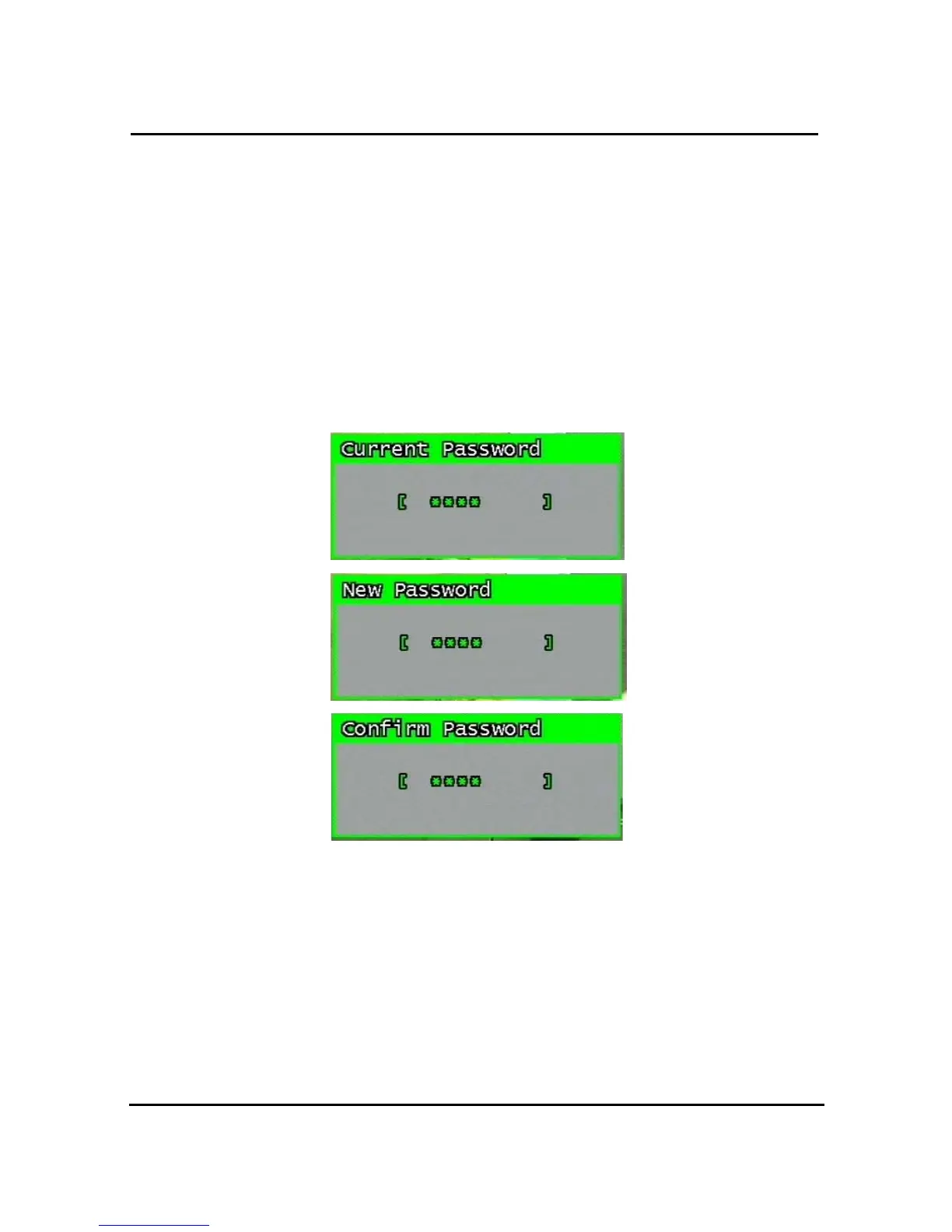
First, type-in the current password, confirm. Then if it is correct, type-in the new password
twice. If they match, the password has been changed.
Users can use any numeric number from 0~8, combined 6 units.
Password input screen (present, new, confirm, if it is wrong -twice, confirm to change)
Figure 3-37 Password input screen
3.11.2.2. Password Apply
Determine whether the system password has to be applied to power On/Off. The applicable
features are recording close, enter menu, system off. Users can set up password ON/OFF
for each feature.
Setting to On, when each feature starts, users have to confirm password for each step.
Setting to Off, users can use any confirmation of password.



 To Next Page