71
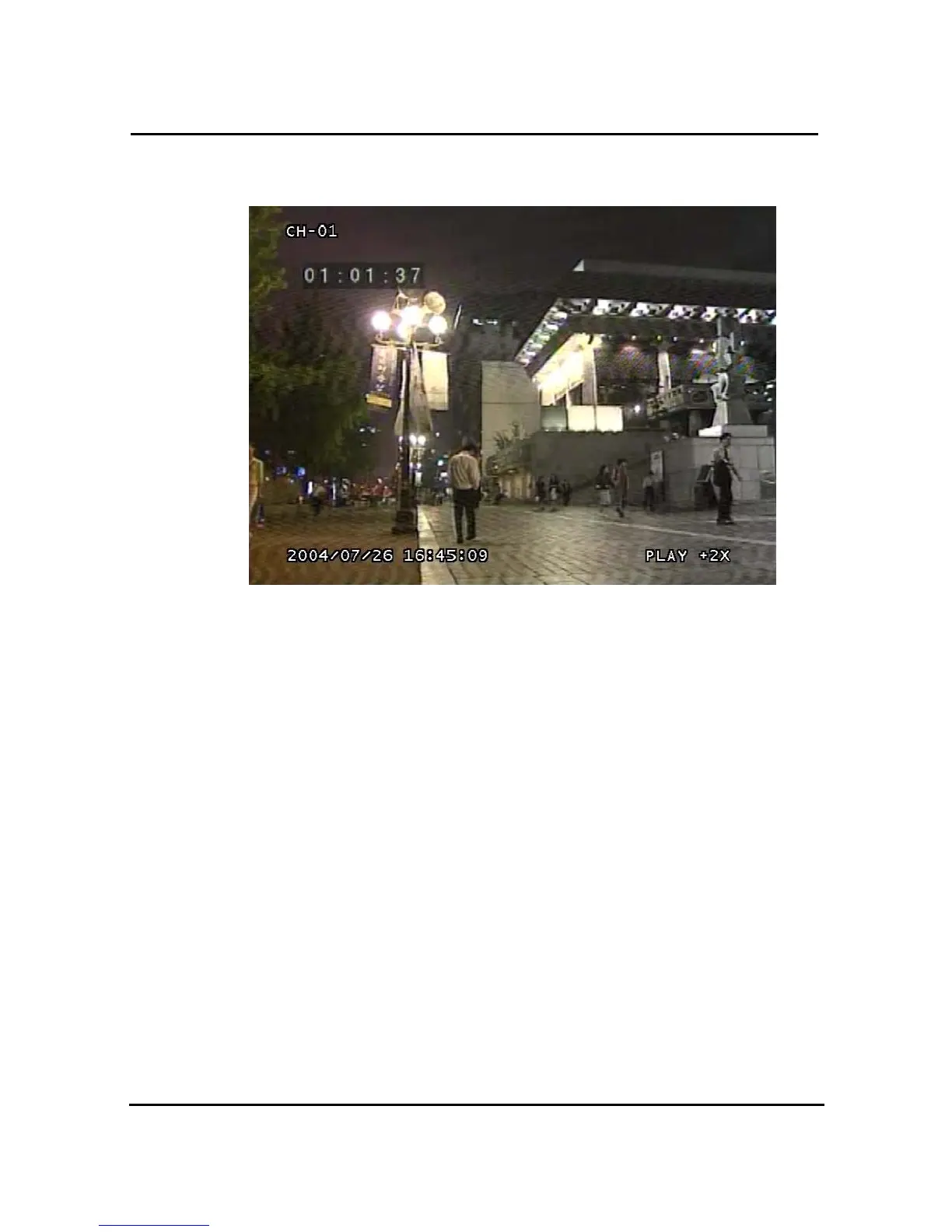
3.16.1.2. Screen of played back.
Figure 3-55 Screen of playback
3.16.1.3. Control during play back
1.4.6.1.8 Stop of Play back
If user needs to stop play back, user should press button “ STOP”
in the remote controller of in the system, and play back stops and live screen is coming back.
1.4.6.1.9 Temporary Stop during Playback
In order to stop temporarily playback, press button “ PAUSE”.
If users press the button “PAUSE” again, play back continues.
1.4.6.1.10 Speed level of Play back
There is 7 Speed levels for playback (Normal, Fast mode) in the forward and backward
direction as well.
There is 2 speed levels for slow playback mode in the forward and backward.



 To Next Page