111
4. System parameter-> Write parameters to DVR: Transfer to save setting
parameters of DVR.
5. System parameter->Default value setting: Initialize parameters values.
6. Communication->Network: Communicate data through network.
7. Communication->Serial: Communicate data through serial port (Setting preferable
ComPort)
8. Language: Click to select preferable language
9. Information: Click to display program version information.
4.10.3. Communication over Network or serial port
Click to open system parameter -> Write to DVR
The below window will be activated on
- After Setting system parameters
- Derive system parameters from DVR
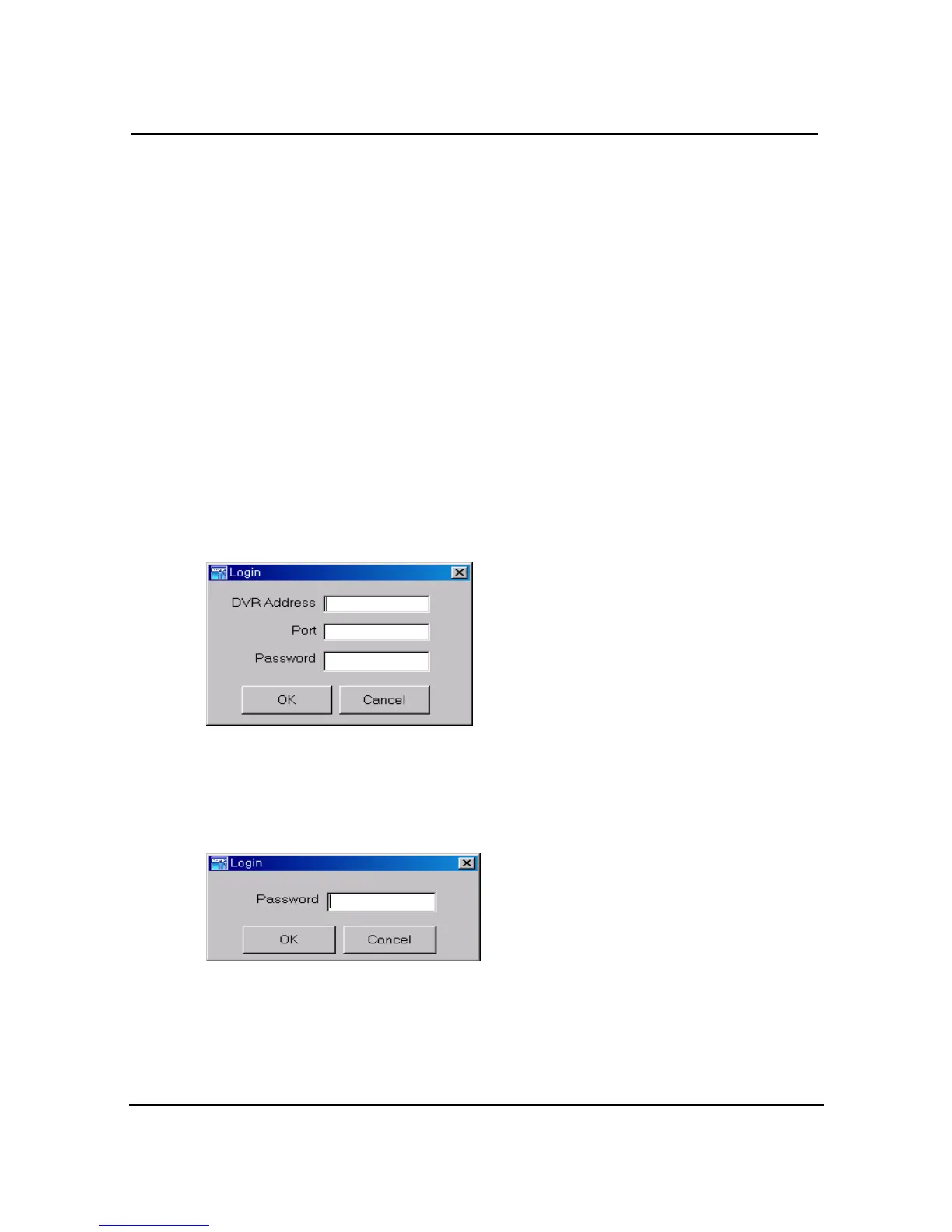
=> Network mode as communication media
Enter assigned network access password for Admin. After authenticated, users can
communication between DVR using network.
=>Serial mode as communication media
Enter assigned network access password for Admin. After authenticated, users can
communication between DVR using serial port.


 To Next Page