52
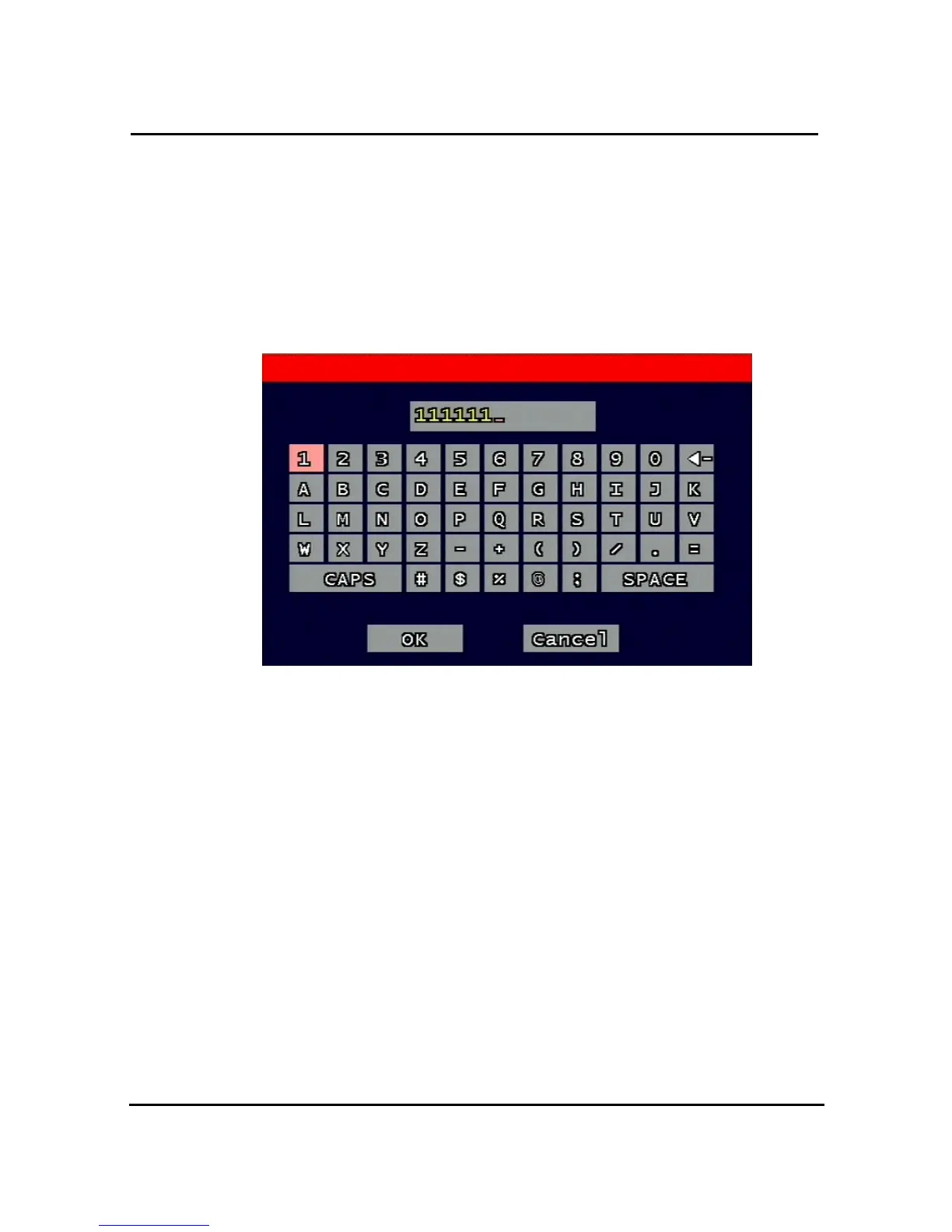
3.10.2. Remote Connection Login Password
There are two levels of access that can be set up in the RAMS program.
- Admin (Highest), User (Normal)
- By default, the password is 111111 when the software is first installed.
Users can use any numeric number from 0~4, combined 6 units.
Figure 3-27 Remote Connection Login Password screen
3.10.3. Network Type
Choose one type from the following: Static, DHCP, & PPPoE.
Static mode uses fixed assigned IP address in the network.
DHCP (Dynamic Host Configuration Protocol) receives an IP address from the DHCP Server,
and it may change according to the lease period.
PPPoE (PPP over Ethernet) mode is used for network using PSTN such as ADSL.
Please refer to paragraph 3.6.4, 3.6.5, 3.6.6 for detailed network type setup process



 To Next Page