97
=> AVI file Playing screen by searching scene
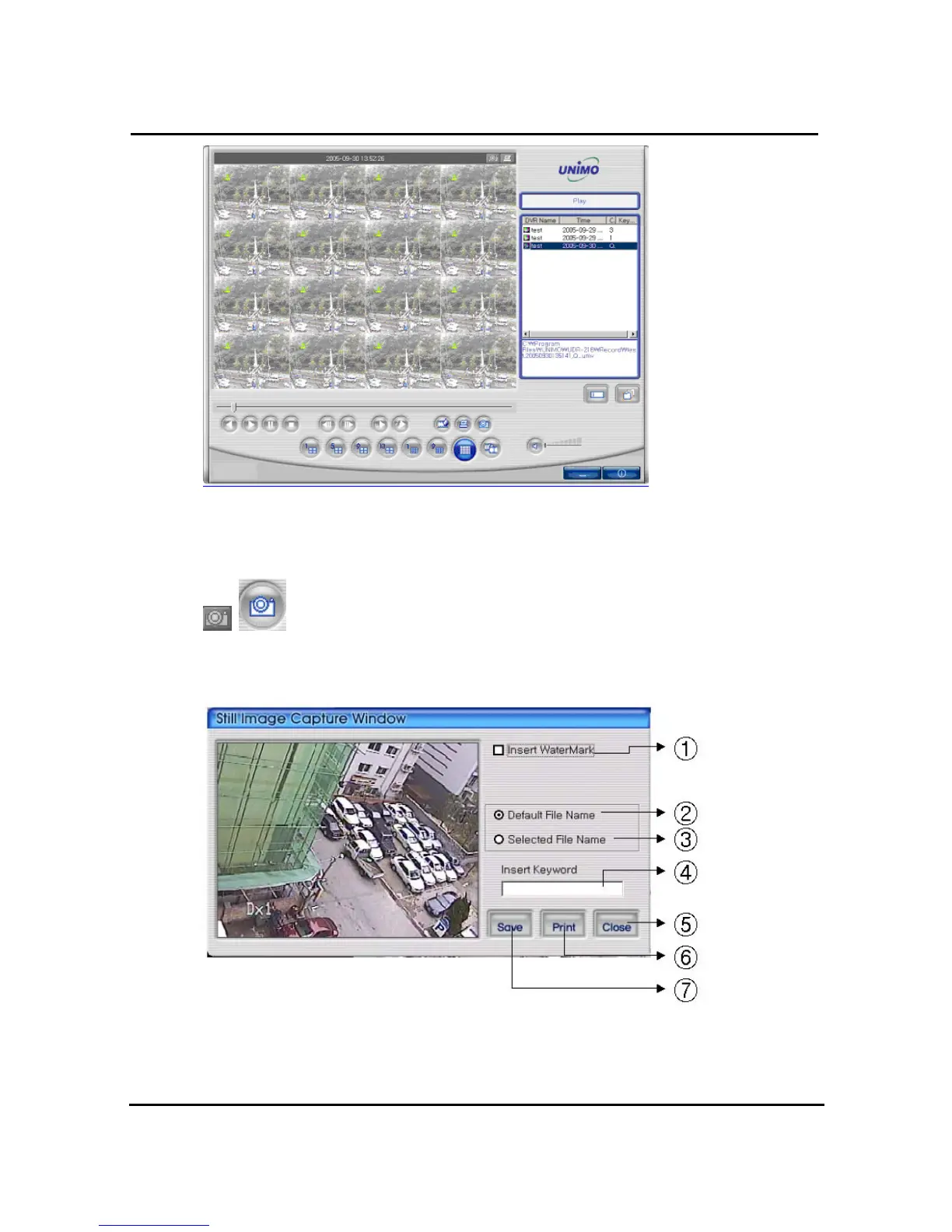
4.8.4. Still Image Capture
Save replaying images into still image by capture. Besides users can capture
image by push capture button for each channel or push capture button at the foot of a screen.
Still image will be saved in a path of which is established in RAMS’s setup section screen
① Select check box in order to insert watermark into still image capture
② Save still image as user defined default file name if chosen
③ Save still image as user selected new file name if chosen



 To Next Page