84
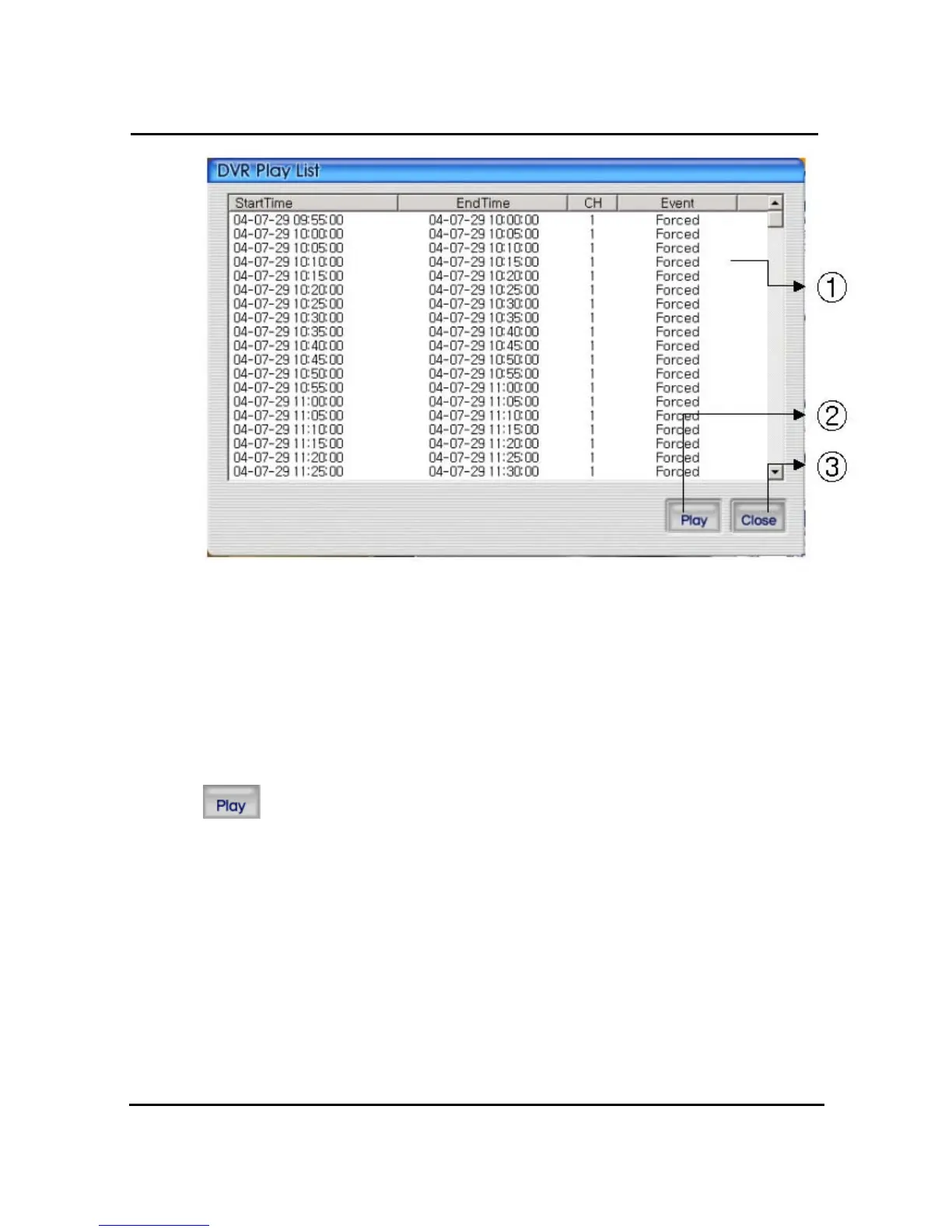
① DVR search files will appear recording start/end time, channel, and event information
included
② Button for staring of backup. With pushing selected channel, start to playback.
Start to playback after pushing selected channel,. If do double click selected files, it starts to
playback.
③ Close DVR backup window
After selecting a file at list, push play button or do double clicks in order to watch
playback pictures.



 To Next Page