Vigilant MX1-Au Operator Manual Document: LT0439
Page 23 October 2018 Issue 1.73
From the Disables List other options are available by pressing the MENU
key. These are described in the next section.
There are commands available from the Disable menu to disable or
enable whole blocks of zones or points as well as individual zones or
points.
Press the DISABLE key from the base display. Alternatively, from the
Disables List, press the MENU F4 option. This gives a menu of what to
disable or enable.
Do not press the f.b.p DISABLE key when the Alarm List is
being shown unless the intent is to disable all alarms.
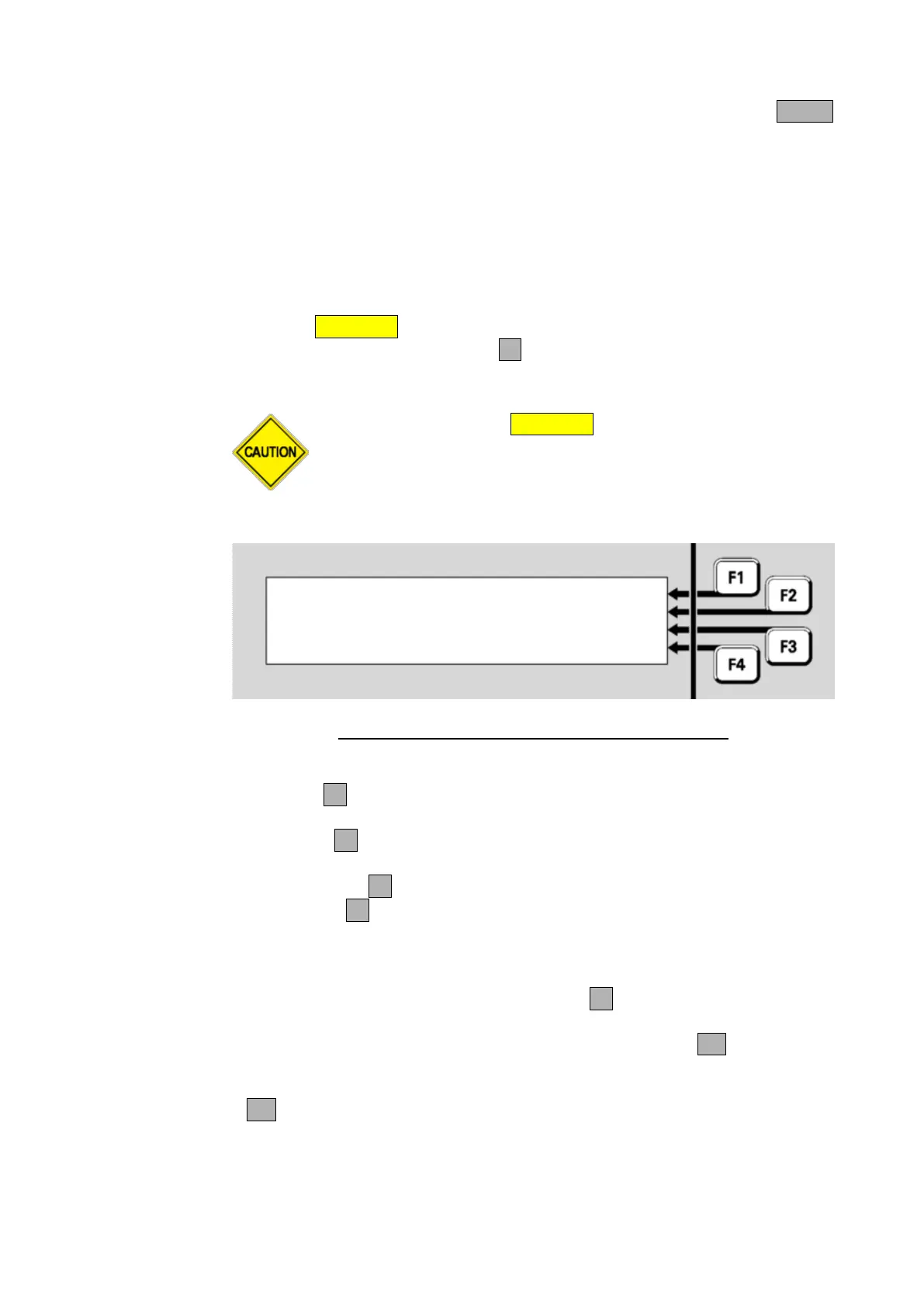
Select item to disable or | ZONE
enable | POINT
|ALRM DEV
| ANCILS
Fig 3-5 – Selecting an Item to be Disabled or Enabled
ZONEF1 allows a zone or range of zones to be enabled/disabled.
Refer to Disabling or Enabling a Zone (page 6-9).
POINTF2 allows a point or range of points to be enabled/disabled.
Refer to Disabling or Enabling a range of Points (page 6-7).
ALRM DEVF3 allows the Alarm Devices to be enabled/disabled.
ANCILSF4 allows the ancillary groups to be enabled/disabled (see
page 3-7).
From the Disable Menu press ALRM DEVF3 to enable/disable the
alarm devices. The confirmation screen will show the action that is about
to be performed (i.e., enable or disable) and request the OK key be
pressed.
If OK is pressed the action is carried out, otherwise press CANCEL to
return to the previous screen.



 To Next Page