Vigilant MX1-Au Operator Manual Document: LT0439
Page 23 October 2018 Issue 1.73
If the MX1 display is not showing one of the base displays, i.e., Normal,
Off-Normal, Fault or the Alarm list, press and hold CANCEL until the
current base display is shown.
Press MENU to see a set of options:
|DISP TST
| RECALL
| HISTORY
Press MENU for more options | POWER
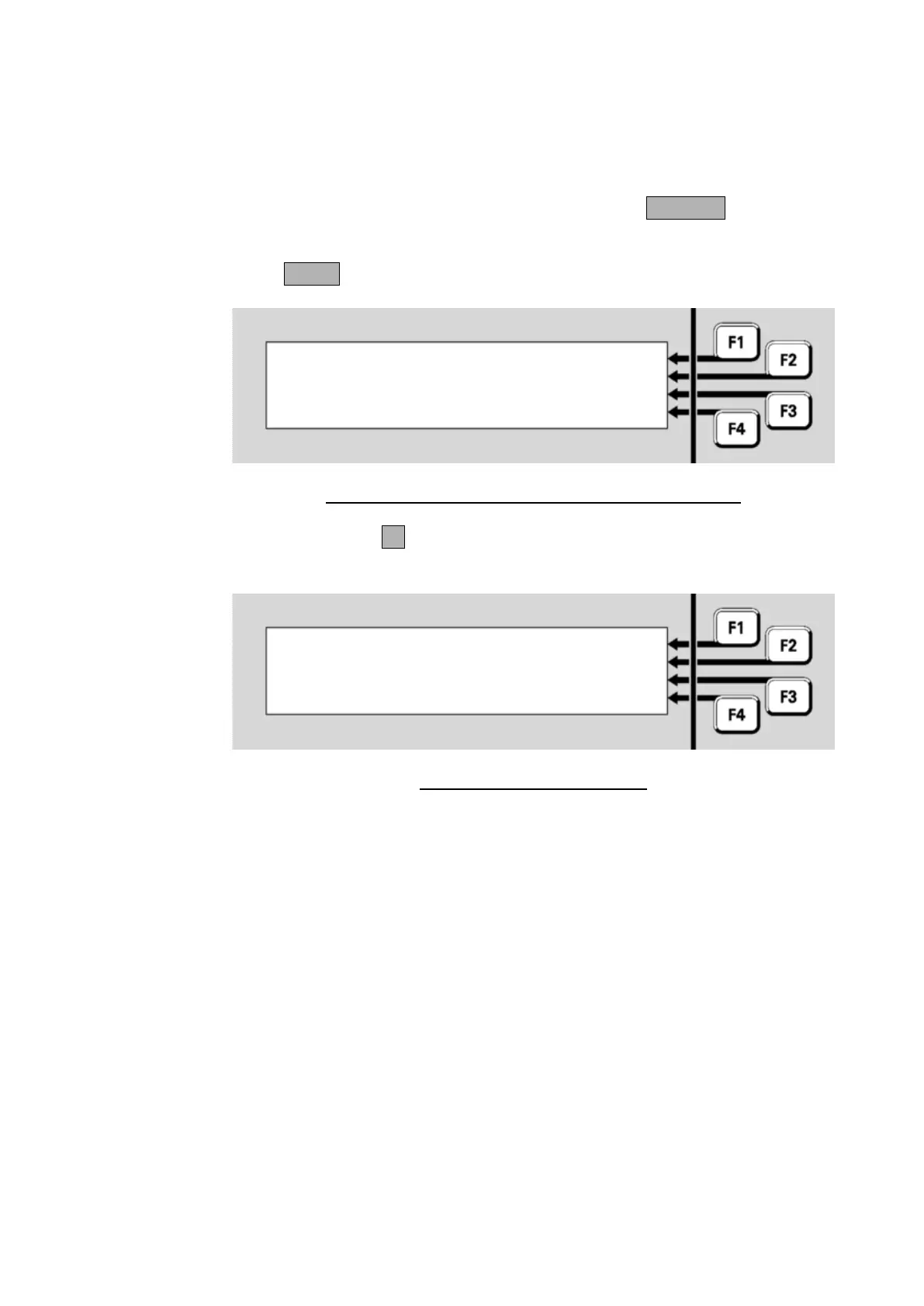
Fig 4-2 – Options Resulting from Pressing the Menu Key
Press HISTORYF3 to display the event history. The most recent event
will be displayed first.
06:35:42 07/07/07 | OLDEST
Point 241.1.0 | PREV
Enable | NEXT
Alarm Devices | NEWEST
Fig 4-3 – Event History Display
The display shows:
the time and date of the event,
the number of the zone or point, or “Local Event” for system events,
the type of event, e.g., Disable, Enable, Alarm, Fault, or a description
of the local event,
the text description of the zone or point involved.
Explanations of the event messages are given below.



 To Next Page