Vigilant MX1-Au Operator Manual Document: LT0439
Page 23 October 2018 Issue 1.73
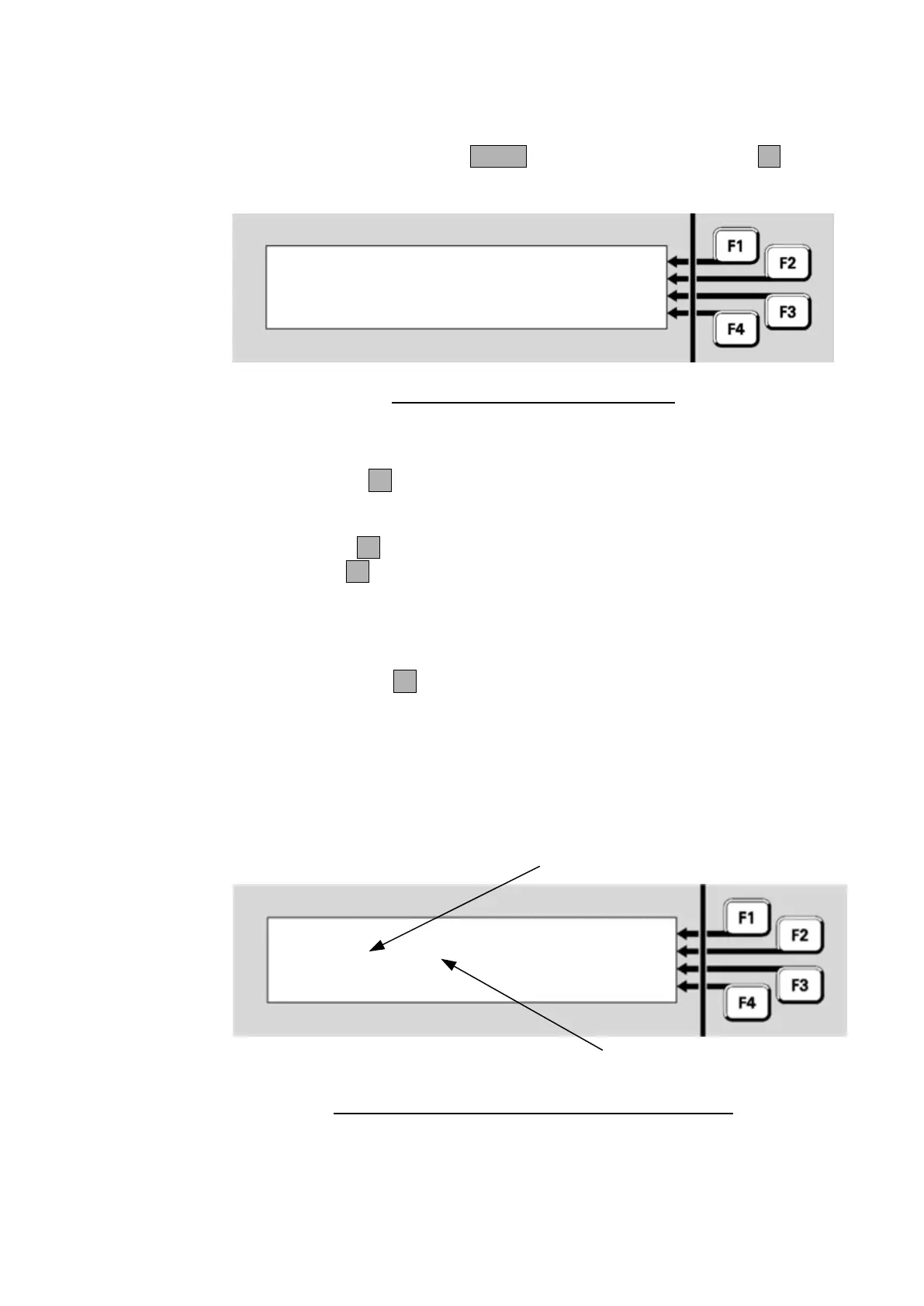
From the base display press MENU three times then MEMORYF3 to
view the System Memory Status menu.
|
Select memory area to display
status | DATAFILE
| KEYPAD
| PROGRAM
Fig 8-7 – System Memory Status Menu
Menu options are:
DATAFILEF2 displays information about the two site-specific
configuration data files. There are two copies of the configuration file;
only one of these will be active at any time.
PROGRAMF3 displays information about the controller firmware.
KEYPADF4 displays information about the LCD/keyboard firmware.
Note the firmware version for each MX Loop Card is shown on the MX
Loop Status screen page 8-5.
Press DATAFILEF2 to show the status of the first copy of the site-
specific configuration.
The filename, date and CRCs of the configuration files stored in the MX1
can be viewed. This will also show which configuration files are active.
Datafile1: Active | ACTIVE
CRC:nnnnnnnn cccc | FILE2
Datafile: SiteConfig | PROGRAM
Written: 22 Aug 2006 09:31:56 | KEYPAD
Even where the datafiles contain the same
programmed information they will show
different CRC values here
Identical programmed configurations will
show identical values here
Fig 8-8 – Site-Specific Data Display – Datafile 1 Active
Viewing
System
Memory Status



 To Next Page