Document: LT0439 Vigilant MX1-Au Operator Manual
Issue 1.73 23 October 2018 Page 6-5
F4 can be used as a backspace key to correct wrong entries.
For devices on the local panel, you may enter
a single device or a range of devices, or
a single point, or a range of points within the same device
For devices on a remote panel, you may enter
a single point, or a range of points within the same device
For information on point numbers and ranges refer to “Point Numbers”
(page 1-13). The MX1 automatically enters the end-point in the range at
the same level as the start point already entered by the operator. For
example, if the first point in the range is entered as “1.1.1” and –TO-
F1 is then pressed, the prompt “1.1._” will appear.
Once the point number(s) are entered, press OK and you will then be
asked to select the reset option. Refer to “Resetting a Point” (page 6-3)
for details of the point reset options.
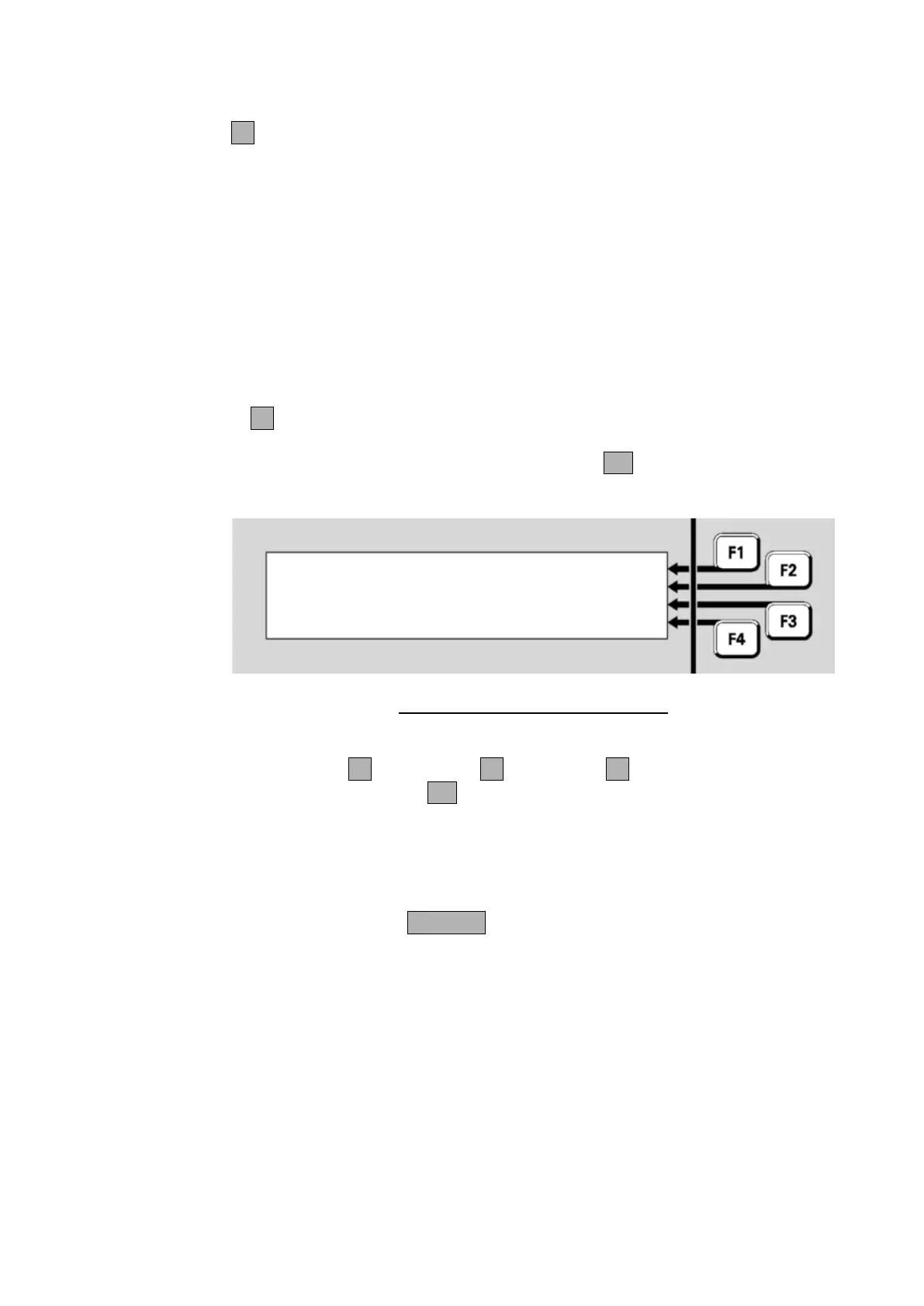
Reset point range | FULL
P1.1.1-1.1.3 | HISTORY
| TRACK
Select reset option or CANCEL |
Fig 6-9 – Selecting The Reset Option
Press FULLF1, HISTORYF2 or TRACKF3. You will then be asked
for confirmation. Press OK.
The configured points in the range will be reset for the selected option.
The display will then show the recall point status display for the first point
in the selected range. Use the menu options to navigate through the
point range, or press CANCEL to return to the base display.
If no points are configured in the selected range, the message “No Valid
Points Selected” will be shown briefly.
In general, each zone, each device, and each point may be disabled to
stop conditions on the item affecting the system. For example, the
smoke sensor point of an 814PH detector may be disabled to stop alarm
monitoring for smoke while certain building work is going on around the
detector. This will leave the heat sensor point still operational and able to
detect alarms.
Disabling and Enabling Points or Zones



 To Next Page