Document: LT0439 Vigilant MX1-Au Operator Manual
Issue 1.73 23 October 2018 Page 4-1
The MX1 maintains a history of the 900 most recent events that have
occurred. These are stored in non-volatile memory, so are not lost on
power down. When the history is full, the oldest event is deleted so a
new event can be added.
When contacting technical support services, ensure that the
event message shown on the MX1 LCD is quoted exactly as
shown.
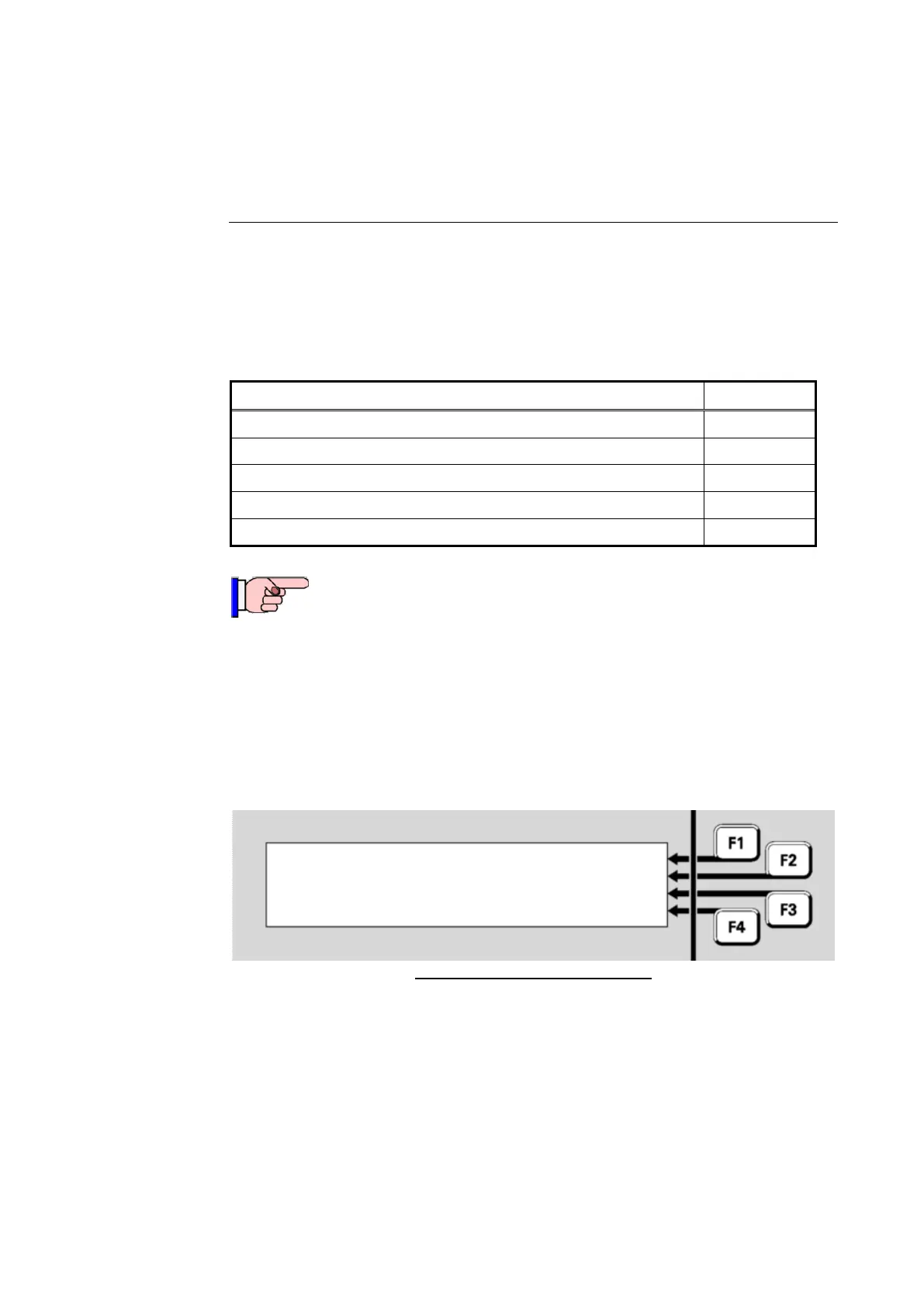
Each message in the Event History shows a change in the state of some
system component, for example a zone or a point. The message shows
the new state, the component that changed, and the time and date when
the change was registered.
09:23: 11 23/11/04
Point 241.1.0 | PREV
Enabled
Alarm Alerting Devices
| NEXT
| NEWEST
| OLDEST
Fig 4-1 – Event History Message
In this example, the message is saying that at 9:23:11 am on 23
rd
November 2004, the point numbered 241.1.0, representing the Alarm
Devices, was enabled.
There are three types of event message:
System, where line 2 of the display says “Local event”
Zones, where line 2 of the display says “Zone nnn”
Points, where line 2 of the display says “Point Eq.Dev.Sub”.
The following sections describe these in more detail.
Chapter 4
Viewing the Event History



 To Next Page