Document: LT0439 Vigilant MX1-Au Operator Manual
Issue 1.73 23 October 2018 Page 6-1
This Chapter describes use of the front panel to change the status of
zones and points.
Except where noted, all these commands require operator Access Level
2. See page 1-11 for more information about Access Levels.
Equipment points are described on page 12-8.
Refer to the page number listed in this table for information on a specific
topic.
Displaying Zone or Point Command Menu
Resetting Zones or Points
Disabling and Enabling Points or Zones
Viewing Point Values and Settings
From any of the recall point or zone status displays described in Chapter
5, you can press MENU or MENUF4 to see the commands available for
the currently displayed item.
Alternatively, for a zone, press ZONE or for a point press
ZONE twice from the base display or Alarm List. Enter the
required zone or point number and press the OK key. This
will show the recall status display for that zone or point.
For example, in a point recall display pressing MENU will show a menu
of commands.
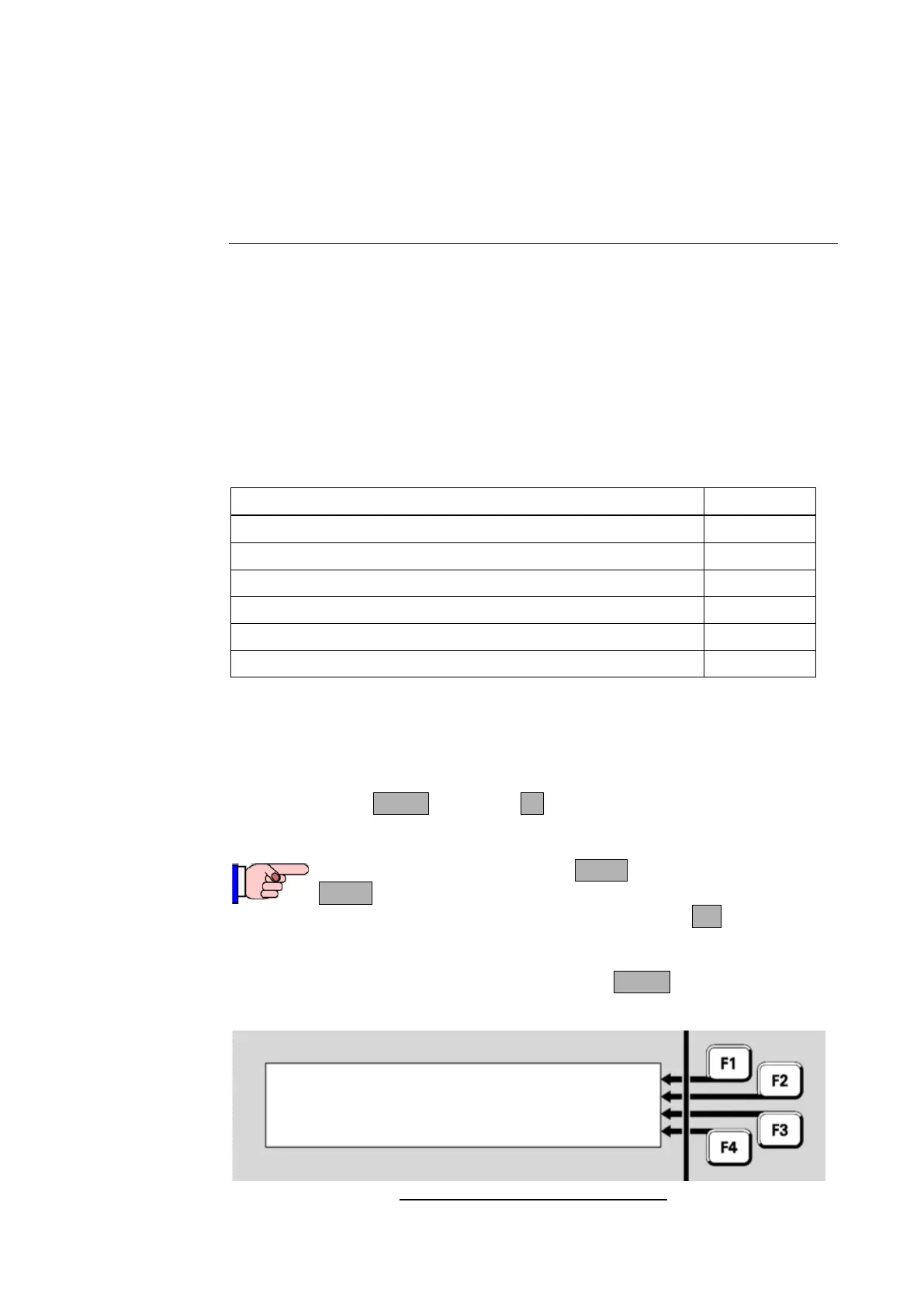
Fig 6-1 – Recall Point Status Display
Chapter 6
Zone and Point Functions
Displaying Zone or Point Command Menu



 To Next Page