Vigilant MX1-Au Operator Manual Document: LT0439
Page 23 October 2018 Issue 1.73
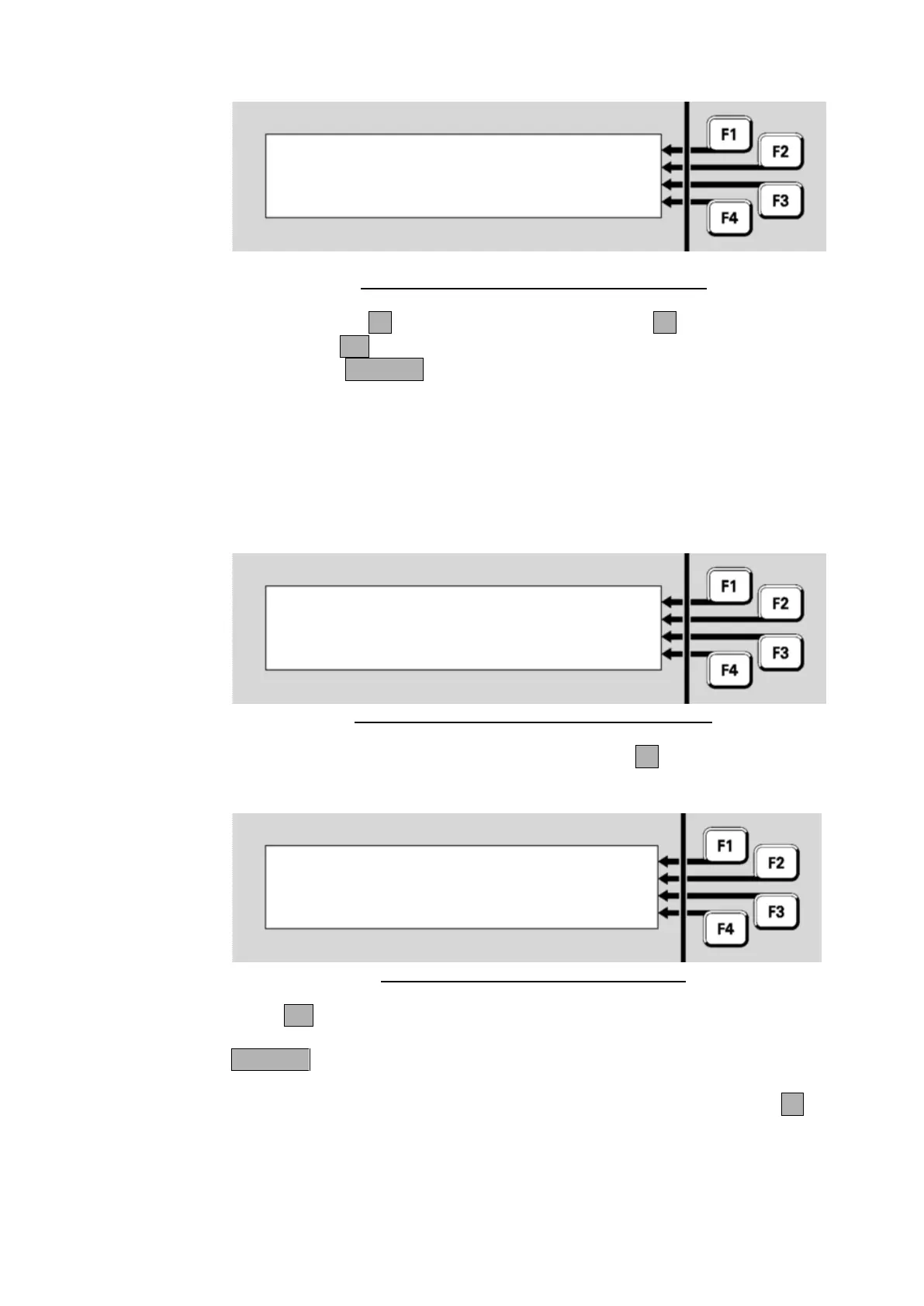
Zone 001 Std Detection G1 | DISABLE
Office |
Select operation on zone |
or CANCEL | ENABLE
Fig 6-16 – Disabling Or Enabling A Single Zone
Press DISABLE-F1 to disable the zone or ENABLE-F4 to enable the
zone. Press OK in the following confirmation display to complete the
command, or CANCEL to abort it.
If a range of zones has been entered, the next display shows how many
configured disabled and enabled zones there are in this range. Note that
the entered zone range may include zone numbers that are not
configured for this system, and therefore the sum of the disabled and
enabled zones displayed may not tally with the apparent number of
zones.
Zones 1 to 3 | DISABLE
0 zones disabled |
3 zones enabled |
Select command or CANCEL | ENABLE
Fig 6-17 – Displaying/Enabling a Range of Zones
To disable the range of zones, press DISABLEF1, and a confirmation
display will result.
Zones 1 to 3
Press OK to Disable All zones in range
or CANCEL
Fig 6-18 – Disabling All Zones In A Range
Press OK to confirm the command. You will be returned to the Recall
Zone Status display for the first zone in the specified range. Press
CANCEL to return to the previous display.
To enable the zones in the range (refer Fig 6-17), press ENABLEF4.



 To Next Page