Vigilant MX1-Au Operator Manual Document: LT0439
Page 23 October 2018 Issue 1.73
The DEVICESF4 command allows the loop to be scanned for all MX
devices that are present, or to identify where a break may be. See
Scanning for MX Devices page 8-7.
From MX Loop Status display press IR CTRLF1 to access the IR
(Infrared) commands.
This command requires operator Access Level 2.
The 850 detectors support infrared (IR) communication with the 850EMT
MX service tool. This allows technicians to carry out functions such as
programming the detector’s device number, reading its parameters and
status, using an IR connection while standing some distance from the
detector.
Before you can communicate with a detector using IR the loop the
detector is connected to must be put into IR mode. Select the required
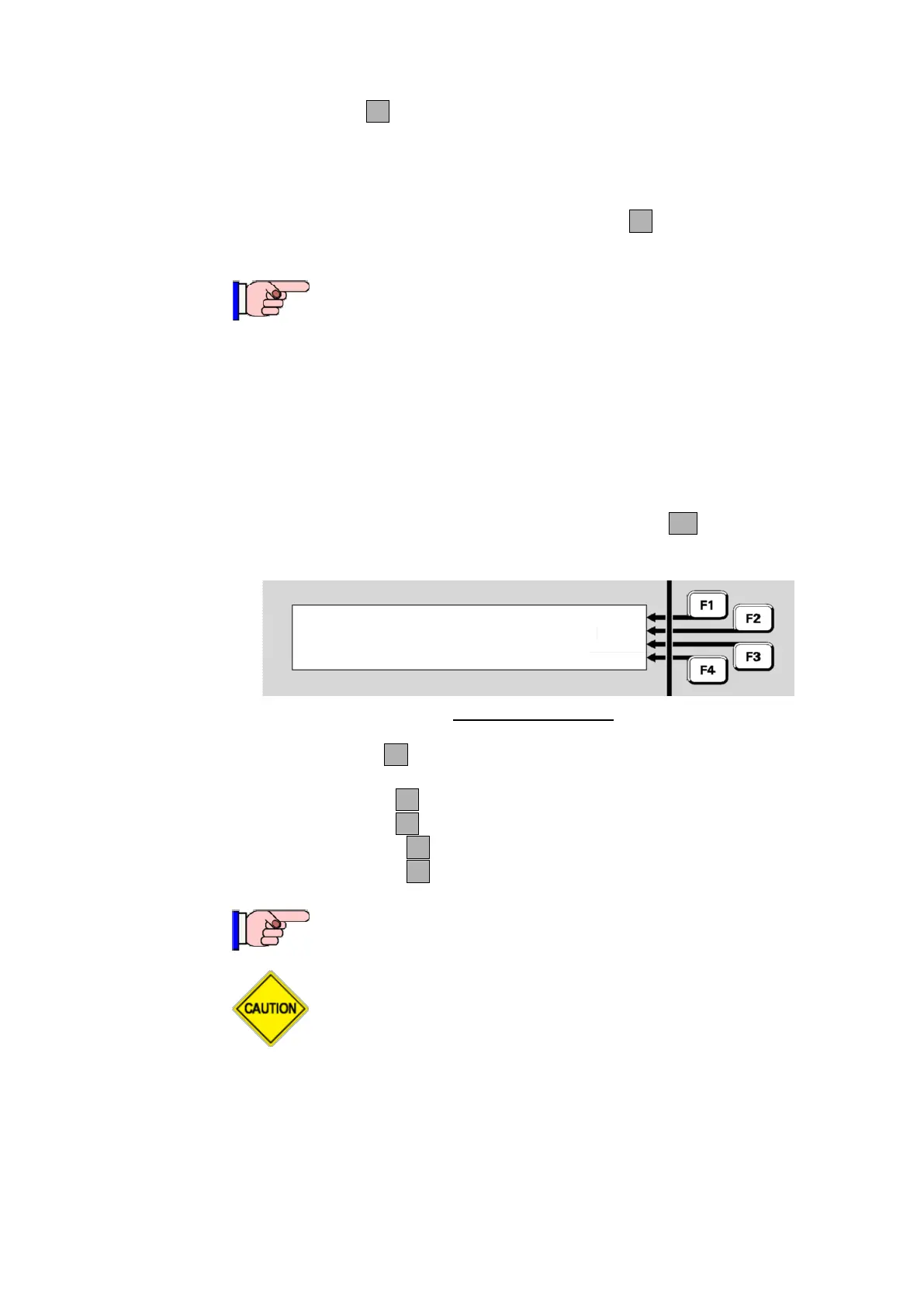
MX loop (see Figure 8-5) and then press IR CTRLF1 . This will show
the IR controls – see Figure 8-6a.
Equipment : 8 Ver 2.00 |
MX Loop : 40.7V, 0.0A | PREV
Return : 40.3V | NEXT
| DEVICES
Fig 8-6a –
MX
Loop IR
Pressing IR ONF1 will activate IR mode on the currently displayed
loop.
Pressing IR OFFF1 will deactivate IR mode on the displayed loop.
Pressing All ONF2 will turn on IR mode on all loops.
Pressing All OFFF3 will turn off IR mode on all loops.
Pressing << BACKF4 will return to the previous display (Figure 8-5).
IR mode automatically times out after 8 hours if it is not
turned off via the menu.
A detector in IR mode cannot communicate with both the
panel and the 850EMT service tool at the same time.
Therefore while a detector is communicating with the service
tool it is ‘off line’ and can no longer send alarms to the MX1.
After 1 minute the detector will go into Device-fail at the MX1.



 To Next Page