100 VISIONEER STROBE XP 450 SCANNER USER’S GUIDE
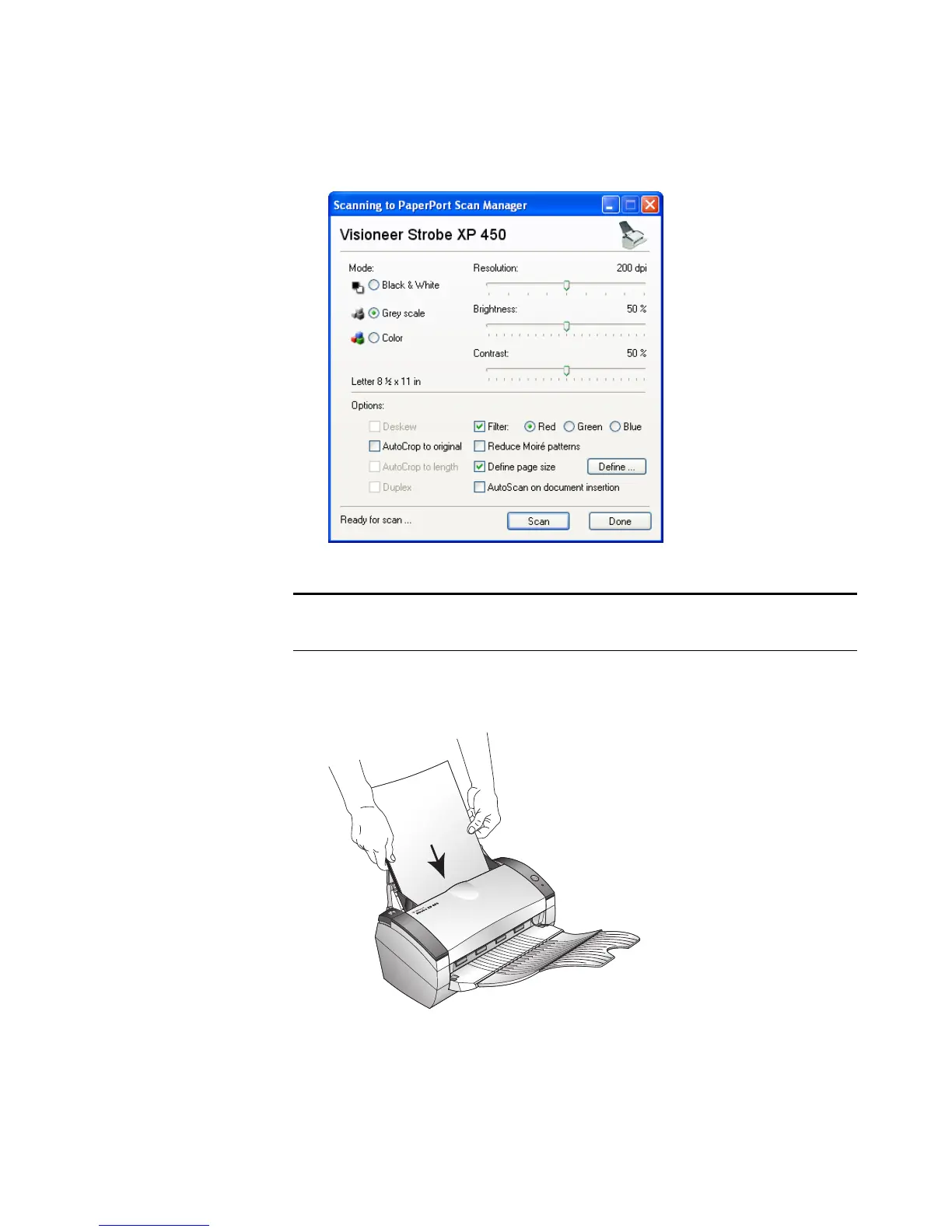
The TWAIN Interface opens.
7. Insert a page into the scanner, face-down, and the Scan button on
the TWAIN Interface will become active.
Note: If you are setting up PaperPort for WIA, the WIA interface
opens instead.













 To Next Page