SELECTING NEW SCAN SETTINGS FOR THE SCAN BUTTON 39
IMAGE DOCUMENTS PROPERTIES
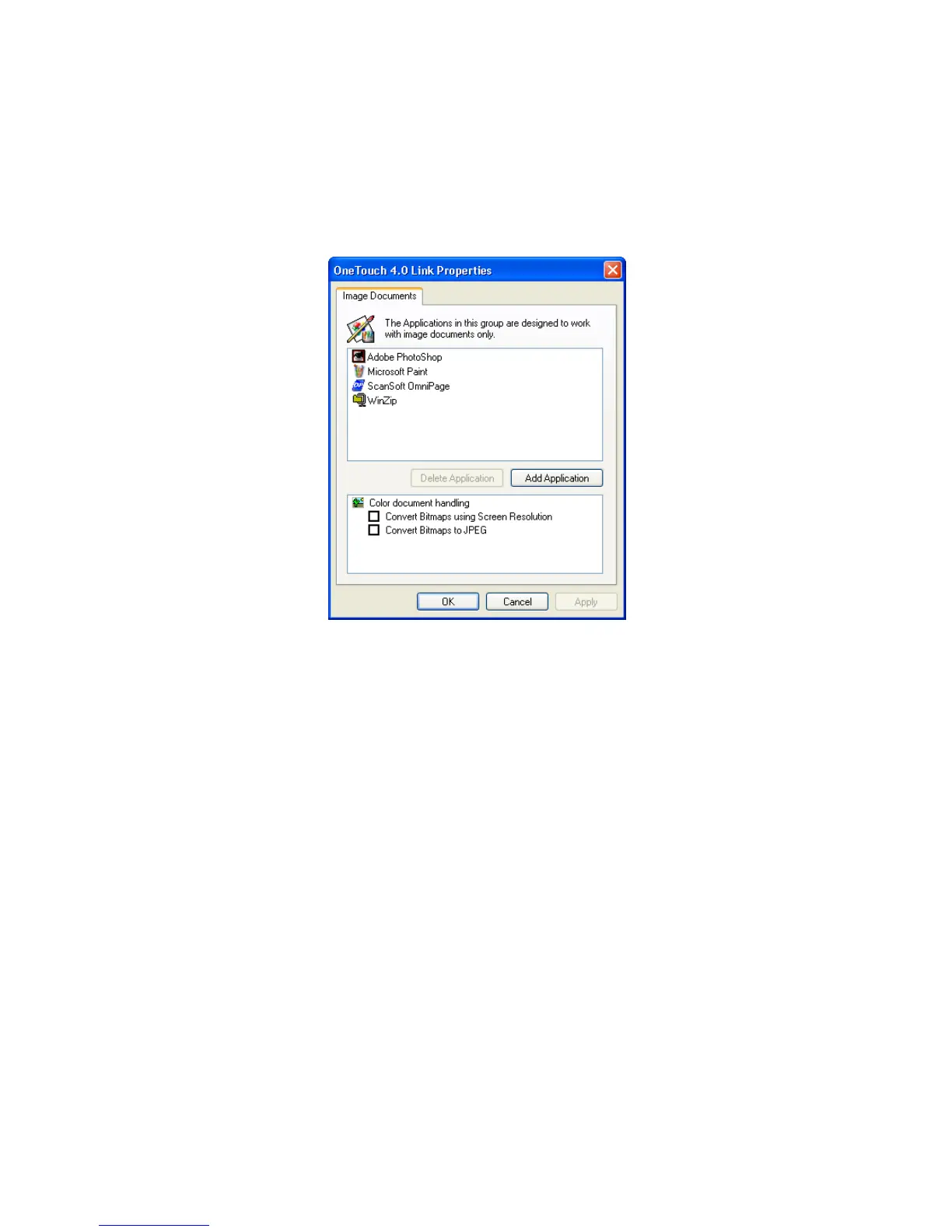
These properties apply to image processing applications such as
Microsoft Paint.
1. Click in the Color document handling settings boxes for the
options you want.
The options will apply to all the applications in the group.
Convert Bitmaps using Screen Resolution—Use this option to
ensure that an image will fit on the computer’s screen. When a
computer screen is set to a lower resolution, bitmap images with a
higher resolution may be too big to fit on the screen. Converting
the bitmap image to match the screen resolution ensures that the
image fits on the screen.
Convert Bitmaps to JPEG—JPEG files can be compressed to
produce smaller file sizes and, therefore, shorter transmission times.
Use this option to provide that compression capability to image
files.













 To Next Page