40 VISIONEER STROBE XP 450 SCANNER USER’S GUIDE
2. To add another application to the list, click the Add Application
button.
See the steps on page 38 to add an application to the list.
3. Click OK.
4. Click Refresh on the OneTouch Properties window.
5. Click OK or Apply on the OneTouch Properties window.
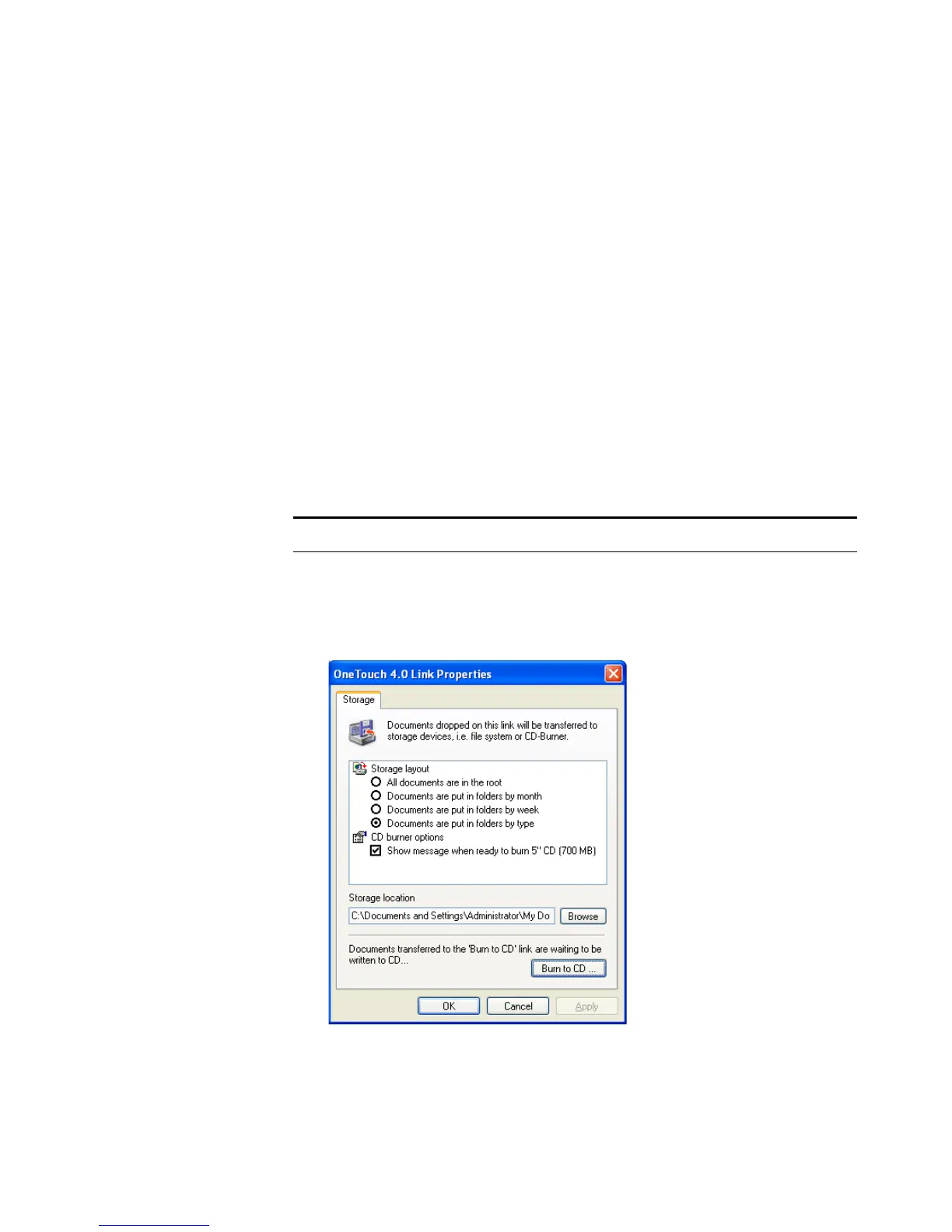
STORAGE PROPERTIES
These properties apply to the Destination Application named Transfer
to Storage. If a CD burner is attached to your computer, you can also
use this dialog box to start the Burn to CD process. See the section
“Scan and Burn to a CD” on page 72.
You can also set up multiple configurations to store scanned items in
separate locations. See “The Storage Options Tab (Archive)” on page 60
and “Scanning to Multiple Folders” on page 61.
Note: The Burn to CD option is only available for Windows XP.













 To Next Page