62 VISIONEER STROBE XP 450 SCANNER USER’S GUIDE
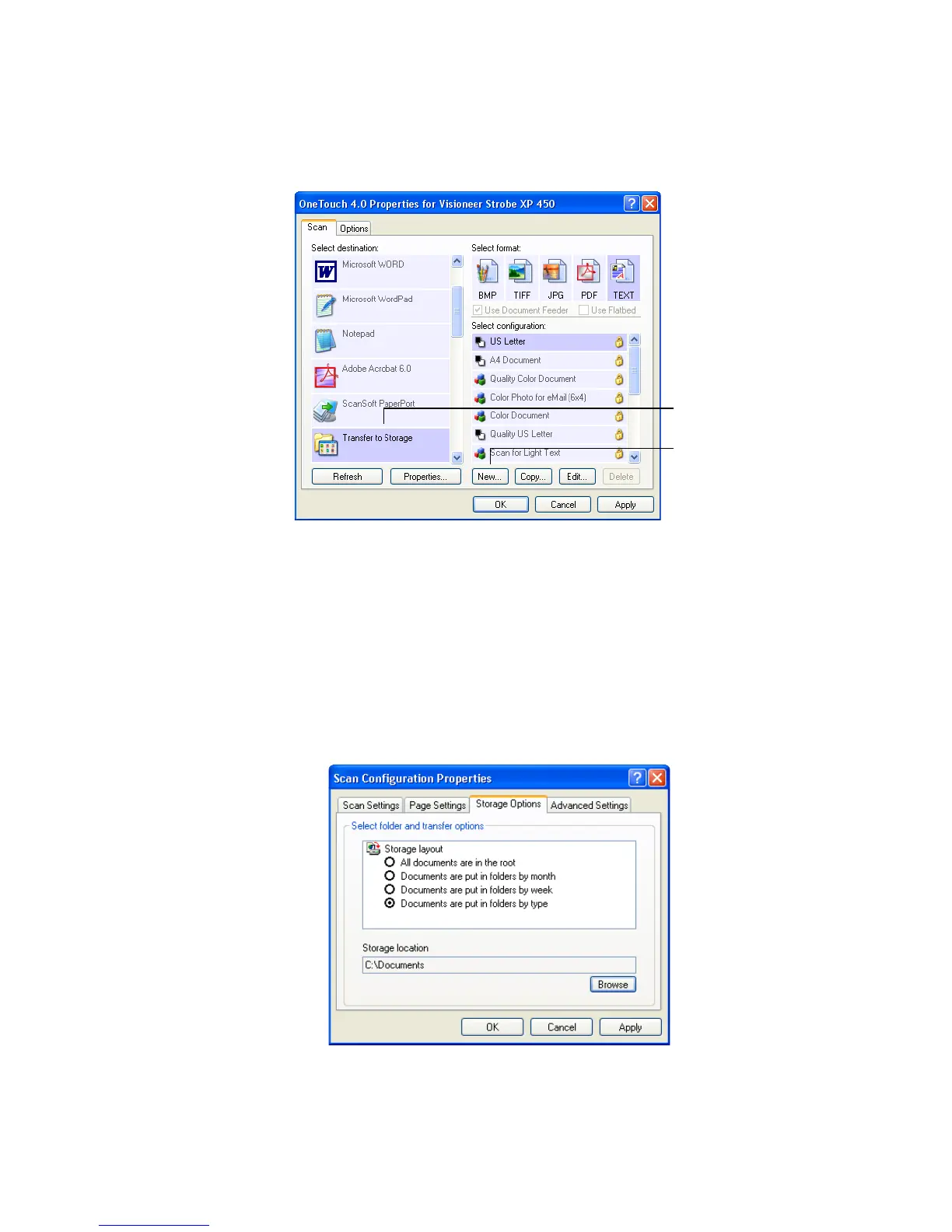
4. Click the New button.
The Scan Configuration Properties dialog box opens.
5. To help you remember which folder it is, give the new
configuration a name that indicates the folder name, such as
“Storage for Business Receipts.”
6. Click the Scan Settings, Page Settings, and Advanced Settings
tabs, and select the settings you want.
7. Click the Storage Options tab.
Select Transfer to Storage.
Click the New button.













 To Next Page