SELECTING NEW SCAN SETTINGS FOR THE SCAN BUTTON 63
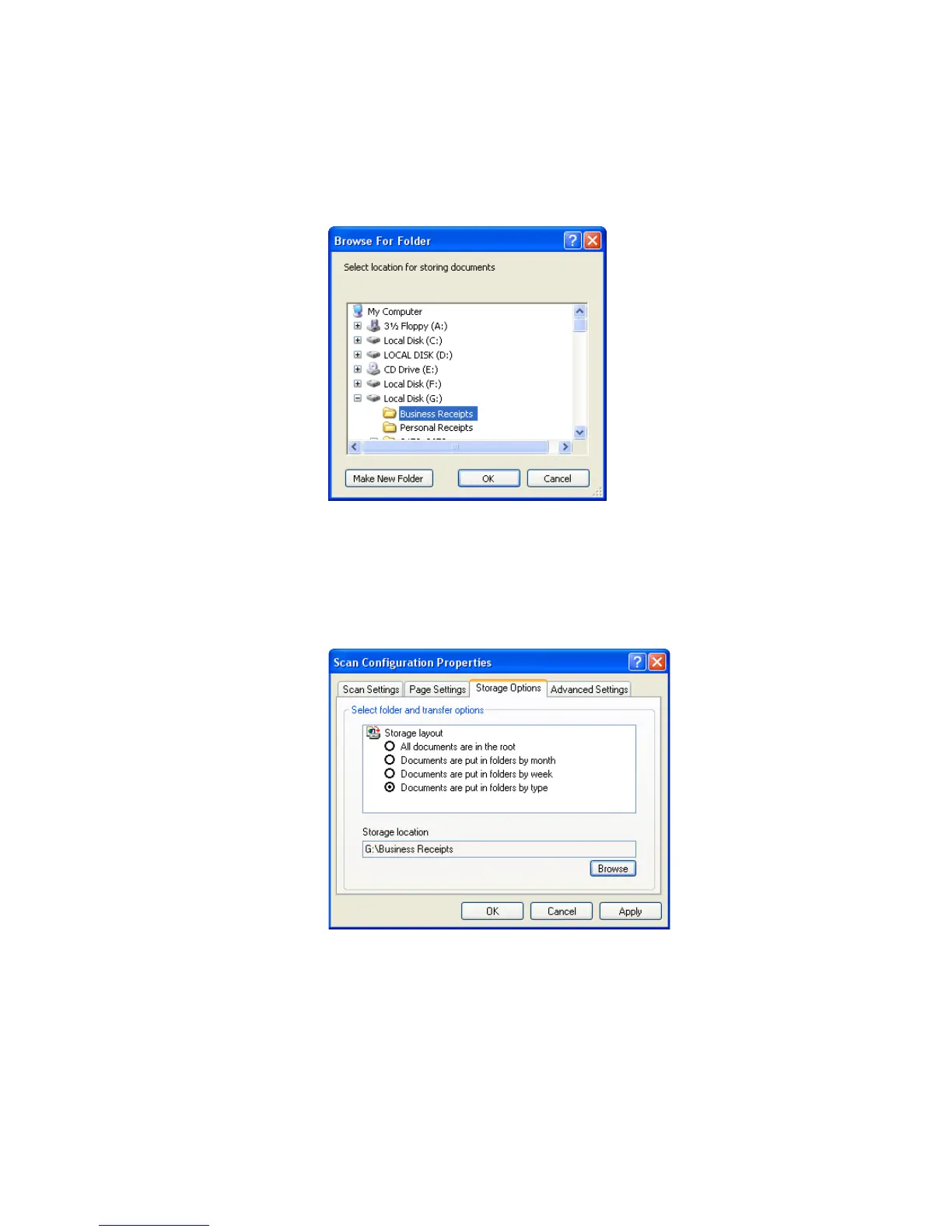
8. Click the Browse button.
9. Select the folder you created for storing the scanned documents.
If you haven’t created the folder yet, you can click the Make New
Folder button and type the name for the new folder.
10. Click OK. The selected folder will now be set as the Storage
Location, such as “Business Receipts.”
11. Click Apply. The new configuration is now listed as a Transfer to
Storage configuration.
12. Repeat the process to create additional new configurations, such as
one named “Storage for Personal Receipts.”













 To Next Page