Figure 3-4: Top Cover Removed
Remove the accessories to uncover the VX40, which is packed in a protective
plastic bag.
Figure 3-5: Accessories Released
Take the VX40 out of the box and put it on the desk.
Lift the protective plastic bag to uncover the device.
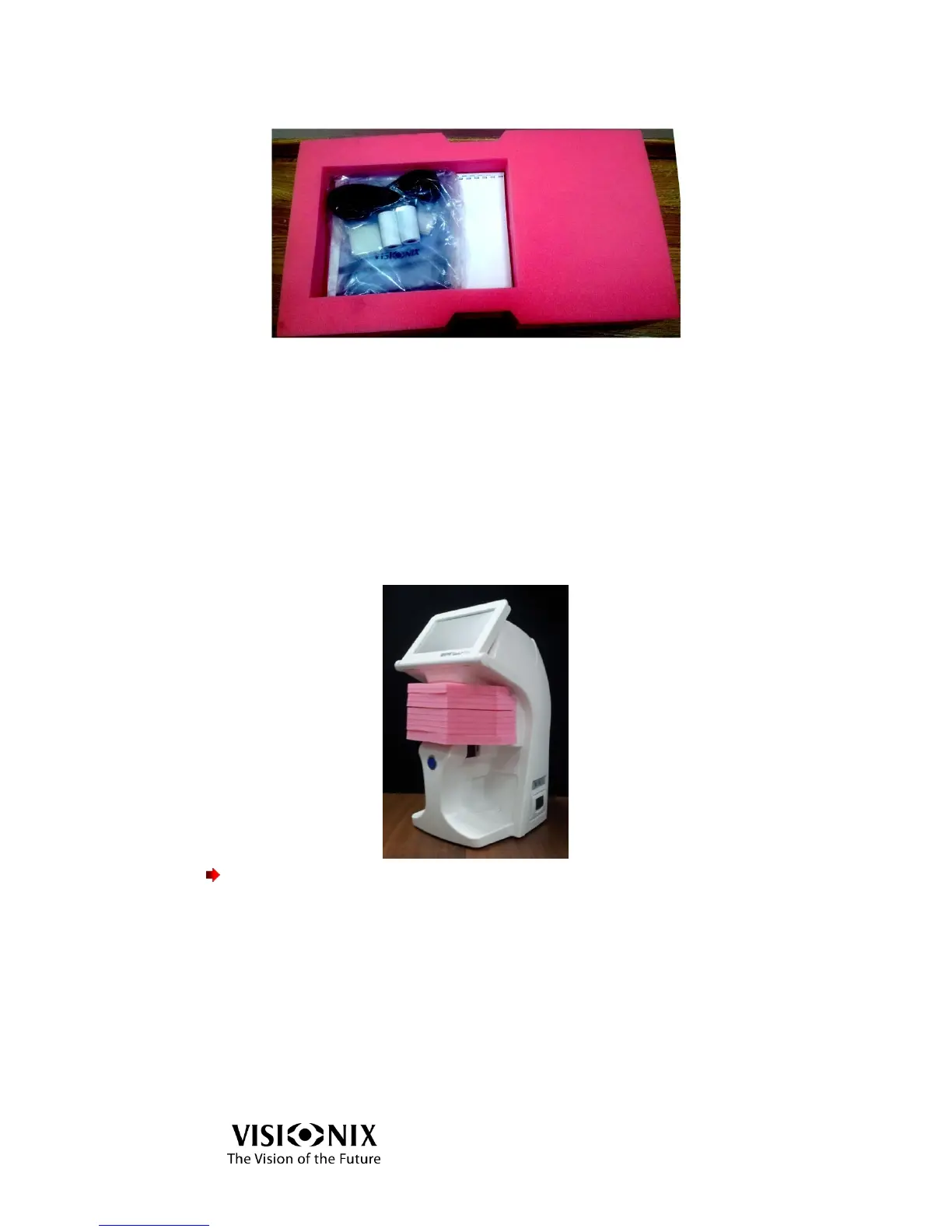
The Frame Holder is secured by a protective foam.
Remove the protective foam to release the Frame Holder.
Important!
Do not grab or hold the monitor or the Frame Holder when extracting the device
from the box.
The accessories shipped with the device are packed in a plastic bag as illustrated
below.



 To Next Page