6.9 How do I send data?
Preparation
Note:
The preparation should be done by a technician.
Connection
Connect the VX40 to the target device (phoropter, computer) using a serial cable
connection or via a wireless connection like:
RS-232 cable.
Bluetooth connection via RS232.
Settings
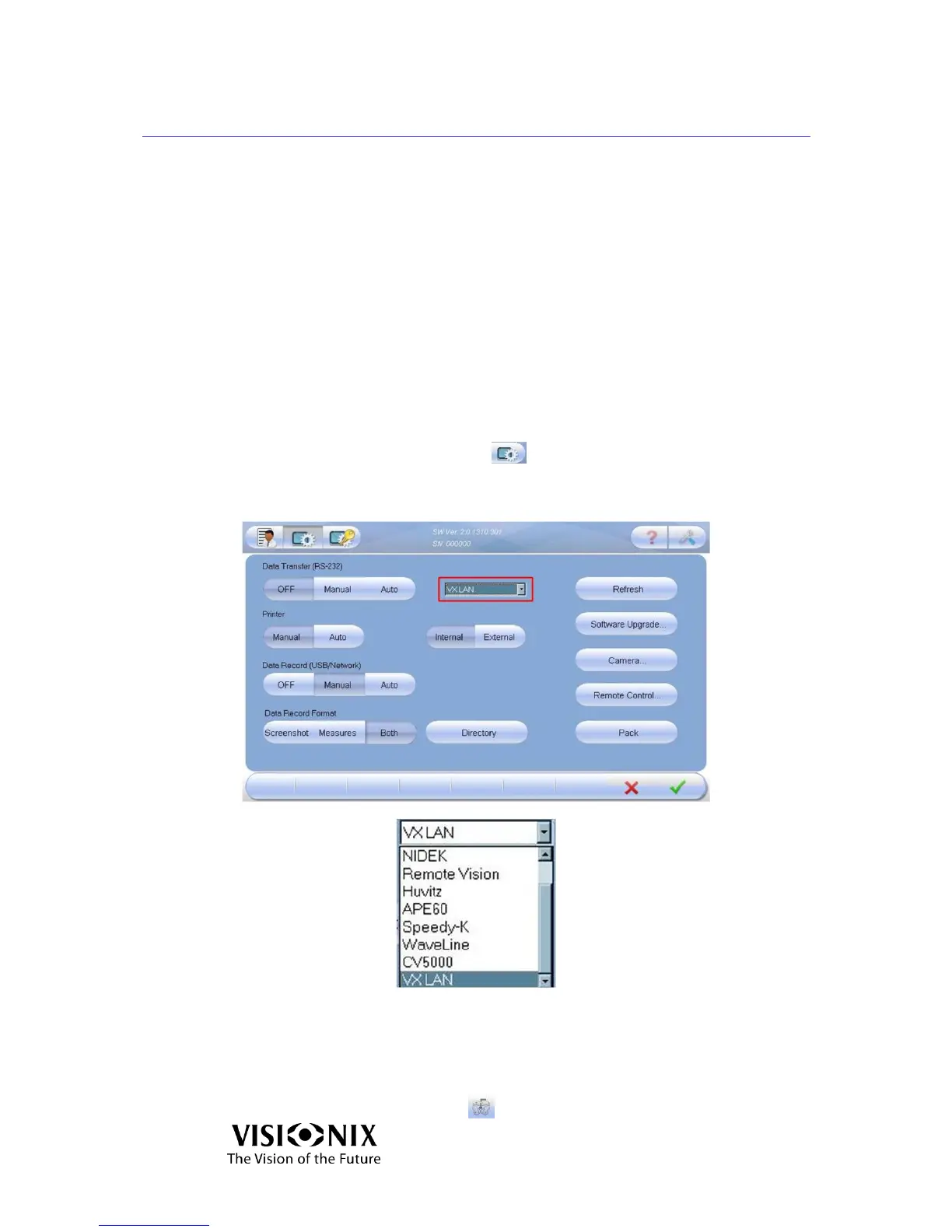
Click the Advanced Settings button .
Select a Data Transfer option (manual or auto).
Select a device from the combo box.
Figure 6-4: Data Transfer Screen
Send the data
Do your measurement.
Click on the Data Transfer button .



 To Next Page