6.14 How do I pack the system?
Click on Tools button .
Click on Technical maintenance button .
Select the "Pack" button and follow the on-screen instructions.
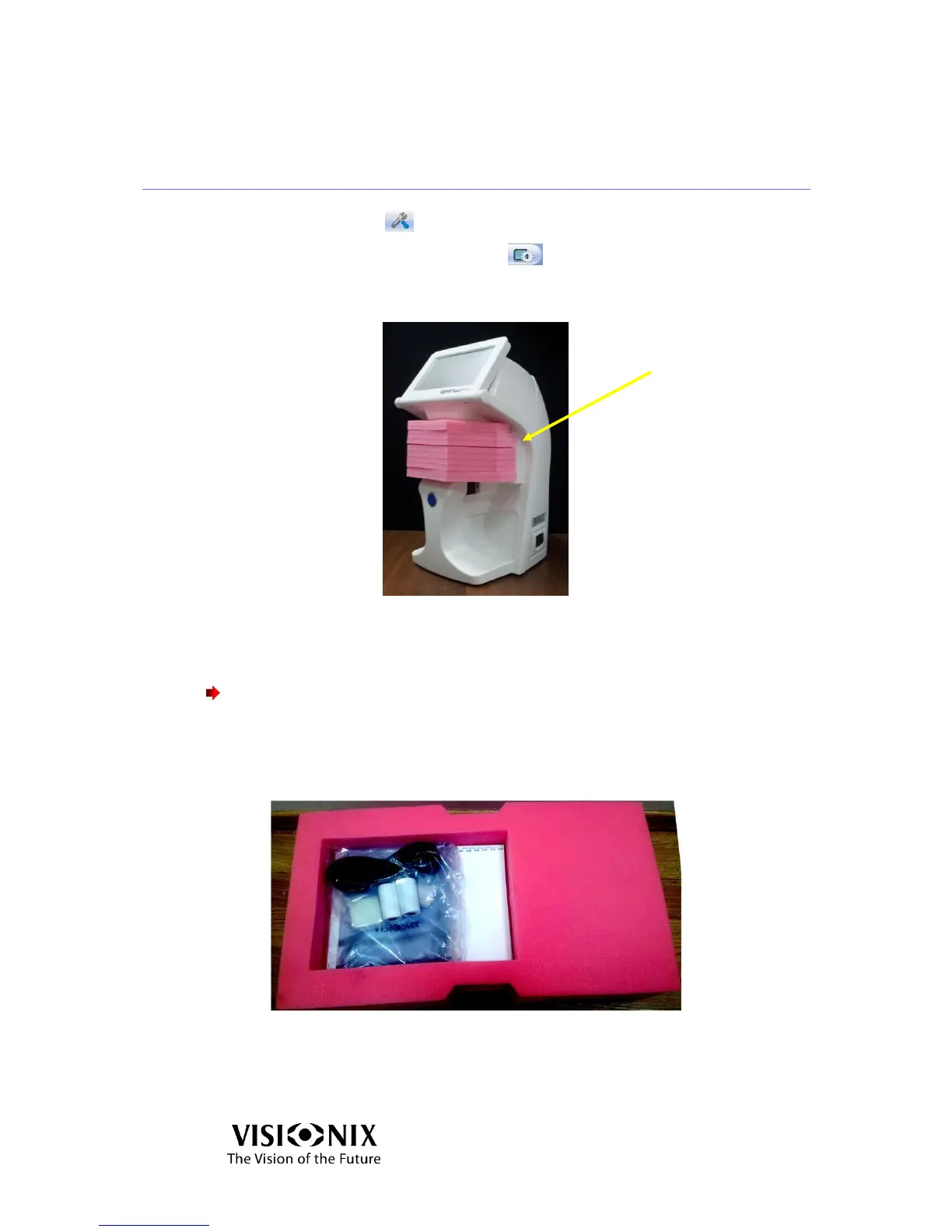
Place the protective foam of the holder.
Figure 6-5: Accessories released
Cover the VX40 with the protective plastic bag.
Place the VX40 in its package.
Important!
Do not grab or hold the monitor or the frame holder when inserting the device
from the box.
Place the accessories cover on top of the VX40 as illustrated below.
Figure 6-6: Top Cover Removed



 To Next Page