The shutter limit sensors may be
defective.
Restart. If this doesn’t help, call technical support.
Failed to initialize the Camera. #You
should call technical support. Would
you like to go Offline?
Restart. If this doesn’t help, call technical support.
Failed to initialize the Vx Controller.
#You should call technical support.
#Would you like to go Offline?
Restart. If this doesn’t help, call technical support.
Failed to analyze lens type
Severe Error. Call technical Support
Questionable P.D. (Low Power)
Low power lens. The pupil distance measurement may not
be reliable.
7.2 The technician needs remote diagnostics
The remote diagnostics allow the technician to connect the device at distance
for some technical operations (for example: software update).
To enable remote control:
Connect the device to internet
Click on Tools button
Click on Technical maintenance button
Click on Remote control button
Type the password using the popup keyboard
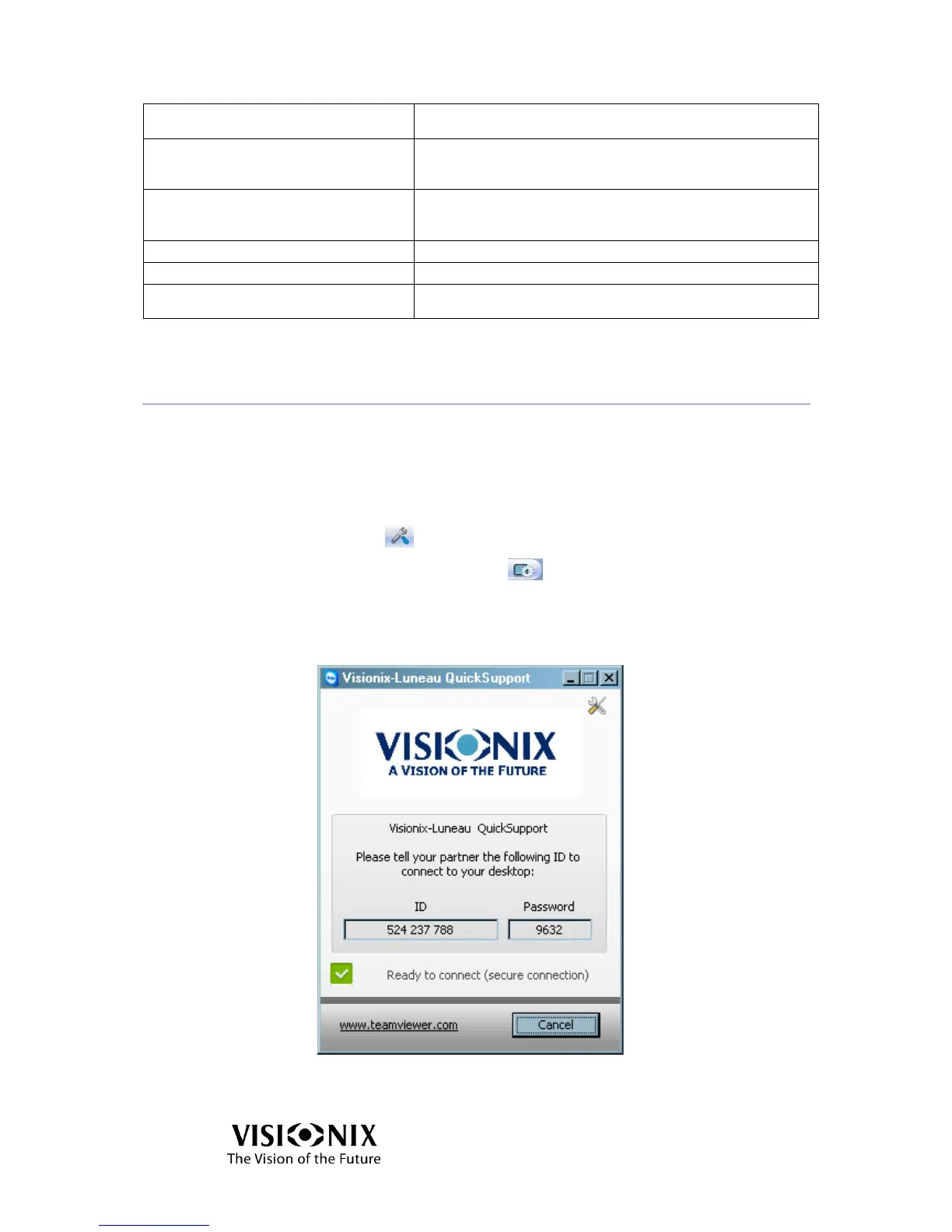
The TeamViewer application starts.
Figure 7-1: TeamViewer Screen
Provide the ID and password to the technician.



 To Next Page