4.1 General
The device is operated by the application, which the user accesses by
touching the touch screen.
The upper toolbar allows to access to the different interfaces.
Table 4-1: Upper Toolbar
Initiates measurement of frame
Initiates analysis of the lens properties at any given point of a
preselected lens
Initiates a measurement of lens without frame (cut or uncut
lens)
Initiates comparison of measurements of several lenses
Not applicable in this version
Opens the settings or maintenance screen as applicable
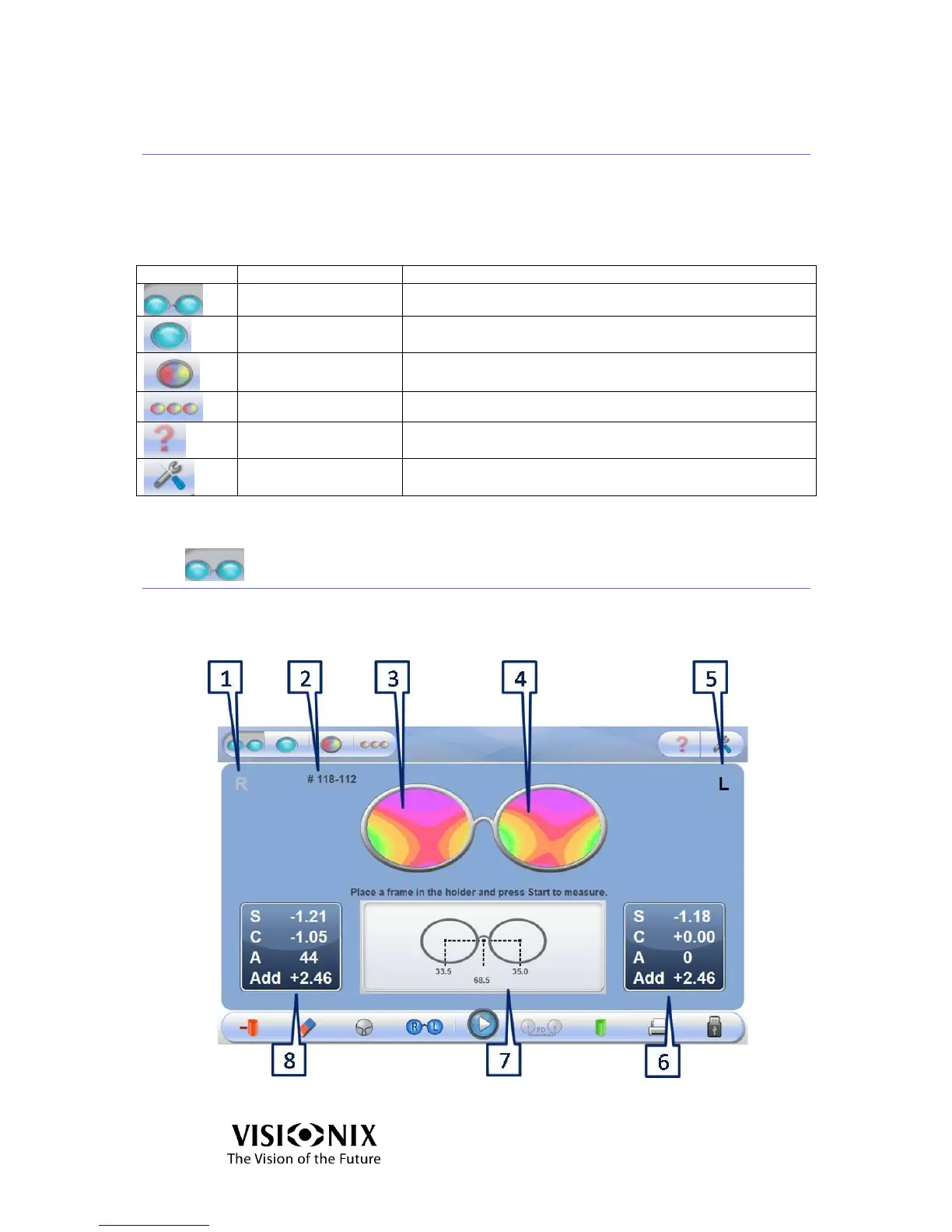
4.2 Frame Interface
This interface is used to measure a frame.
Figure 4-1: Frame Interface – Results Screen



 To Next Page