6.2 How do I measure a lens (without a frame)?
Select lens interface
If the lens interface is not displayed:
Click on (lens interface button).
The frame holder moves to the left of the device.
Place the lens
Place the lens verifying that the lens orientation is like the frame orientation (the
bottom of the lens on the device side).
Start the measurement
Start the measurements:
Click on GO ( ),
Or press the measurement start/stop button.
Press the Play button to move blocker (3 pins) downward to secure the lens
against the 3 static pins of the detector.
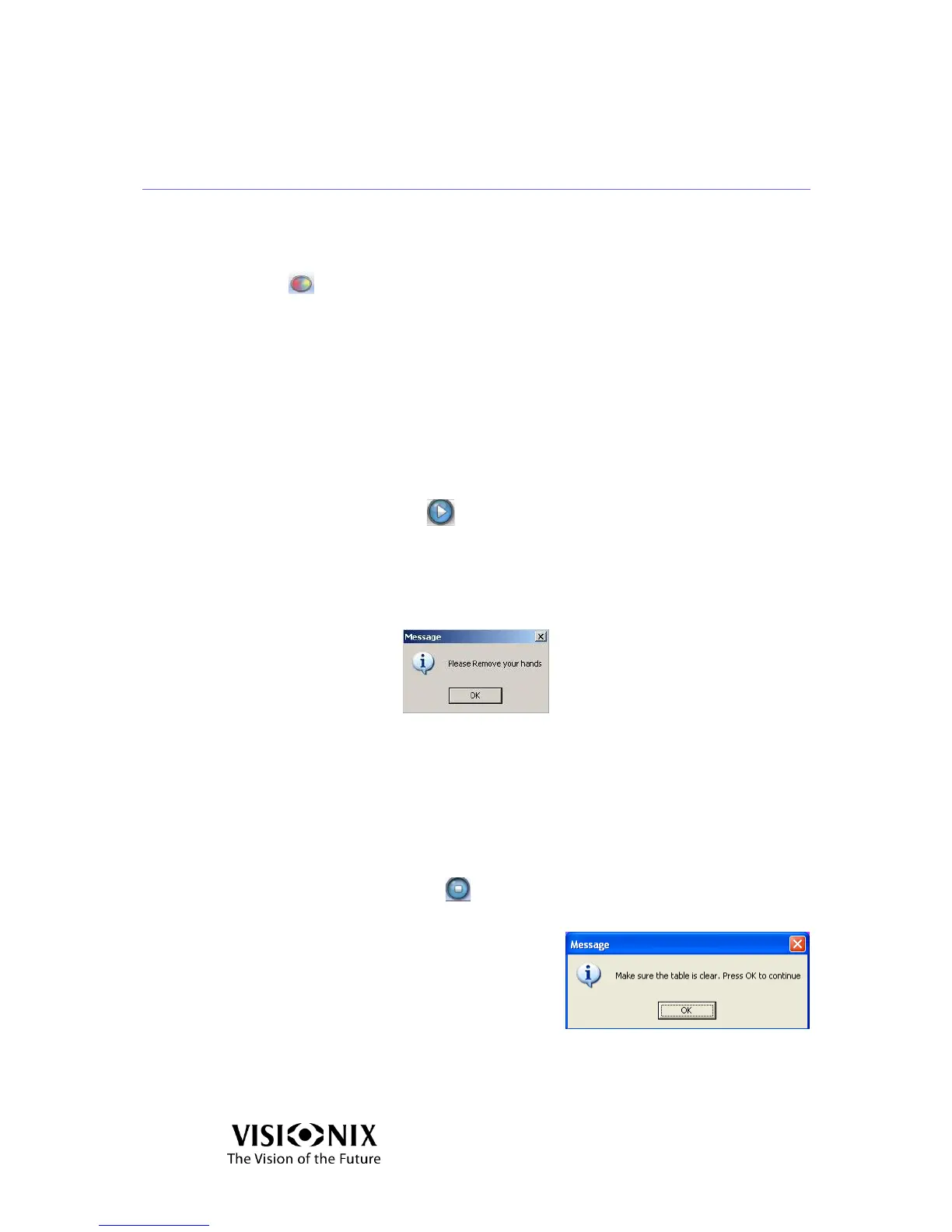
In the following message you are prompted to remove your hands:
Remove your hands and press OK.
The measurement has been taken and the lens is still fixed by the blocker.
Abort the measurement
To abort the measurement:
Stop the measurement.
Click on STOP ( )
Or press the measurement start/stop button.



 To Next Page